
This comes straight from Quick Tile Settings’s own GitHub page, and it’s free. Need help installing?
What it looks like
About this app
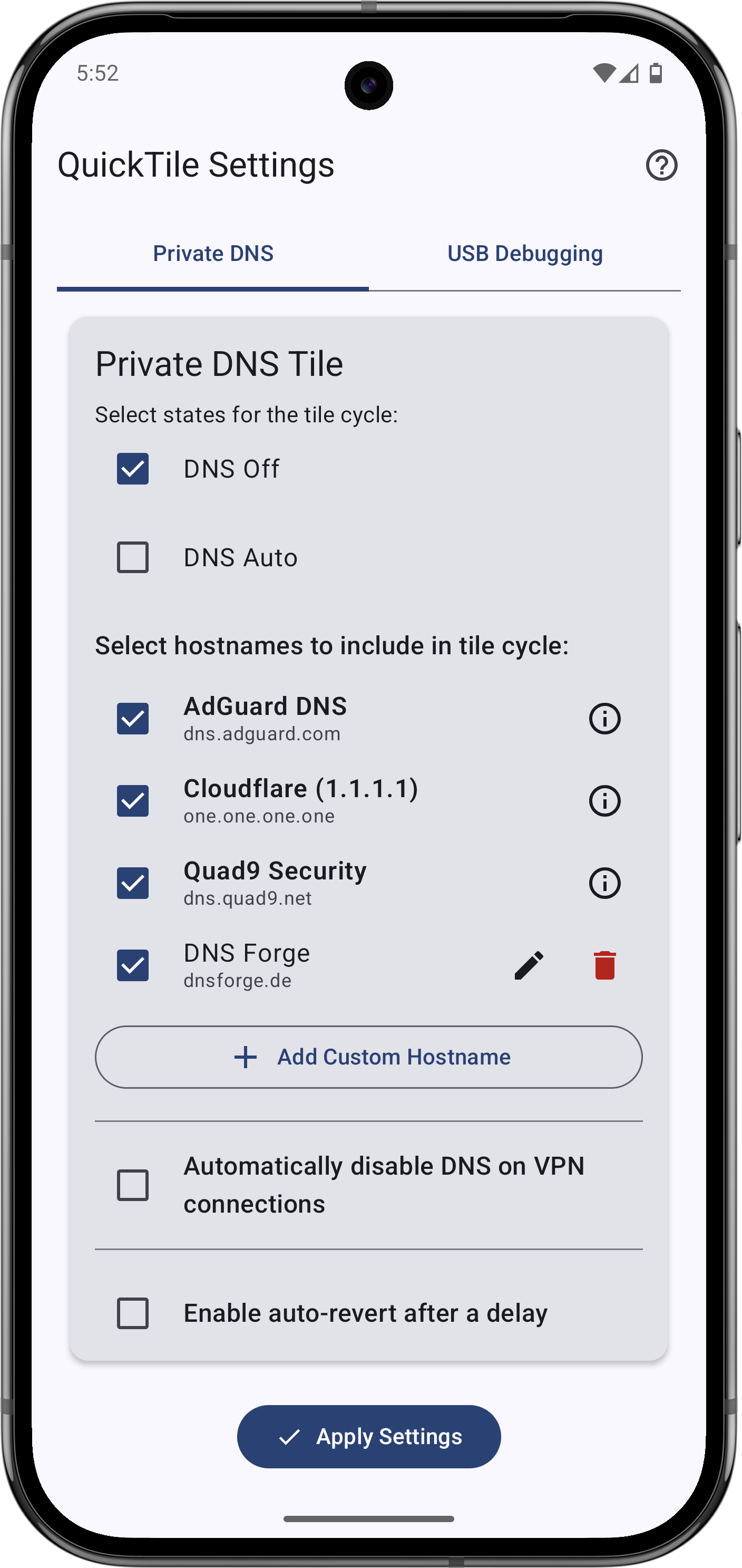
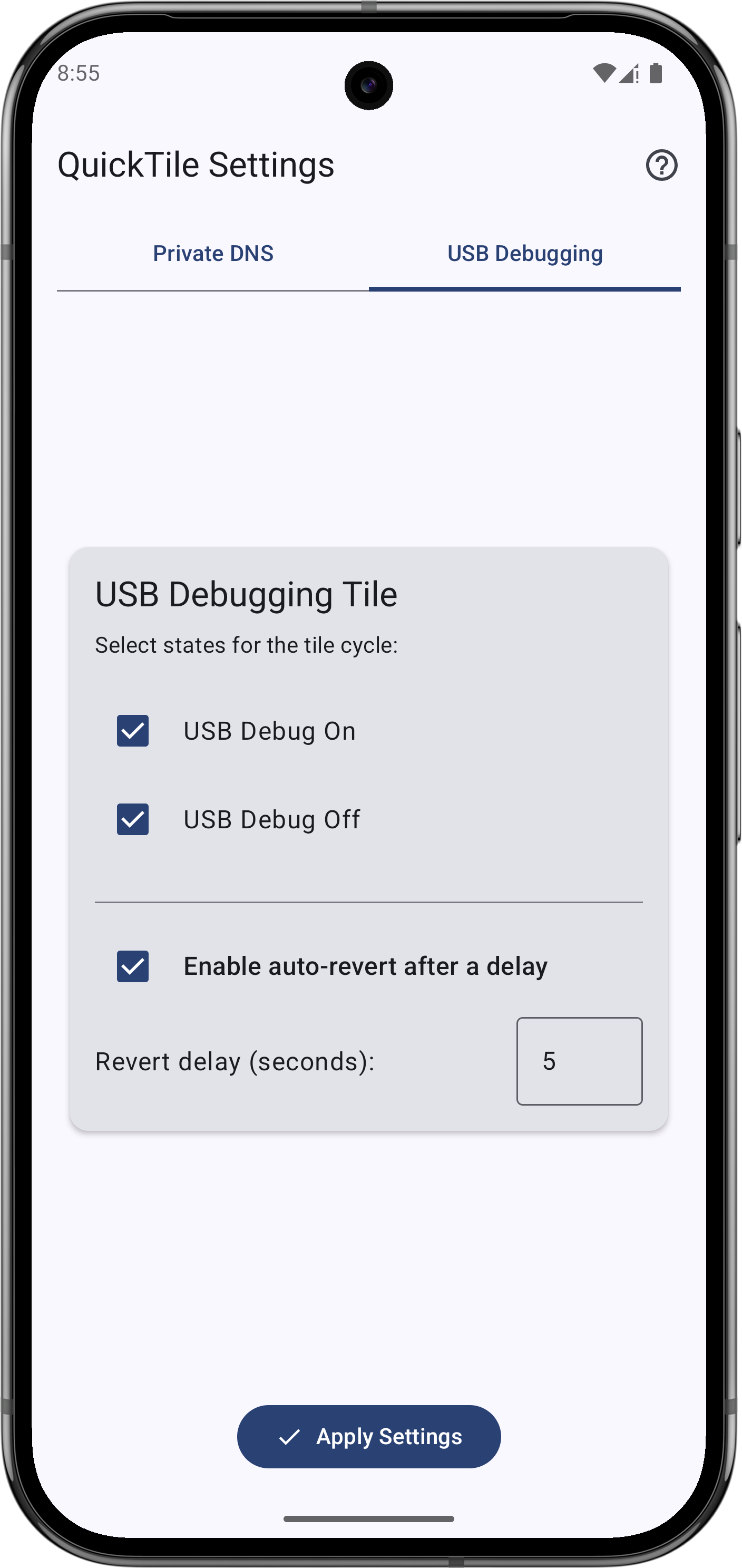
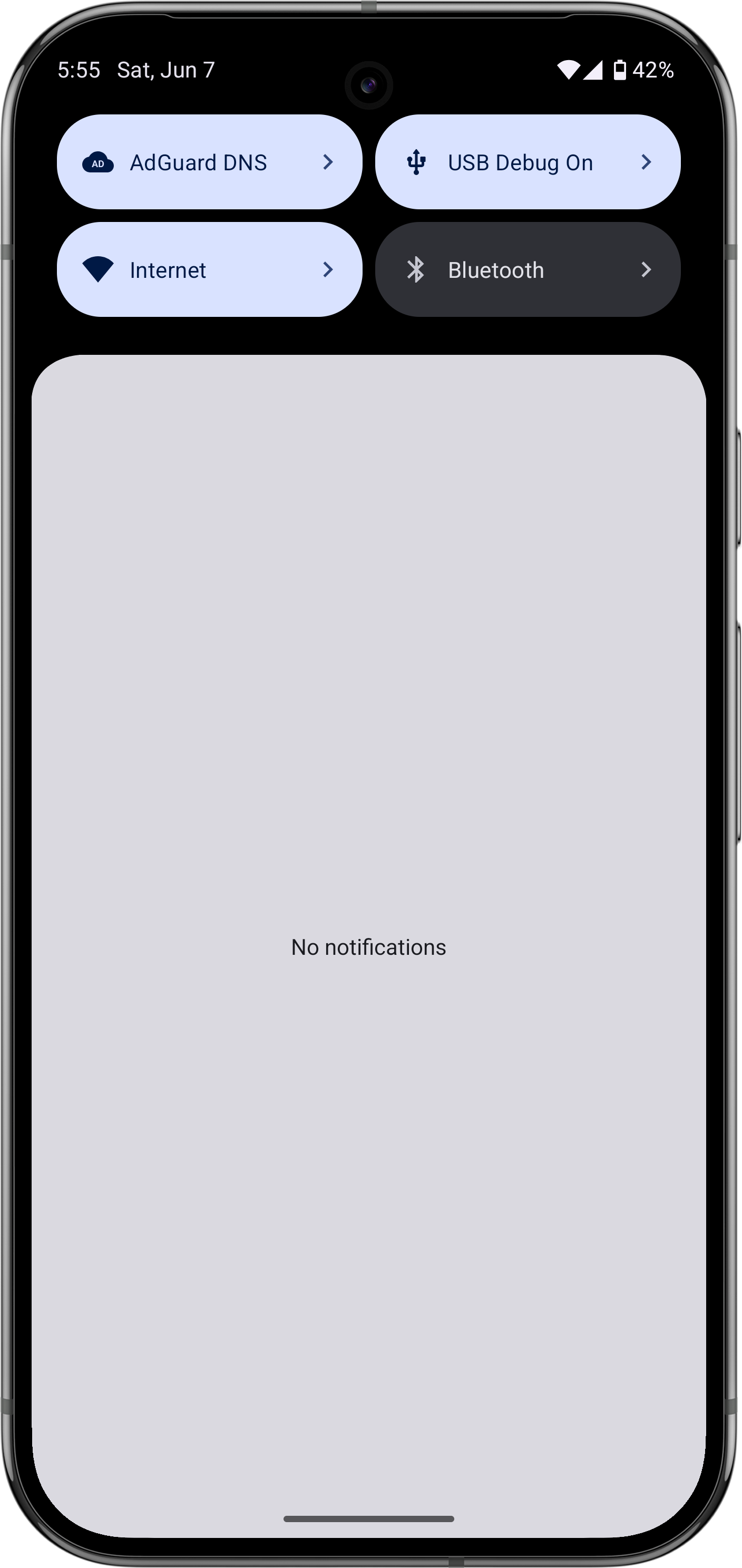
Some Android settings sit several menus deep. Quick Tile Settings brings two of them into the panel you pull down from the top of the screen: one tile cycles Private DNS between off, automatic and whichever providers you choose, and another turns USB debugging on and off.
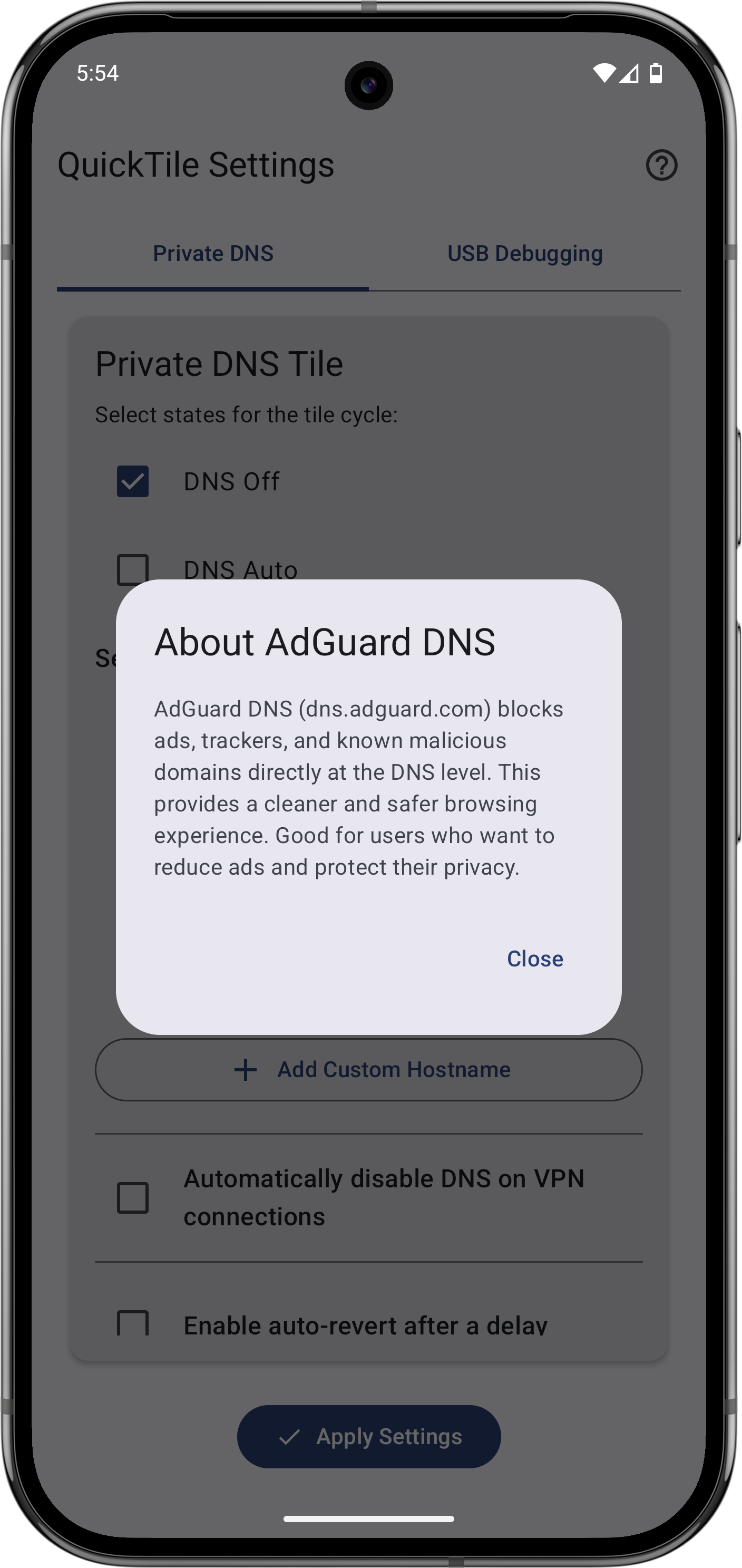
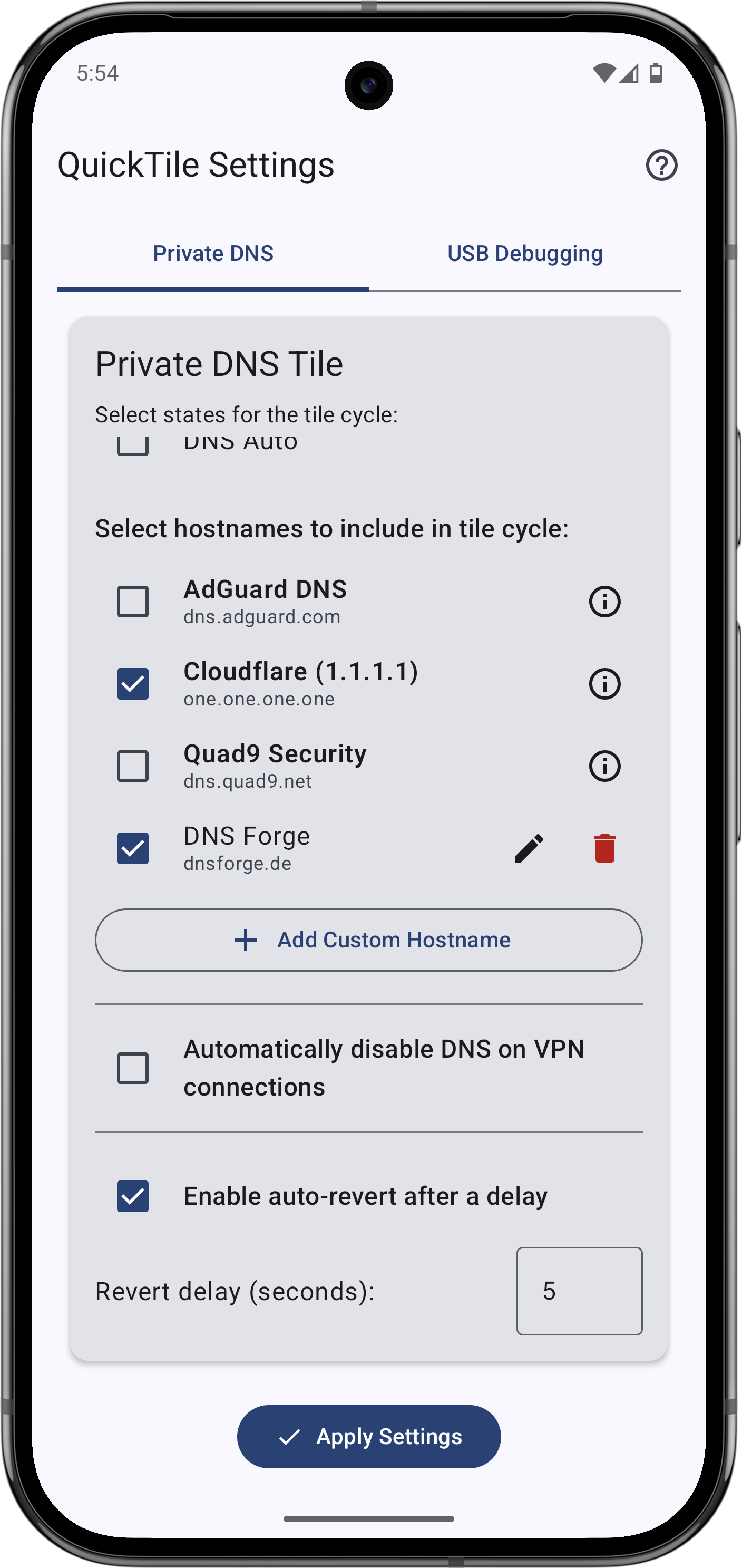
You keep your own list of DNS hostnames (Cloudflare, AdGuard and Quad9 are built in, or add your own) and pick which ones appear in the cycle. Tiles can put the setting back on their own after a delay, Private DNS can switch off automatically when a VPN connects or change between Wi-Fi and mobile data, and each action is also available as a shortcut that automation apps like Tasker can trigger.
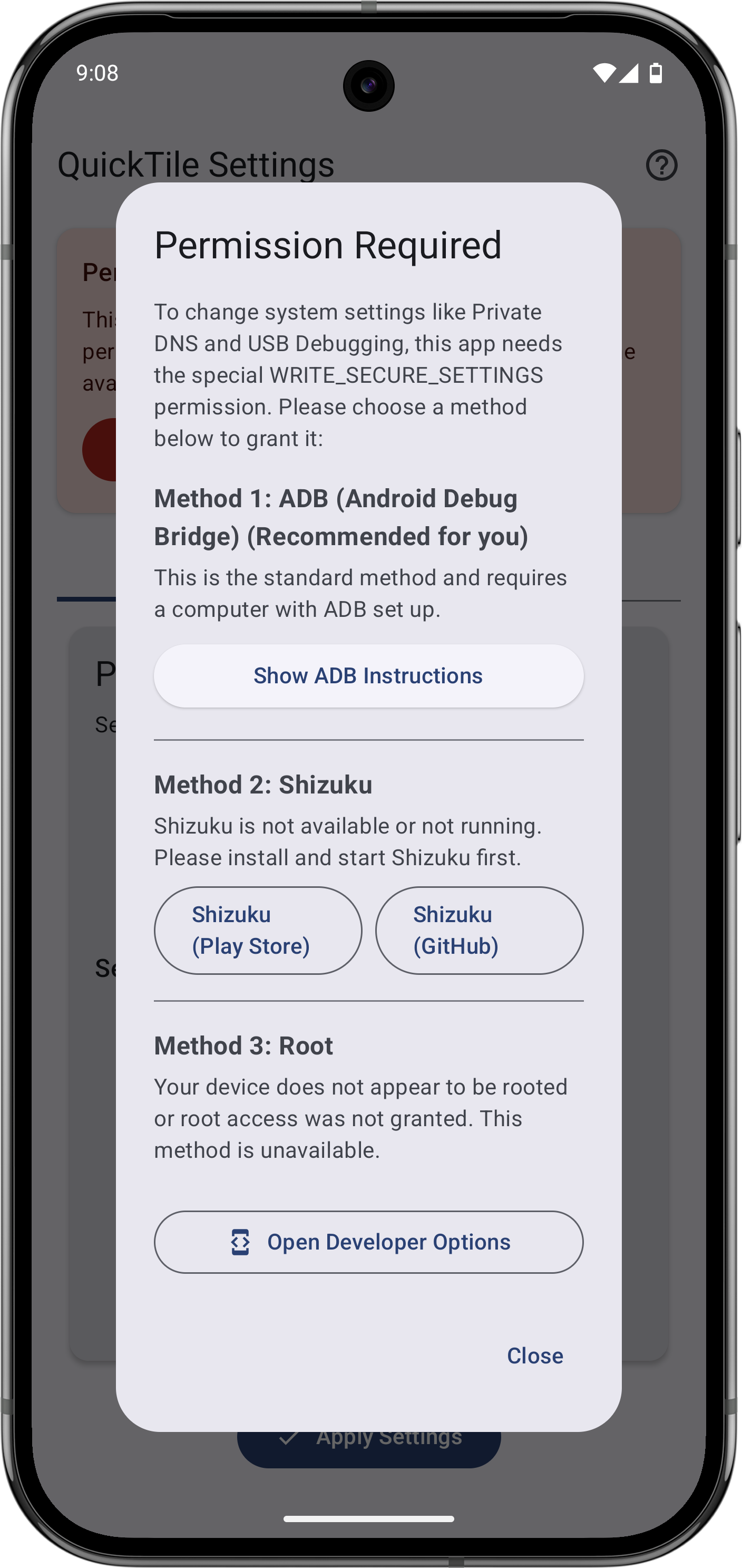
Android does not hand out permission to change these settings to normal apps. The app shows you how to grant it once, either from a computer over ADB or using Shizuku or root. Needs Android 10 or newer.
From the app’s home page
- See the codeHow it’s made, every line is public
- Questions & commentsTalk with the people who make it
- Report a problemTell the makers something is broken
- All versionsOlder downloads and what changed
- LicenseThe rules for using and sharing it
More like this
 aShell You
Run ADB commands on the phone itself
aShell You
Run ADB commands on the phone itself
 Activity Launcher
Open hidden screens inside apps and pin shortcuts to them
Activity Launcher
Open hidden screens inside apps and pin shortcuts to them
 Shizu Call Recorder
Record phone calls on your phone without rooting it
Shizu Call Recorder
Record phone calls on your phone without rooting it
 Scrcpy for Android
See and control another Android phone from your phone, by Wi-Fi or USB
Scrcpy for Android
See and control another Android phone from your phone, by Wi-Fi or USB
 SkyADB
Manage another Android device from your phone
SkyADB
Manage another Android device from your phone
 Shizuku
Let trusted apps do system-level jobs without rooting
Shizuku
Let trusted apps do system-level jobs without rooting