
This comes straight from Keep it up’s own GitHub page, and it’s free. Need help installing?
What it looks like
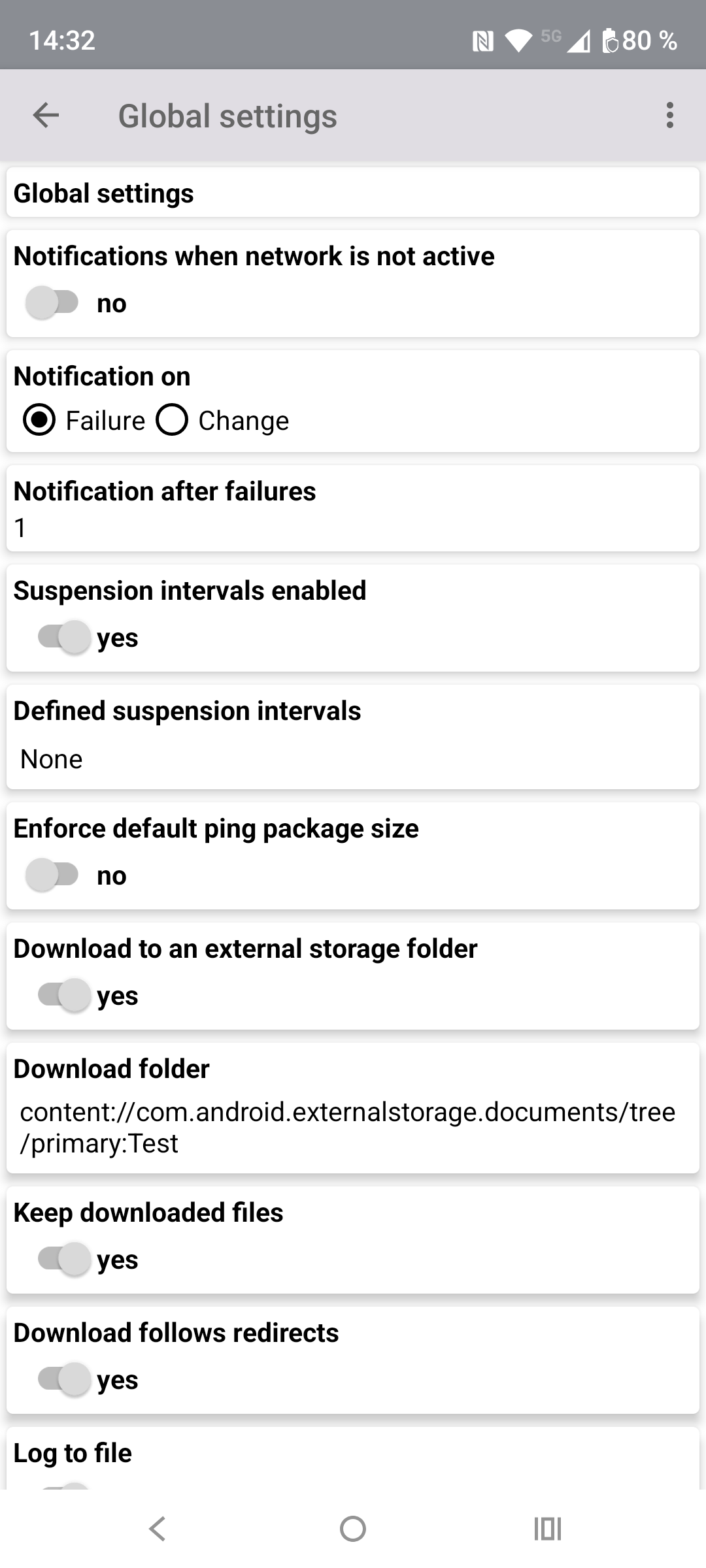
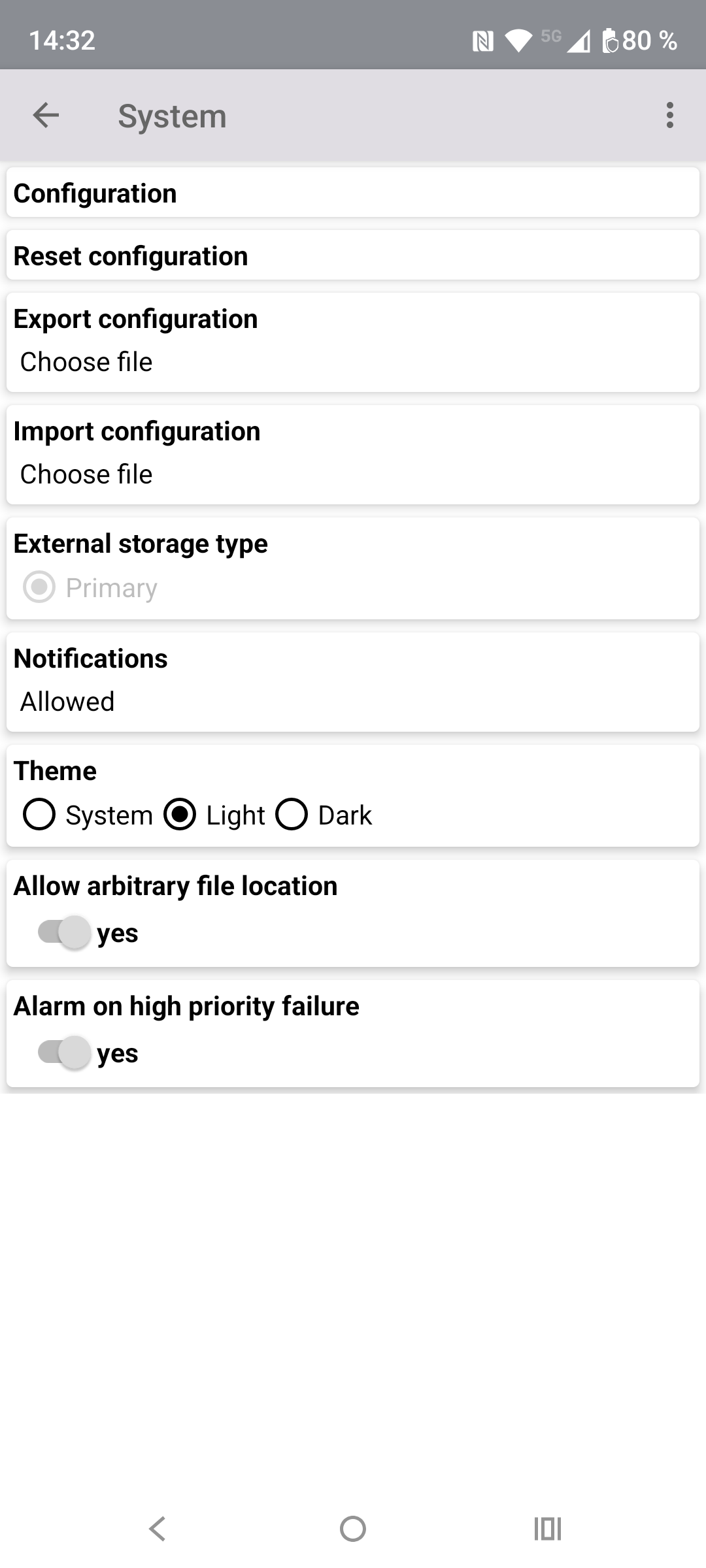
About this app
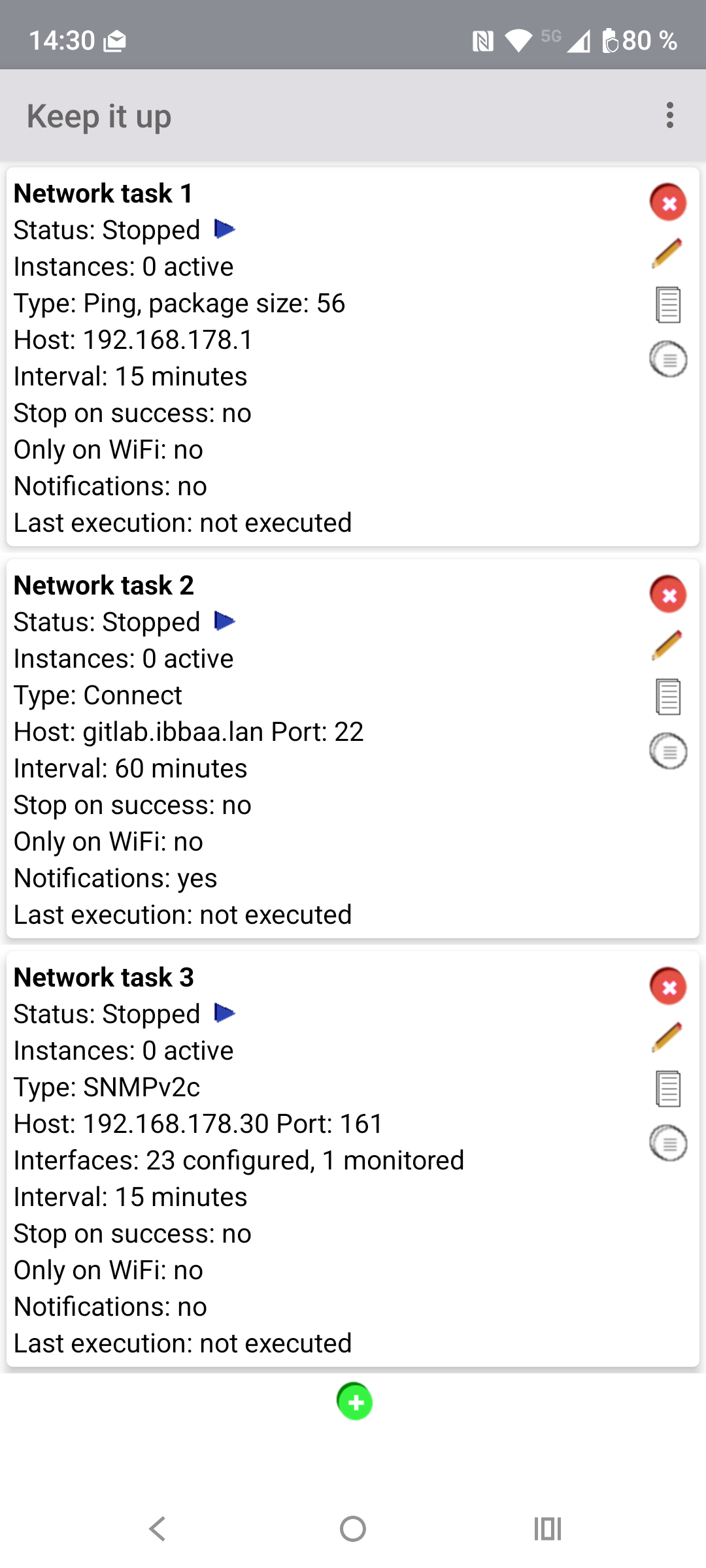
Keep it up watches the servers, websites and devices you look after and tells you when one stops answering. You add a task for each thing you want to watch, choose how often to check it, and the app keeps checking in the background.
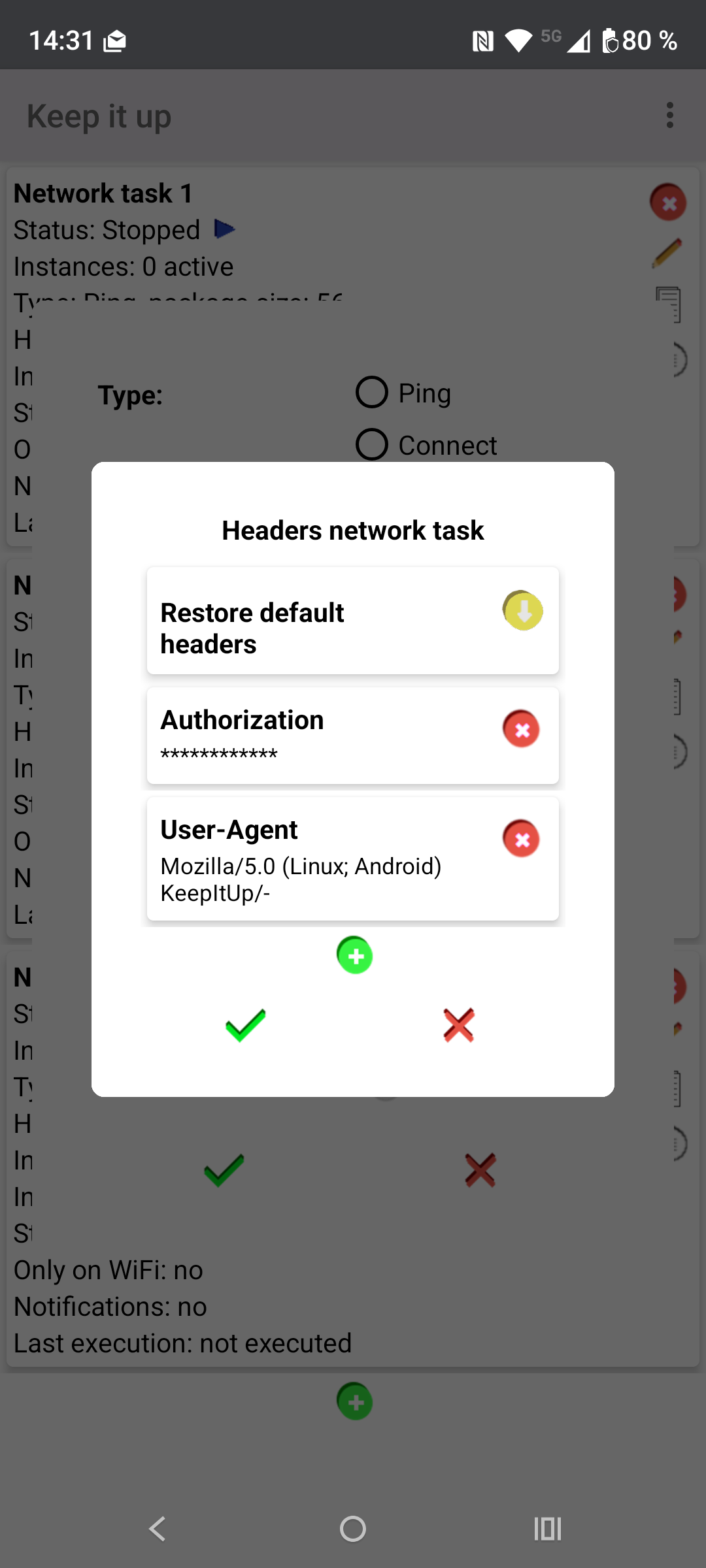
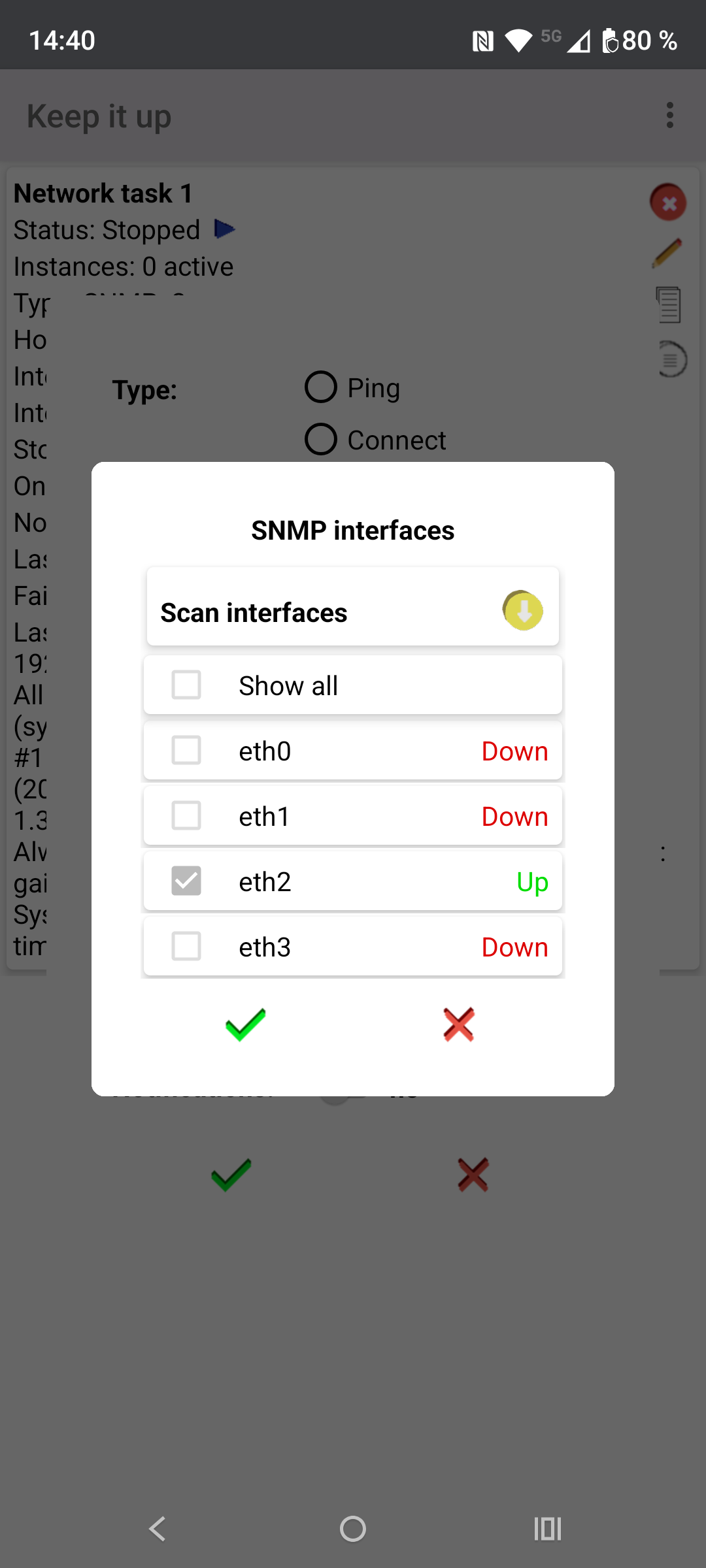
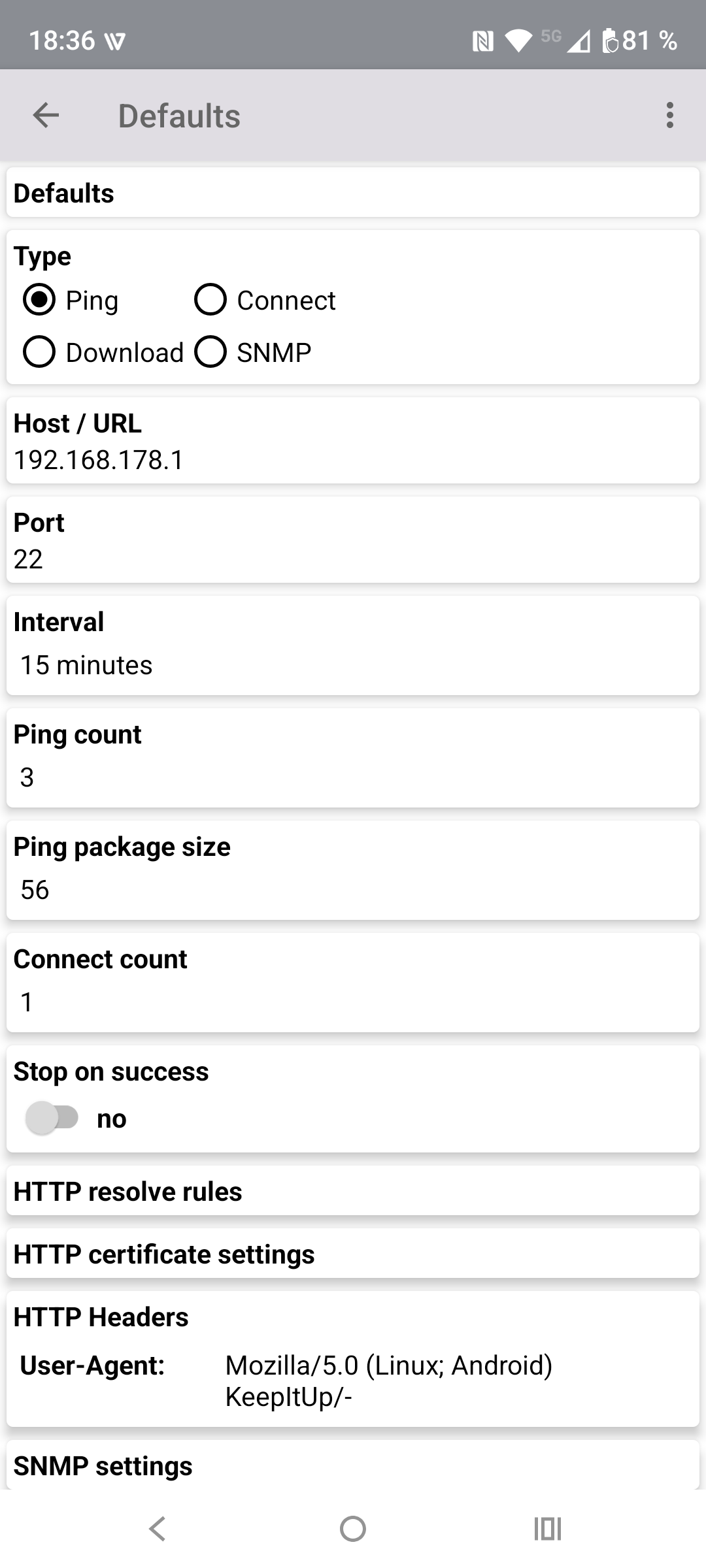
A task can ping a host, open a connection to a TCP port, download a web page or file over HTTP or HTTPS, or ask a device for its status over SNMP (versions 1, 2c and 3). Each check is logged with its result and how long it took. You can be told about every failure or only when something goes down or comes back, and a high-priority task can sound an alarm. Web checks can also fail when a server's security certificate is about to expire, and SNMP checks can watch single network interfaces on a router or switch. Tasks can be limited to WiFi or paused during hours you choose, and your setup can be exported as a JSON file.
The checks run from your phone, so they only show what your phone can reach. For them to run reliably you should let the app work in the background (turn off battery optimisation for it). The app is in English only. The GitHub and F-Droid builds are signed with different keys, so you cannot install one over the other.
From the app’s home page
- See the codeHow it’s made, every line is public
- Questions & commentsTalk with the people who make it
- Report a problemTell the makers something is broken
- All versionsOlder downloads and what changed
- LicenseThe rules for using and sharing it
More like this
 ntfy
Get a notification from any script or server
ntfy
Get a notification from any script or server
 Vernet
Find devices on your Wi-Fi, ping hosts, scan ports and test speed
Vernet
Find devices on your Wi-Fi, ping hosts, scan ports and test speed
 FOSS Warn
Government emergency alerts without Google services
FOSS Warn
Government emergency alerts without Google services
 EQMonitor
Live earthquake alerts and shaking maps for Japan
EQMonitor
Live earthquake alerts and shaking maps for Japan
 Wi-Fi Info
See everything about the Wi-Fi you're connected to
Wi-Fi Info
See everything about the Wi-Fi you're connected to
 SMS Telebot
Forward your texts, calls and battery alerts to Telegram or email
SMS Telebot
Forward your texts, calls and battery alerts to Telegram or email