
Wi-Fi Info
See everything about the Wi-Fi you're connected to
Made by TrueMLGPro · free and open source
This comes straight from Wi-Fi Info’s own GitHub page, and it’s free. Need help installing?
What it looks like
About this app
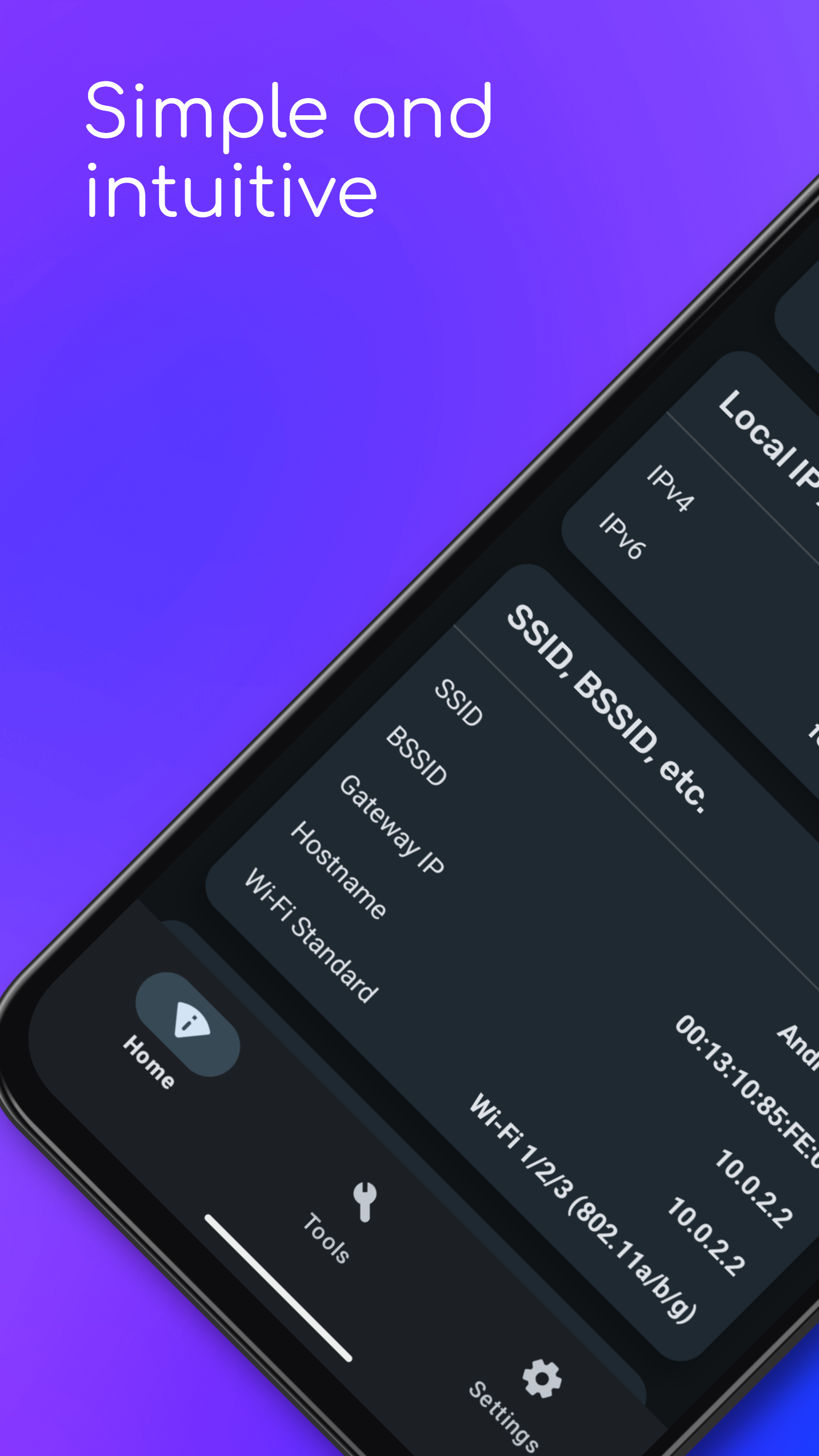
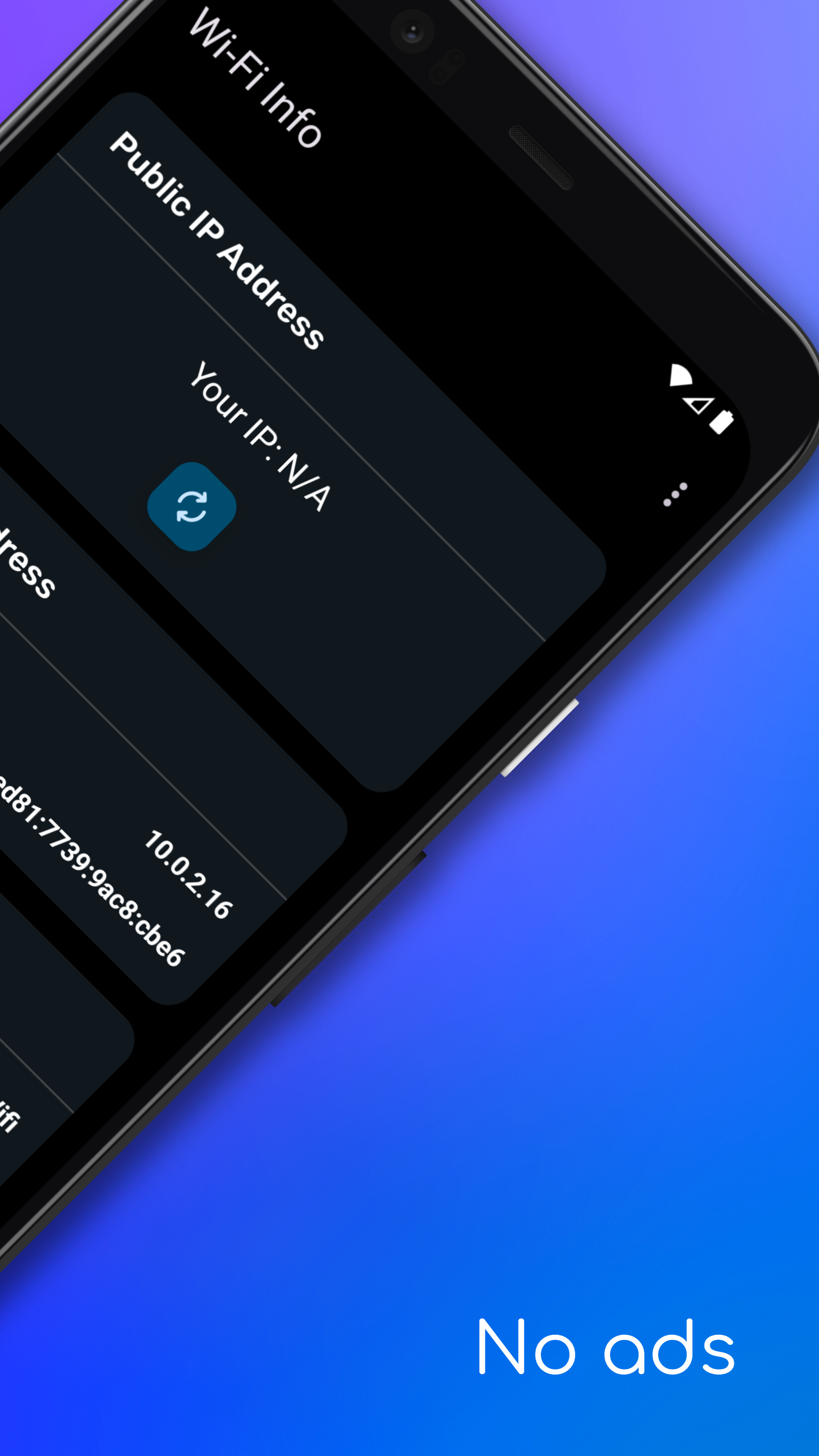
Wi-Fi Info lays out what your phone actually knows about the network it is on: the network name, your local and public IP addresses, signal strength in dBm and as a percentage, an estimate of how far away the router is, the channel and frequency, your DNS servers, gateway, subnet mask, MAC address, link speed, and how much data has gone in and out since the phone last started.
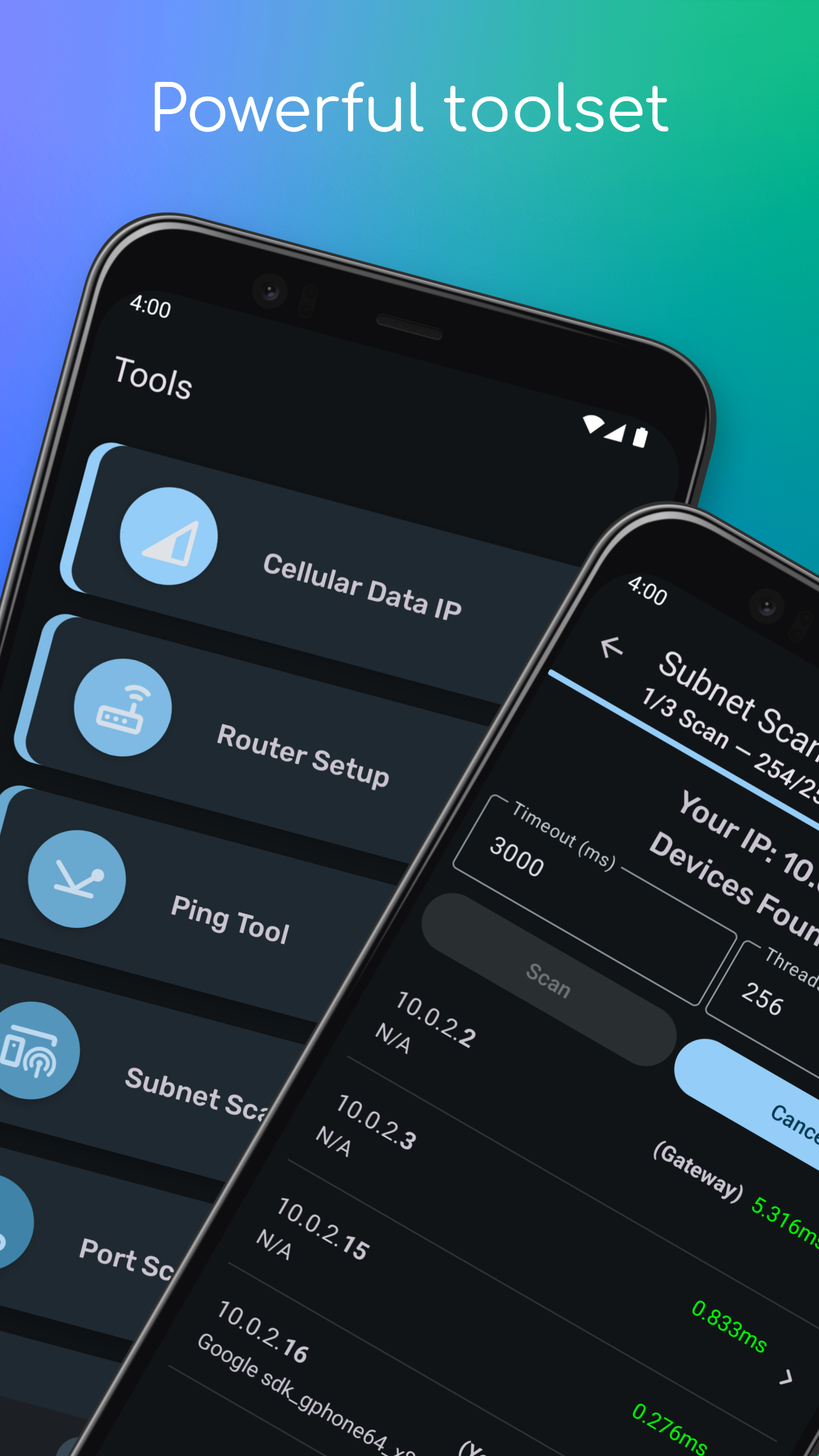
It also packs in the network tools you would normally open a laptop for. There is a ping tool, a subnet scanner that lists every device on your local network with its IP and MAC address, a port scanner for TCP and UDP, WHOIS and DNS lookups, a way to see the IP your mobile network gave you, and a shortcut into your router's setup page.
Useful when the Wi-Fi is playing up and you want to work out whether the problem is the signal, the router, or the internet beyond it.
From the app’s home page
- See the codeHow it’s made, every line is public
- WebsiteThe app’s own home page
- Questions & commentsTalk with the people who make it
- Report a problemTell the makers something is broken
- All versionsOlder downloads and what changed
- LicenseThe rules for using and sharing it
More like this
 WiFiAnalyzer
Find the least crowded Wi-Fi channel in your home
WiFiAnalyzer
Find the least crowded Wi-Fi channel in your home
 Virtual Hosts
Redirect addresses without editing system files
Virtual Hosts
Redirect addresses without editing system files
 Vernet
Find devices on your Wi-Fi, ping hosts, scan ports and test speed
Vernet
Find devices on your Wi-Fi, ping hosts, scan ports and test speed
 ScanBridge
Scan paper documents straight to your phone over Wi-Fi
ScanBridge
Scan paper documents straight to your phone over Wi-Fi
 DNSToggle
Switch private DNS on and off from a tile
DNSToggle
Switch private DNS on and off from a tile
 LocalSend
Send files to nearby devices without the internet
LocalSend
Send files to nearby devices without the internet