
Bugbane
Check your own phone for signs of spyware and stalkerware
Made by osservatorionessuno · free and open source
This comes straight from Bugbane’s own GitHub page, and it’s free. Need help installing?
What it looks like
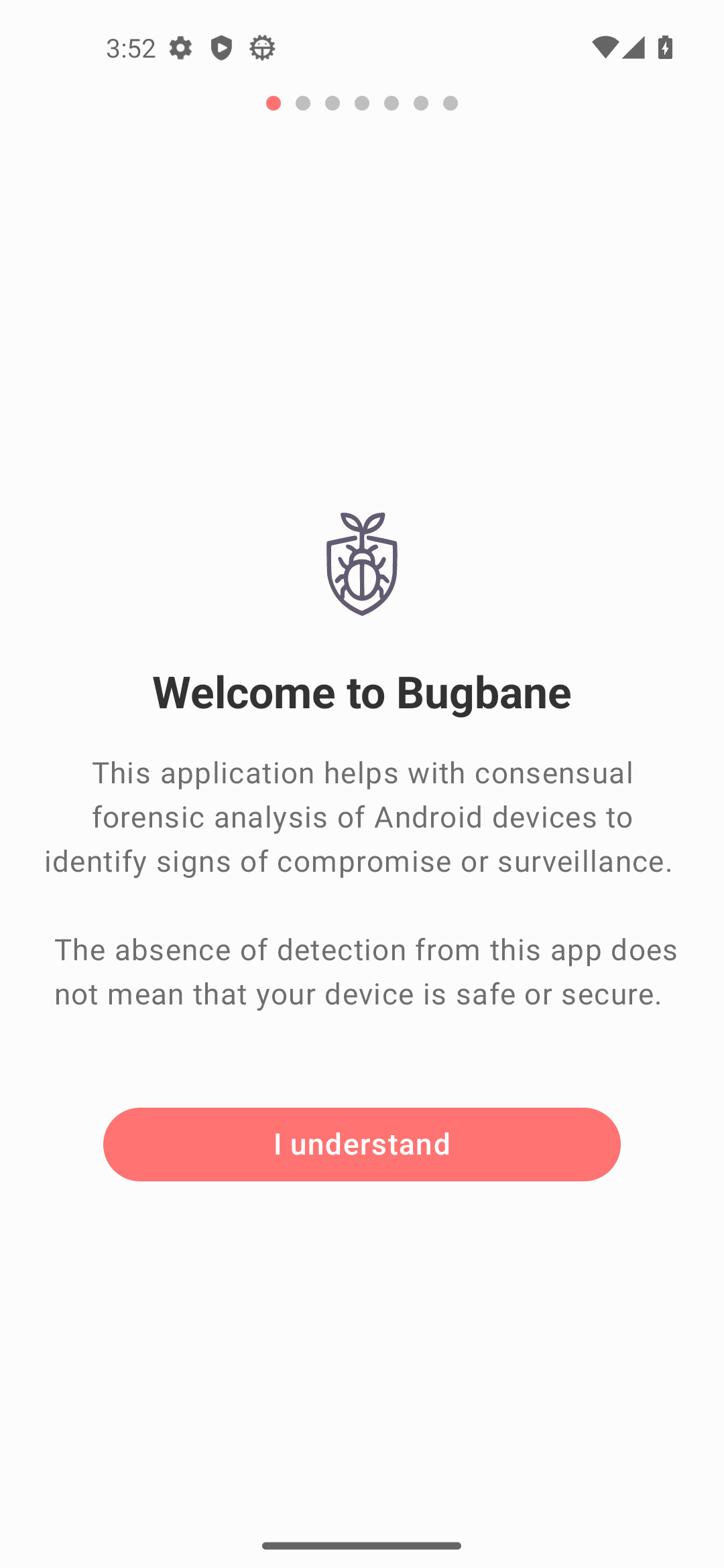
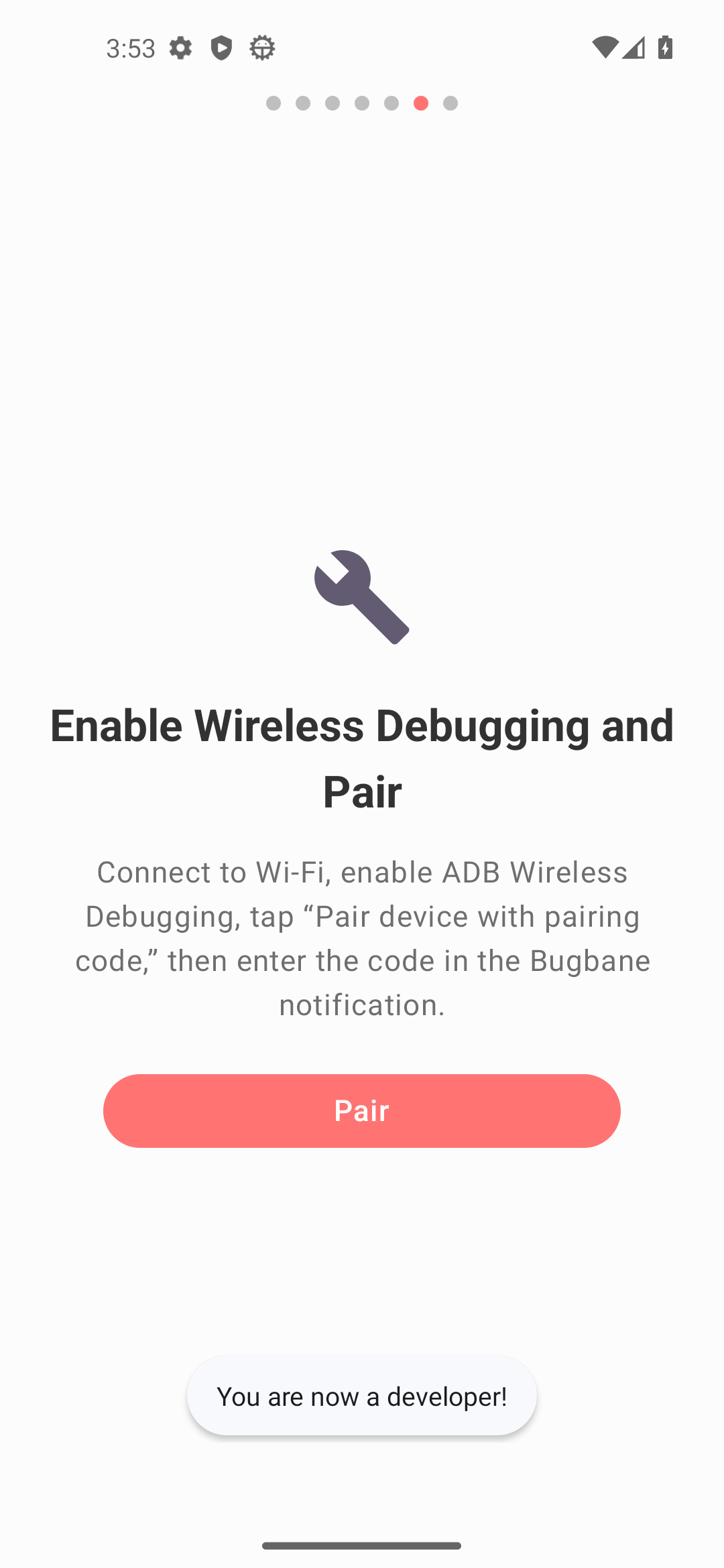
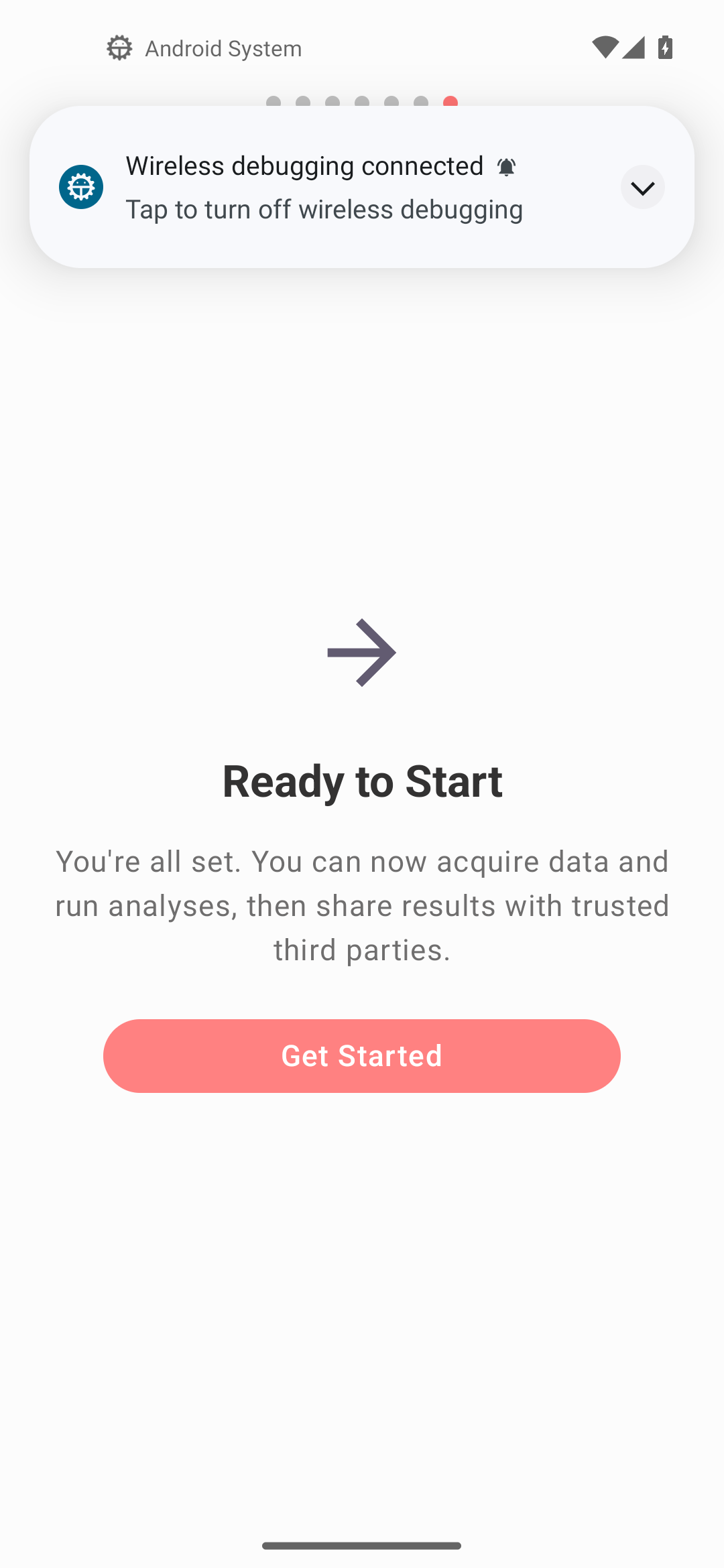
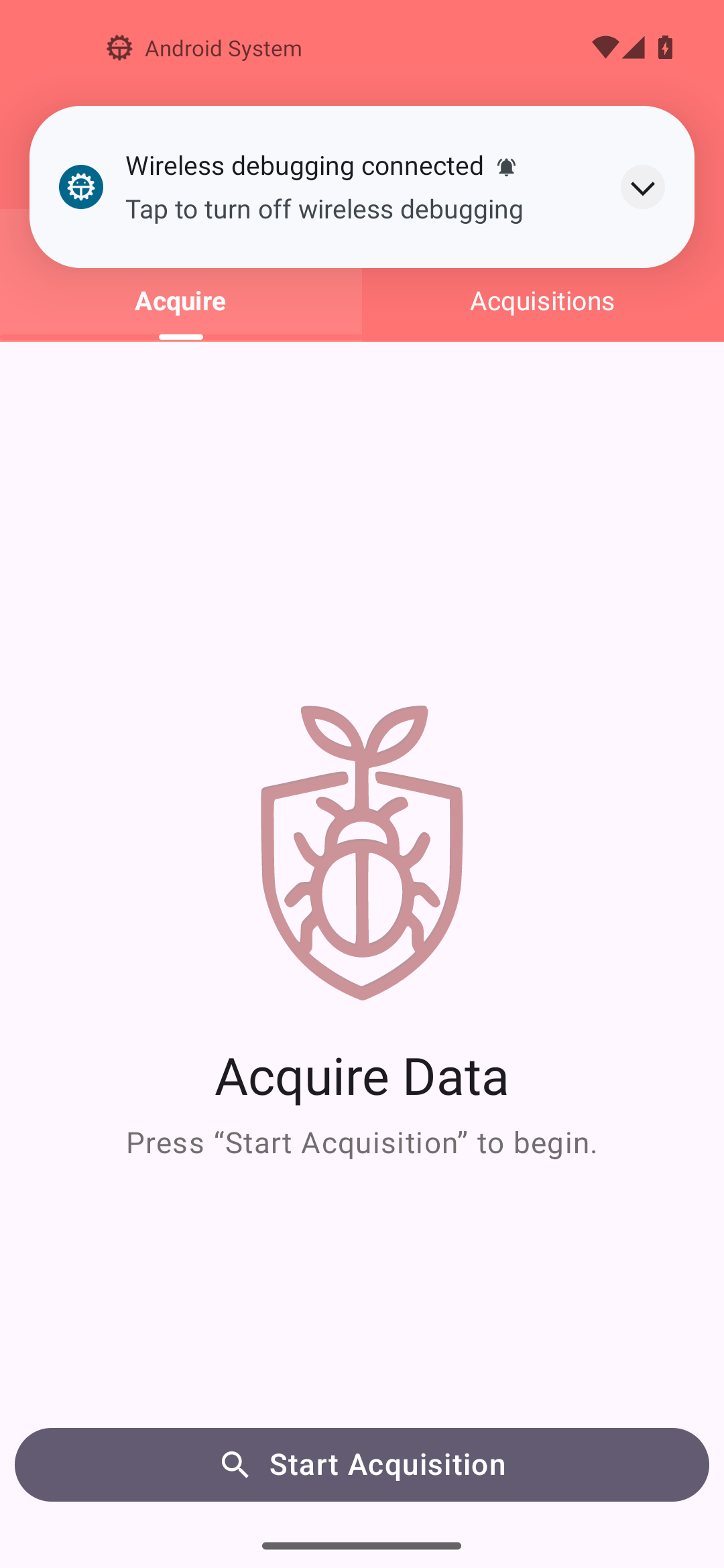
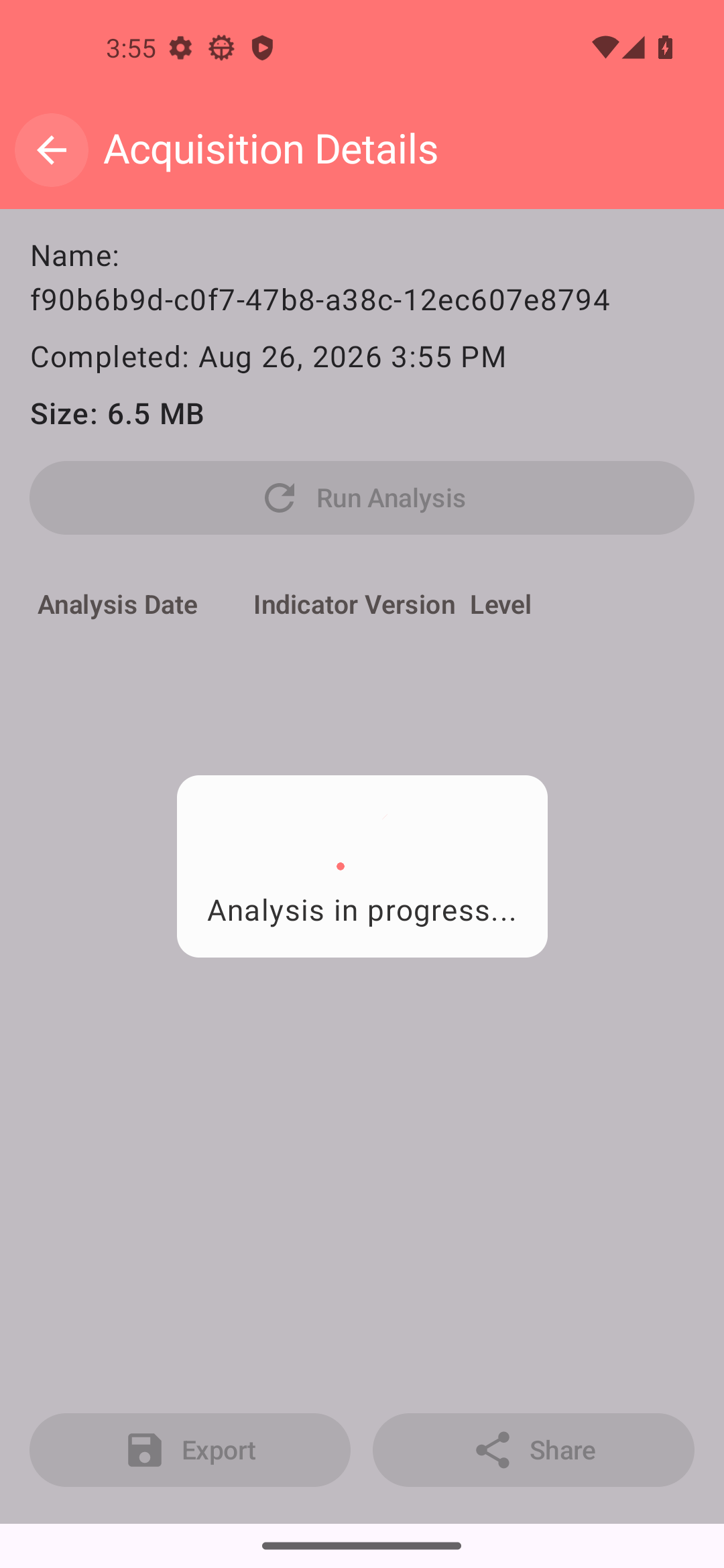
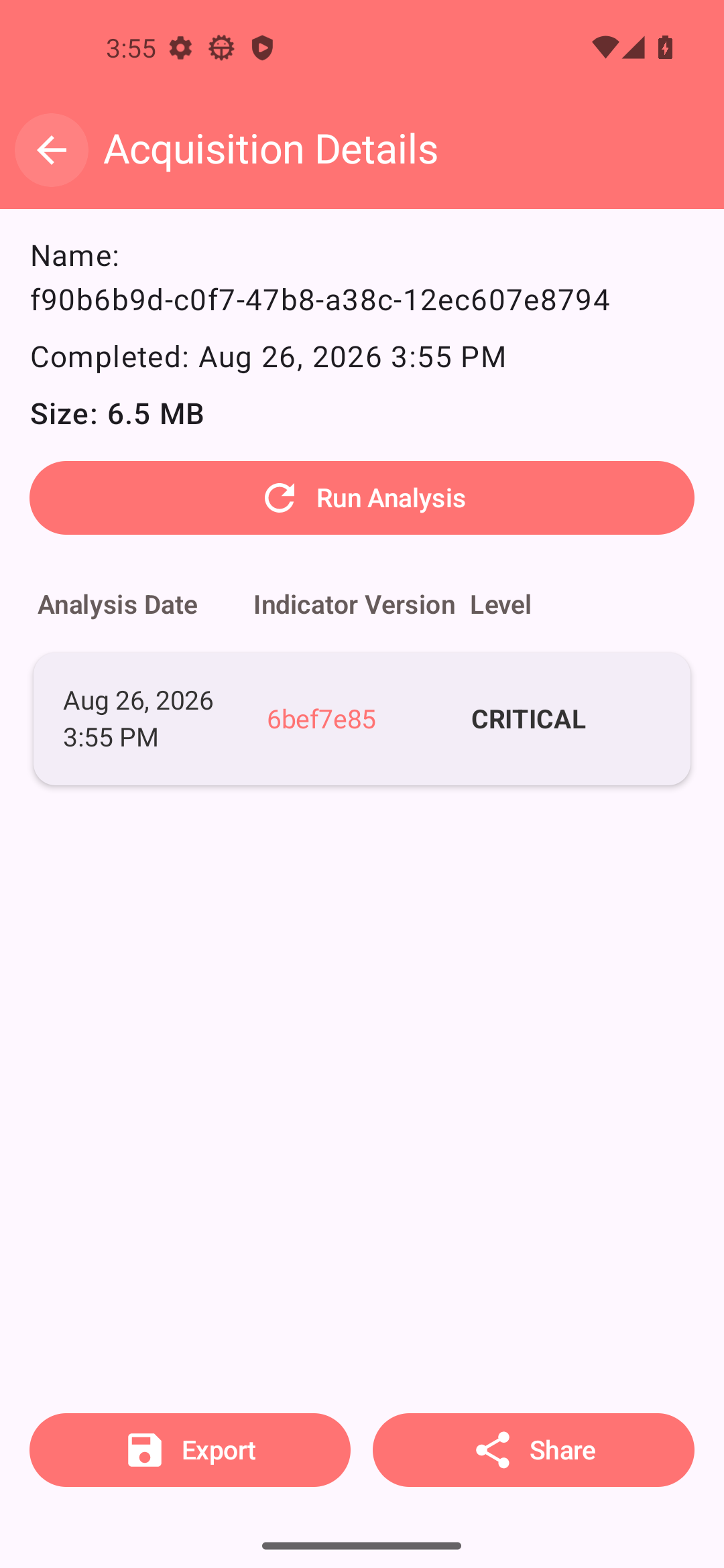
About this app
Bugbane helps you check your own phone for signs of spyware and stalkerware, the kind of app that secretly watches what you do. It collects the same sort of evidence that forensic tools such as MVT and AndroidQF gather, but it does so on the phone itself, so you need no computer, no cable and no command line.
A step-by-step wizard takes you through turning on Developer options and Wireless debugging and pairing the app with your phone. One tap then collects logs and settings, and the app scans them against a list of known spyware indicators that it keeps up to date. You can keep each saved check on the phone and scan it again later when new indicators are published, to catch an infection that was missed at the time. If something looks wrong, you can export an encrypted copy of the results and send it to a helpline or analyst you trust, for example over Signal or email. Results are stored encrypted on the phone. Apart from downloading updated indicators, nothing leaves the phone unless you choose to export it.
This is beta software with no independent security audit yet, and the project says it is not yet recommended for non-technical people. A clean scan does not prove your phone is safe, and new or sophisticated spyware will not be found. Using it is not covert: if you could be in physical danger, the team advises contacting a helpline from a safe device first instead. You need Android 11 or newer and a trusted Wi-Fi network (never public Wi-Fi), and Wireless debugging should be switched off again once the scan is done.
From the app’s home page
- See the codeHow it’s made, every line is public
- WebsiteThe app’s own home page
- Questions & commentsTalk with the people who make it
- Report a problemTell the makers something is broken
- All versionsOlder downloads and what changed
- LicenseThe rules for using and sharing it
More like this
 v2rayNG
Send your phone's internet through your own proxy server
v2rayNG
Send your phone's internet through your own proxy server
 Clash Meta for Android
Send some apps through a proxy, the rest direct
Clash Meta for Android
Send some apps through a proxy, the rest direct
 Ente
Photo backup where only you can see the photos
Ente
Photo backup where only you can see the photos
 Amnezia VPN
Run your own VPN on a server you rent
Amnezia VPN
Run your own VPN on a server you rent
 microG Services
Run apps that need Google, without Google
microG Services
Run apps that need Google, without Google
 Aegis Authenticator
Protect your accounts with 2-step codes
Aegis Authenticator
Protect your accounts with 2-step codes