
This comes straight from Amnezia VPN’s own GitHub page, and it’s free. Need help installing?
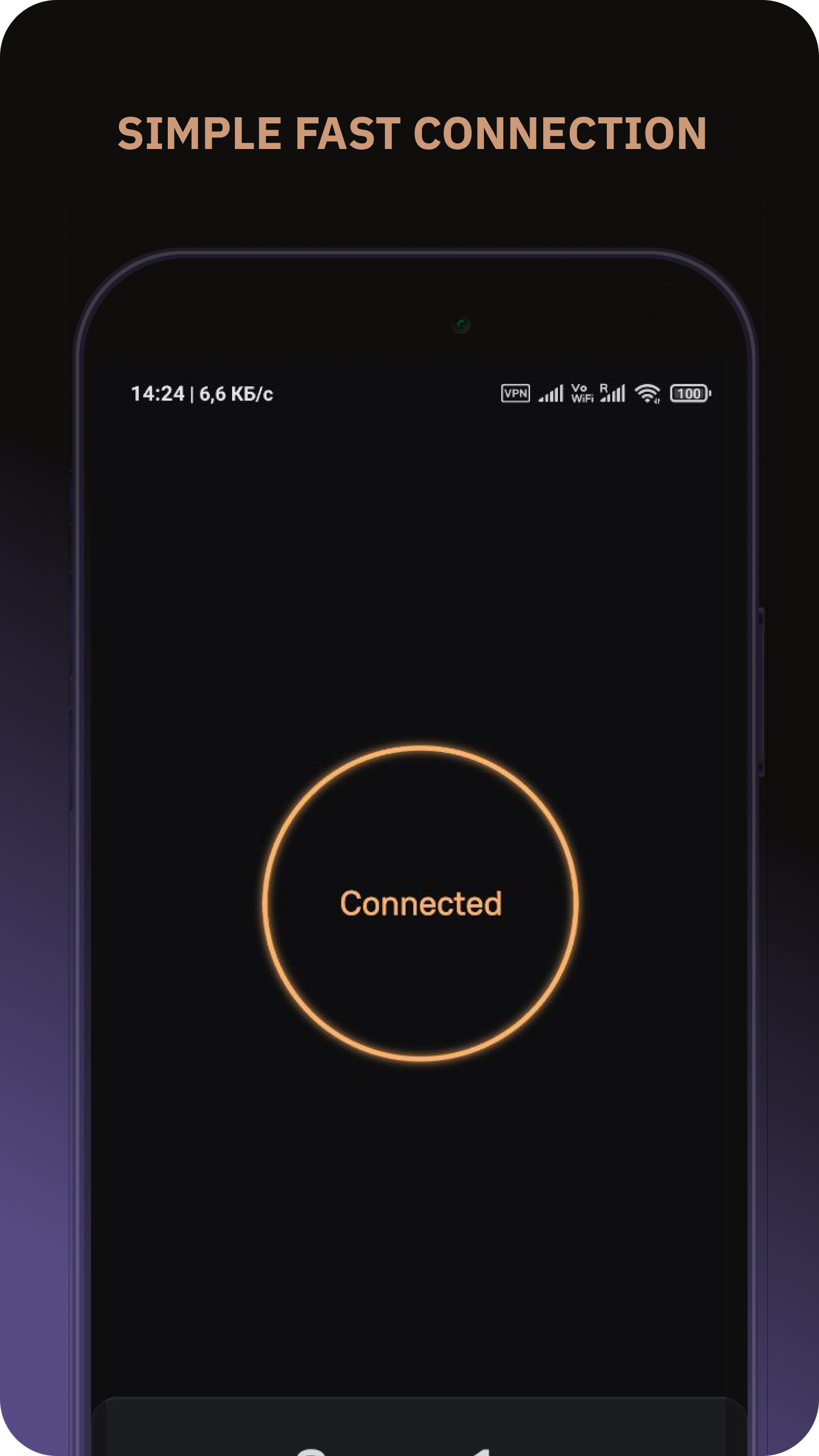
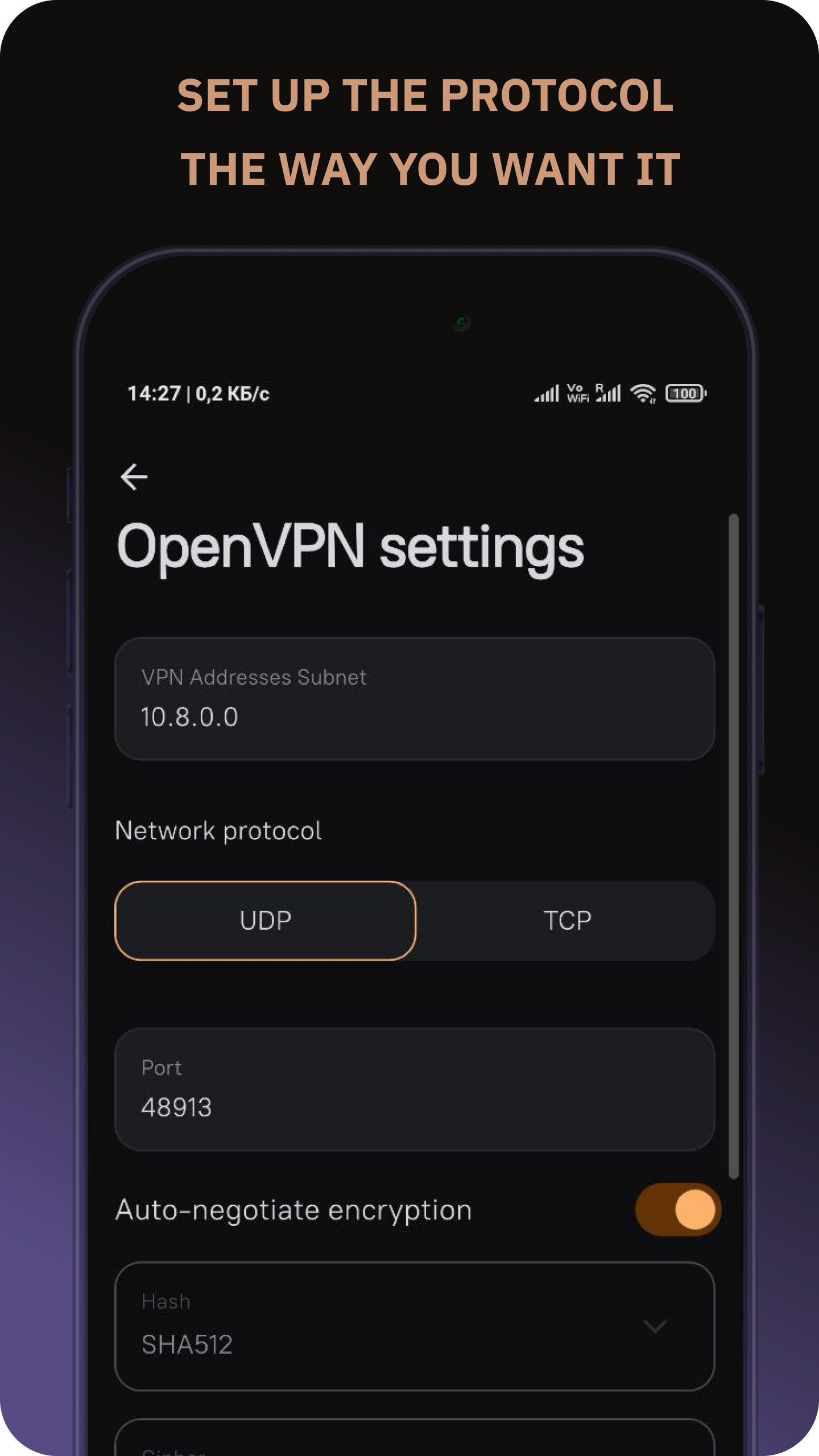
What it looks like
About this app
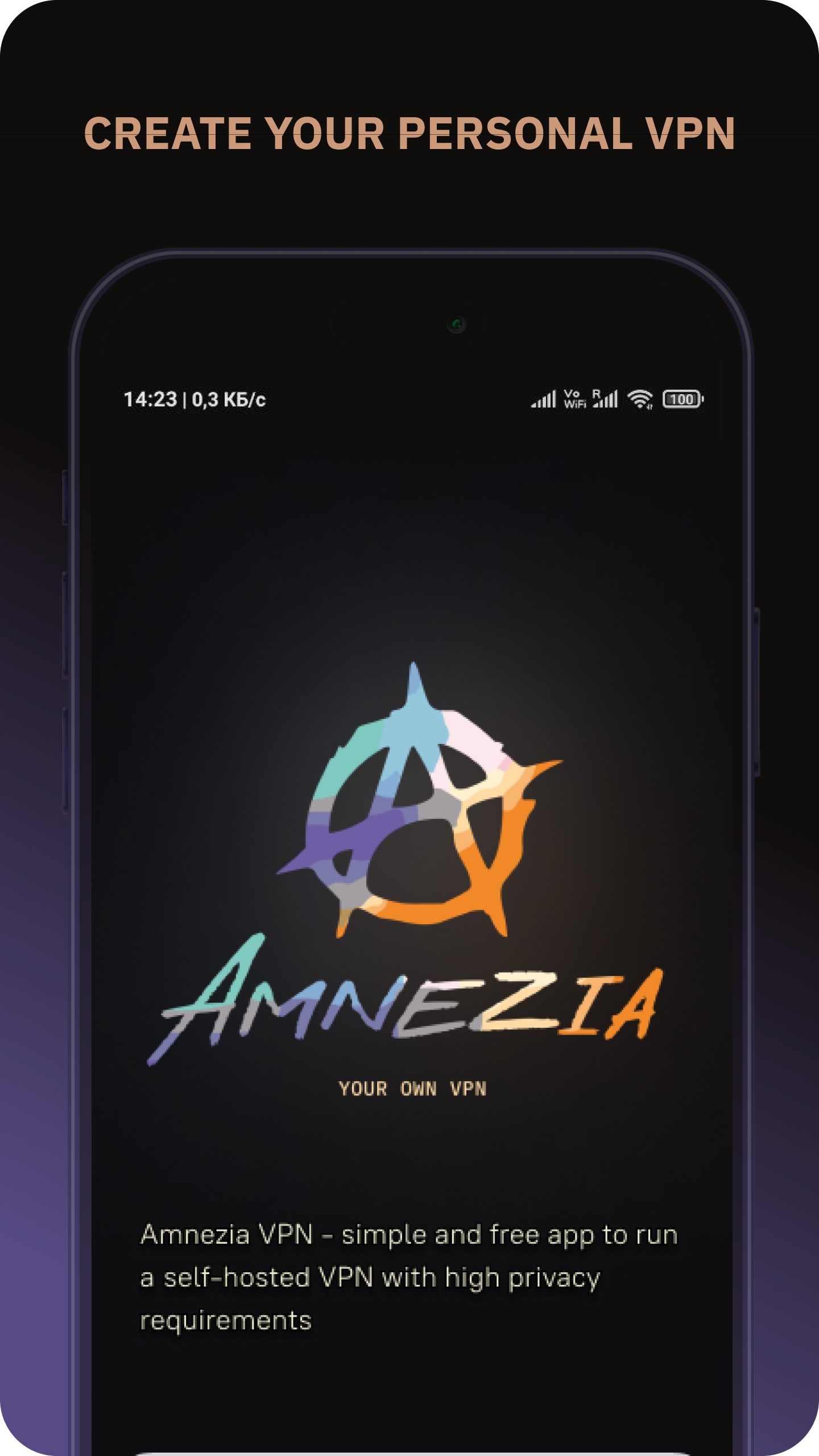
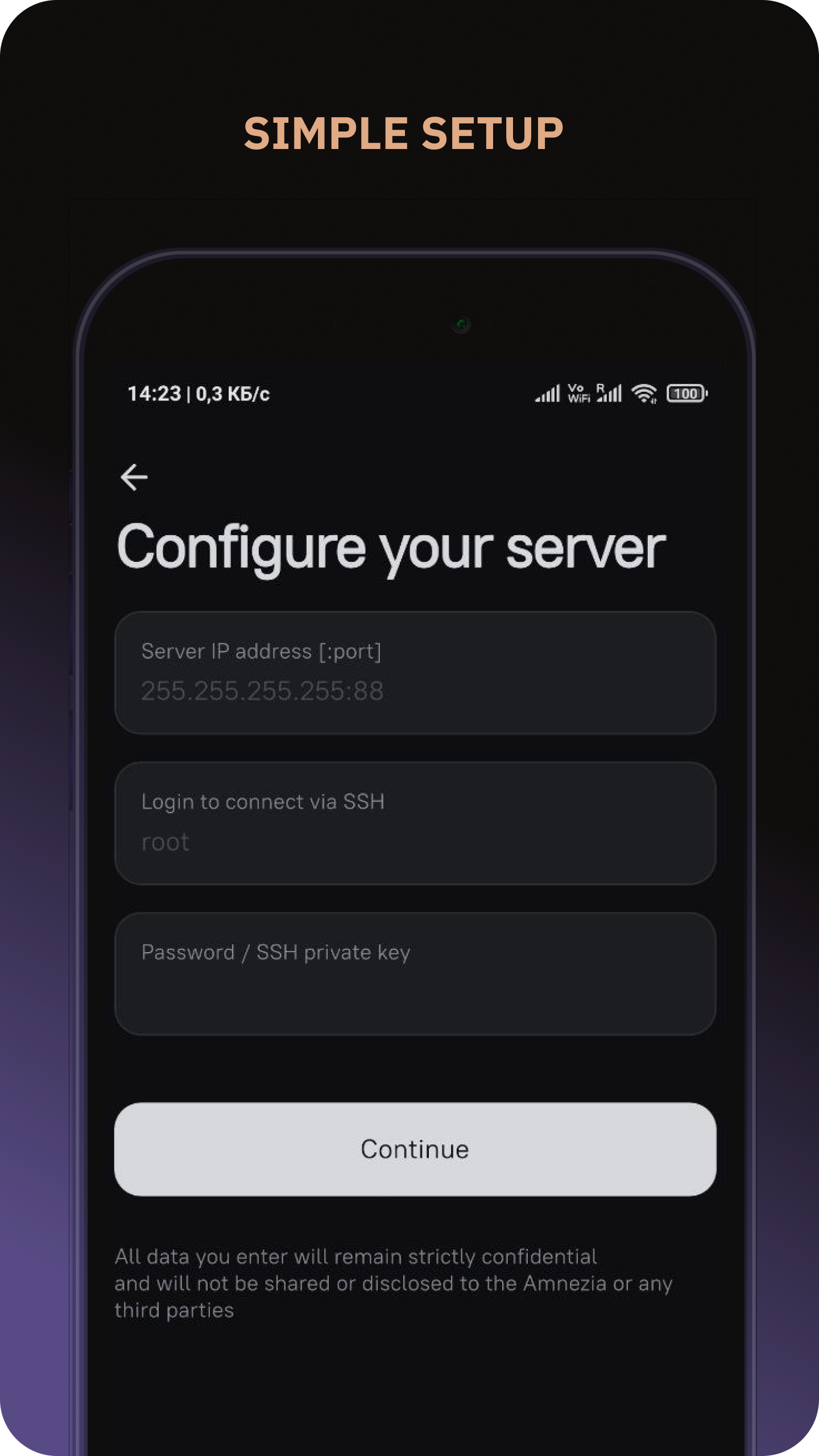
Amnezia sets up a VPN on a server of your own and then connects you to it. You type in the server's address and SSH login, and the app installs everything needed on that machine for you. No command line, no config files to edit by hand.
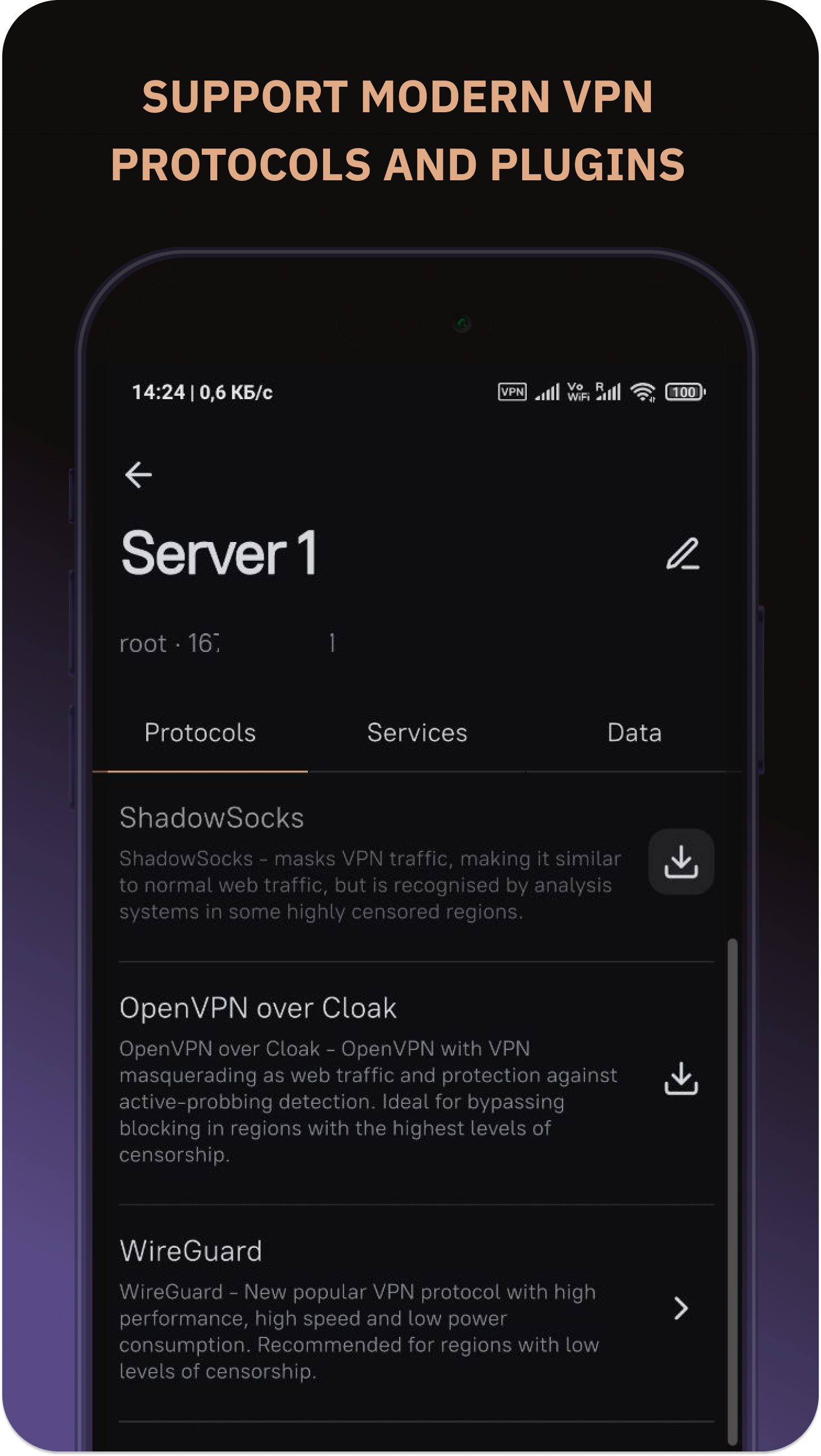
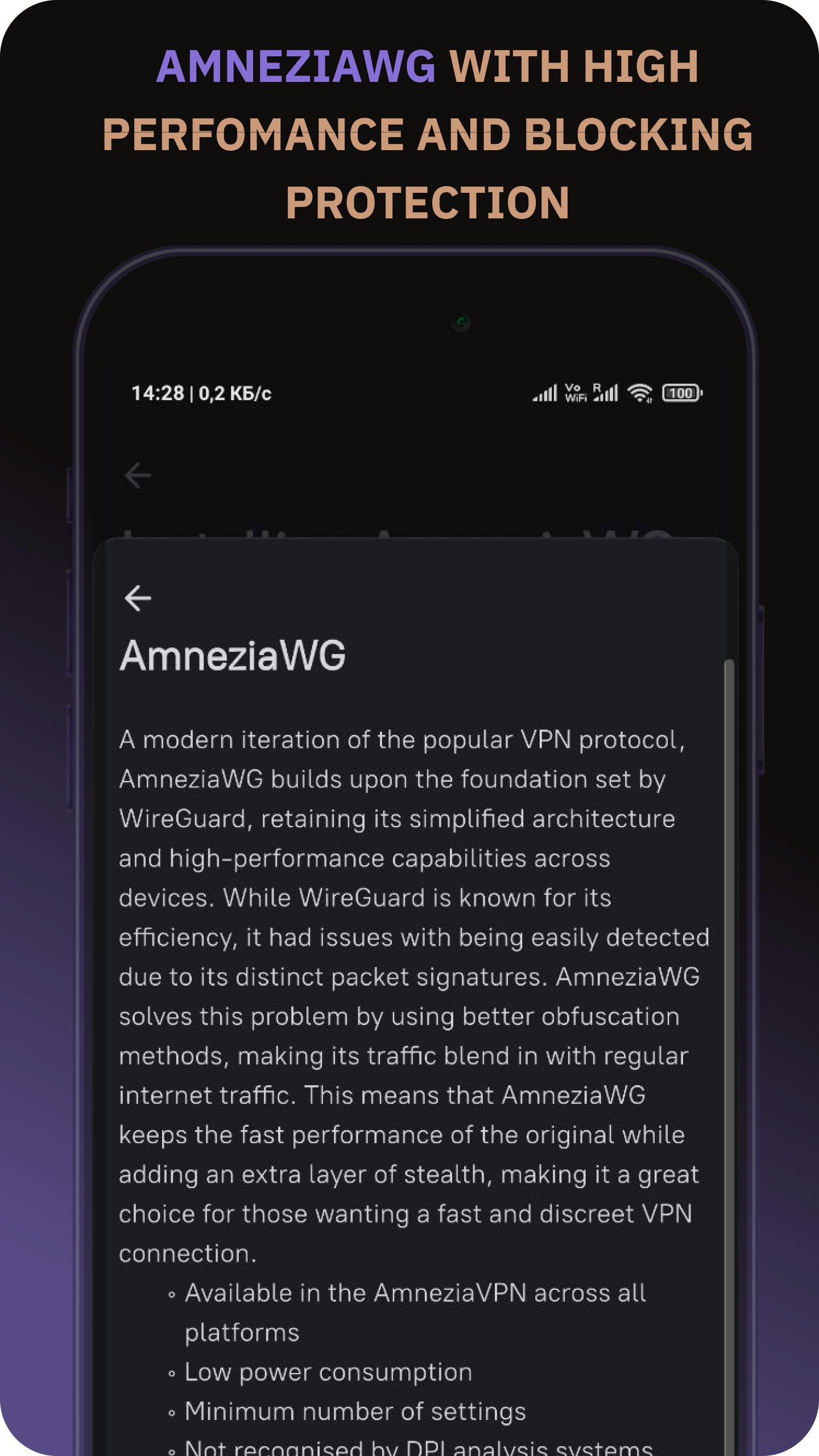
Because the server is yours, nobody is keeping logs of your browsing but you. On Android it speaks WireGuard and OpenVPN, plus protocols designed to look like ordinary traffic, such as AmneziaWG, XRay, Shadowsocks and OpenVPN over Cloak, which helps where plain VPNs are blocked. Split tunnelling sends only the sites or apps you pick through the tunnel.
You do need a server to point it at; a cheap rented virtual one is enough. The project also sells a ready-made paid plan if you would rather not run a server yourself.
From the app’s home page
- See the codeHow it’s made, every line is public
- WebsiteThe app’s own home page
- Questions & commentsTalk with the people who make it
- Report a problemTell the makers something is broken
- All versionsOlder downloads and what changed
- LicenseThe rules for using and sharing it
More like this
 Outline
Reach the open internet with a key to your own VPN server
Outline
Reach the open internet with a key to your own VPN server
 LxBox
Route your internet through your own VPN or proxy servers
LxBox
Route your internet through your own VPN or proxy servers
 NymVPN
A VPN that hides who you talk to, not just your address
NymVPN
A VPN that hides who you talk to, not just your address
 Windscribe
Encrypt your connection through Windscribe's VPN servers
Windscribe
Encrypt your connection through Windscribe's VPN servers
 Mullvad VPN
Send your phone's traffic through an encrypted tunnel
Mullvad VPN
Send your phone's traffic through an encrypted tunnel
 BlockAds
Block ads and trackers system-wide, no root needed
BlockAds
Block ads and trackers system-wide, no root needed