BasicSync
Run Syncthing on your phone and choose when it syncs
Made by chenxiaolong · free and open source
This comes straight from BasicSync’s own GitHub page, and it’s free. Need help installing?
What it looks like
About this app
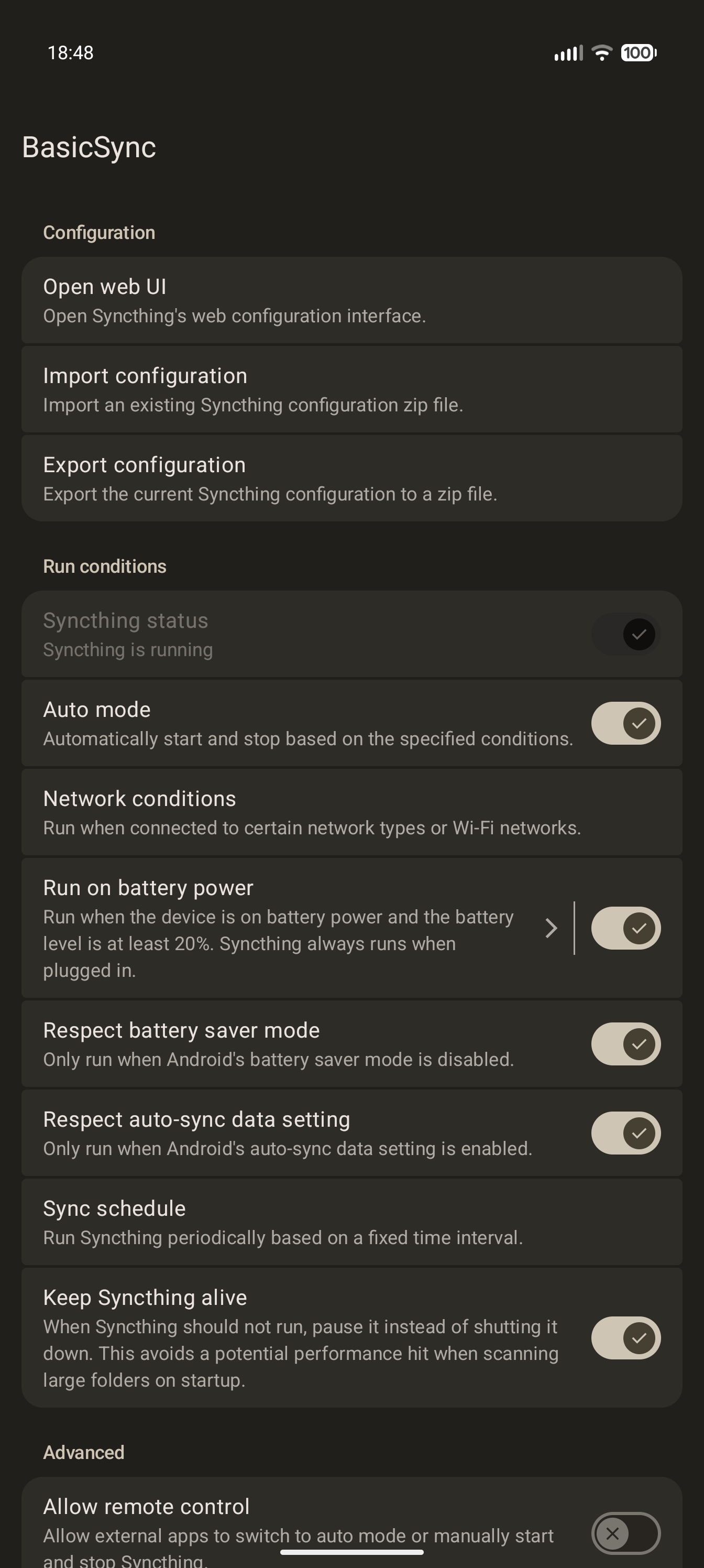
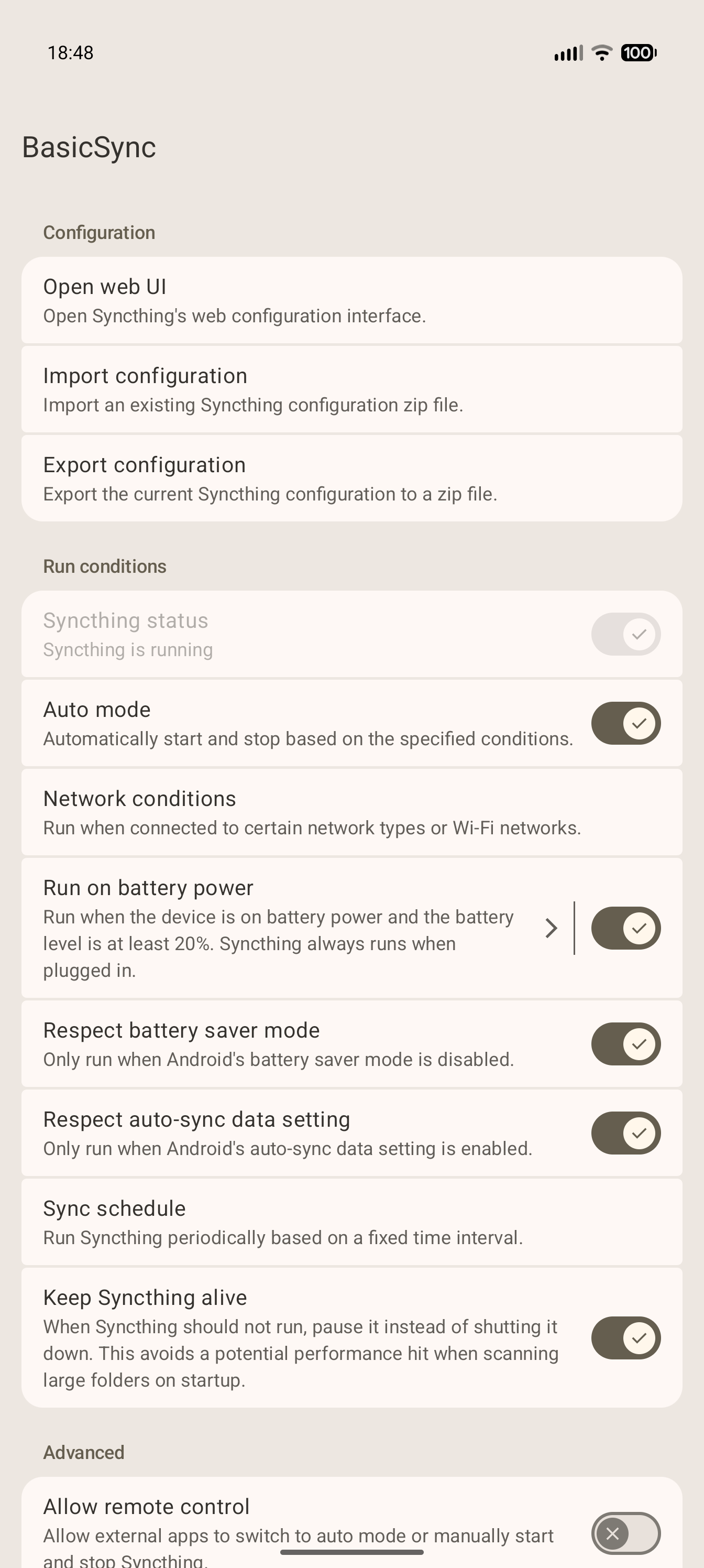
BasicSync is a small app that runs Syncthing on your Android phone or tablet. Syncthing is an open-source tool that keeps folders in sync between devices, and it comes bundled inside the app. BasicSync only controls when Syncthing runs. Everything else, such as adding devices and choosing folders, is done in Syncthing's own web page, which opens inside the app, much as you would set it up on a computer.
You decide when syncing is allowed. In auto mode the app starts and stops Syncthing for you, based on the type of network (or only certain Wi-Fi networks), battery level, Android's battery saver and auto-sync settings, or a time schedule. In manual mode you start and stop it yourself, and a quick settings tile switches between the two. Folders can live on internal storage, an SD card or a USB drive. The web page gains a folder picker and a QR code scanner for adding devices, the app reports sync conflicts, and you can import and export your Syncthing setup.
You need Android 8 or newer. To keep syncing in the background the app asks to show a notification and to be left out of battery optimisation. Location permission is only needed if you want syncing limited to named Wi-Fi networks, because Android hides the network name without it. Folders can use direct file access, which needs Android's all files access permission, or Android's folder picker, which only gives the app the folders you choose but is slower and more likely to hit sync errors. The developer recommends direct file access. The app has no ads and no telemetry of its own. Syncthing's usage reporting is opt-in and asks first, and its crash reporting is switched off. The app's own screens are in English, with many translations including German, Spanish, French, Russian and Chinese.
From the app’s home page
- See the codeHow it’s made, every line is public
- Questions & commentsTalk with the people who make it
- Report a problemTell the makers something is broken
- All versionsOlder downloads and what changed
- LicenseThe rules for using and sharing it
More like this
 Syncthing-Fork
Keep folders in sync between your own devices
Syncthing-Fork
Keep folders in sync between your own devices
 Neo Backup
Back up your apps along with their data
Neo Backup
Back up your apps along with their data
 Paperize
Changes your wallpaper on a schedule, offline
Paperize
Changes your wallpaper on a schedule, offline
 DontKillMyApp
Test whether your phone kills apps in the background
DontKillMyApp
Test whether your phone kills apps in the background
 SambaLite
Browse and sync files on your Windows or NAS network share
SambaLite
Browse and sync files on your Windows or NAS network share
 FilePipe
Sort and tidy your folders automatically with rules you set
FilePipe
Sort and tidy your folders automatically with rules you set