
This comes straight from Neo Backup’s own GitHub page, and it’s free. Need help installing?
What it looks like
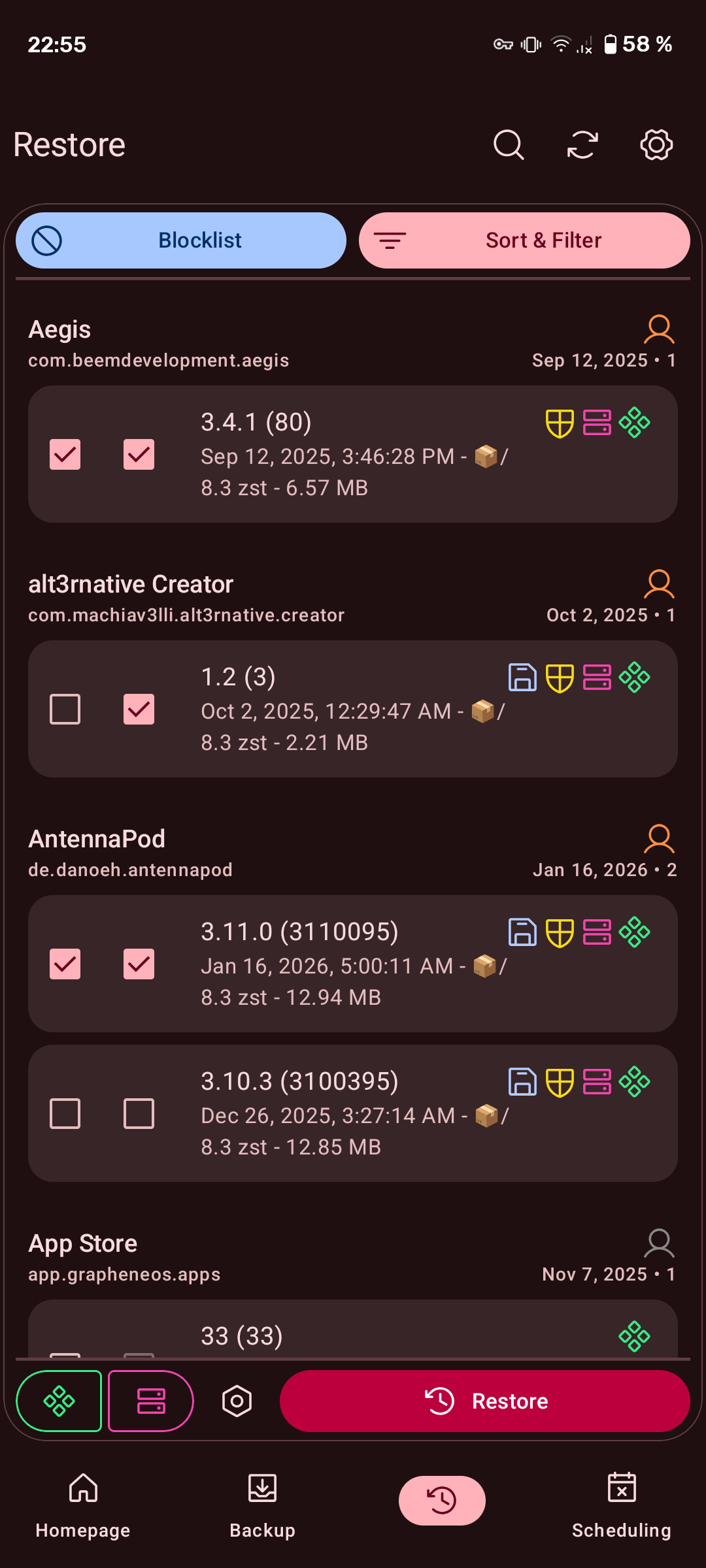
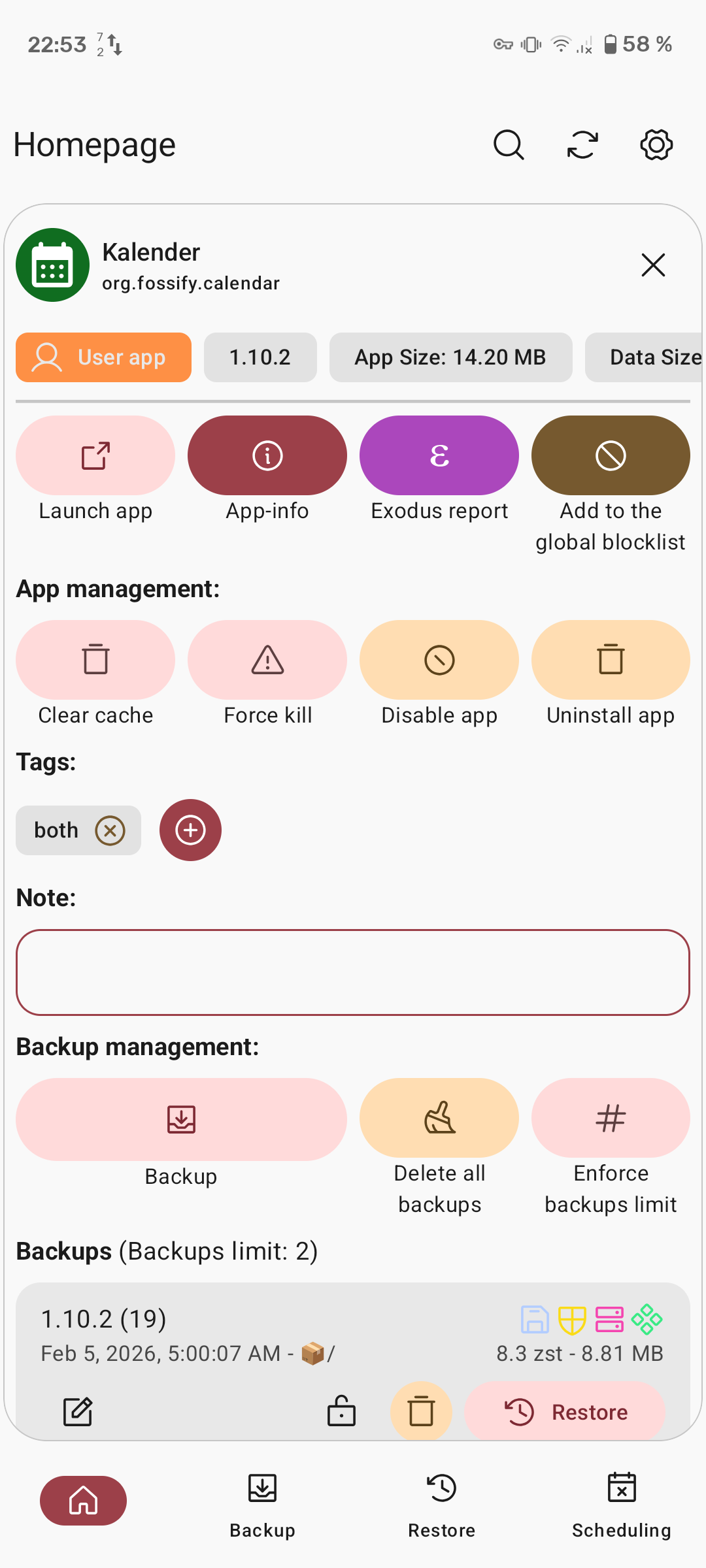

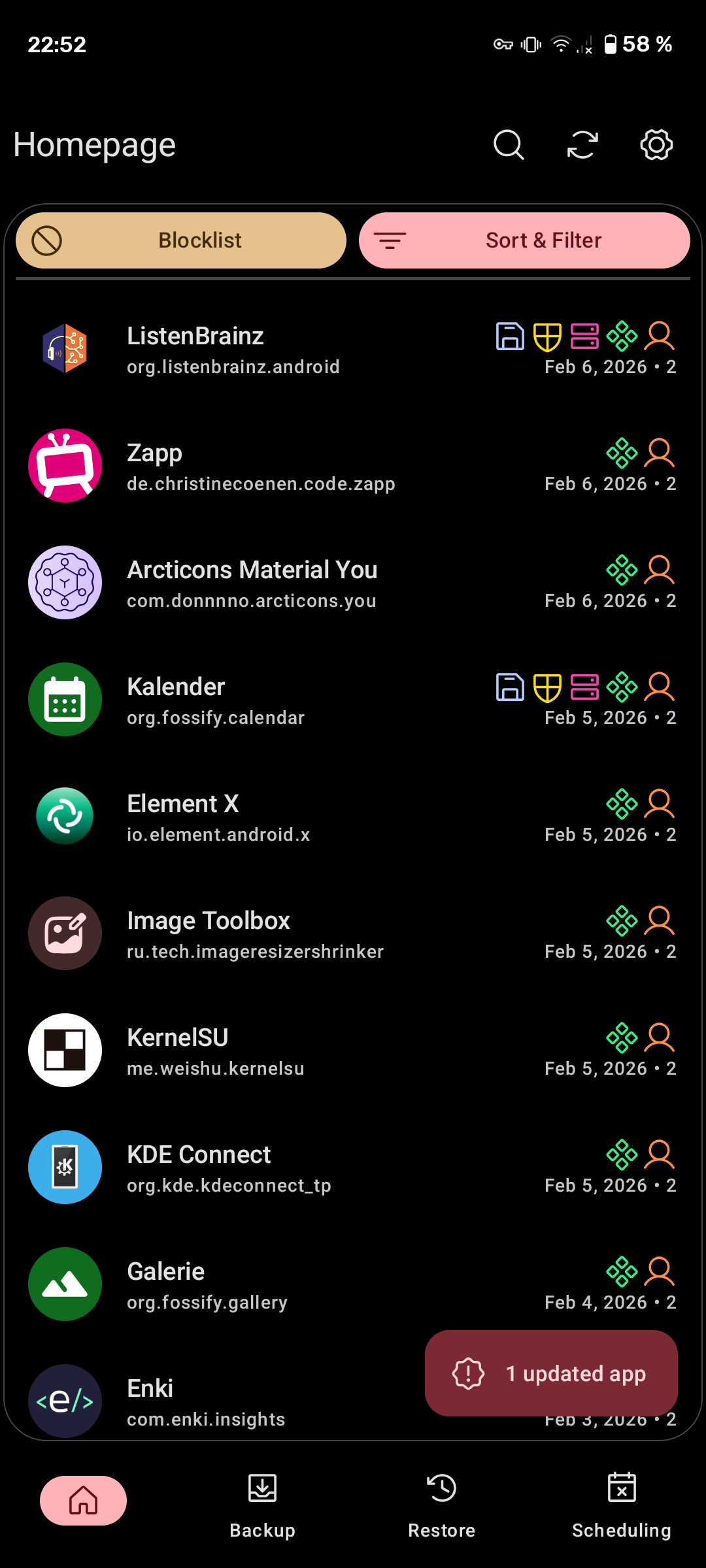
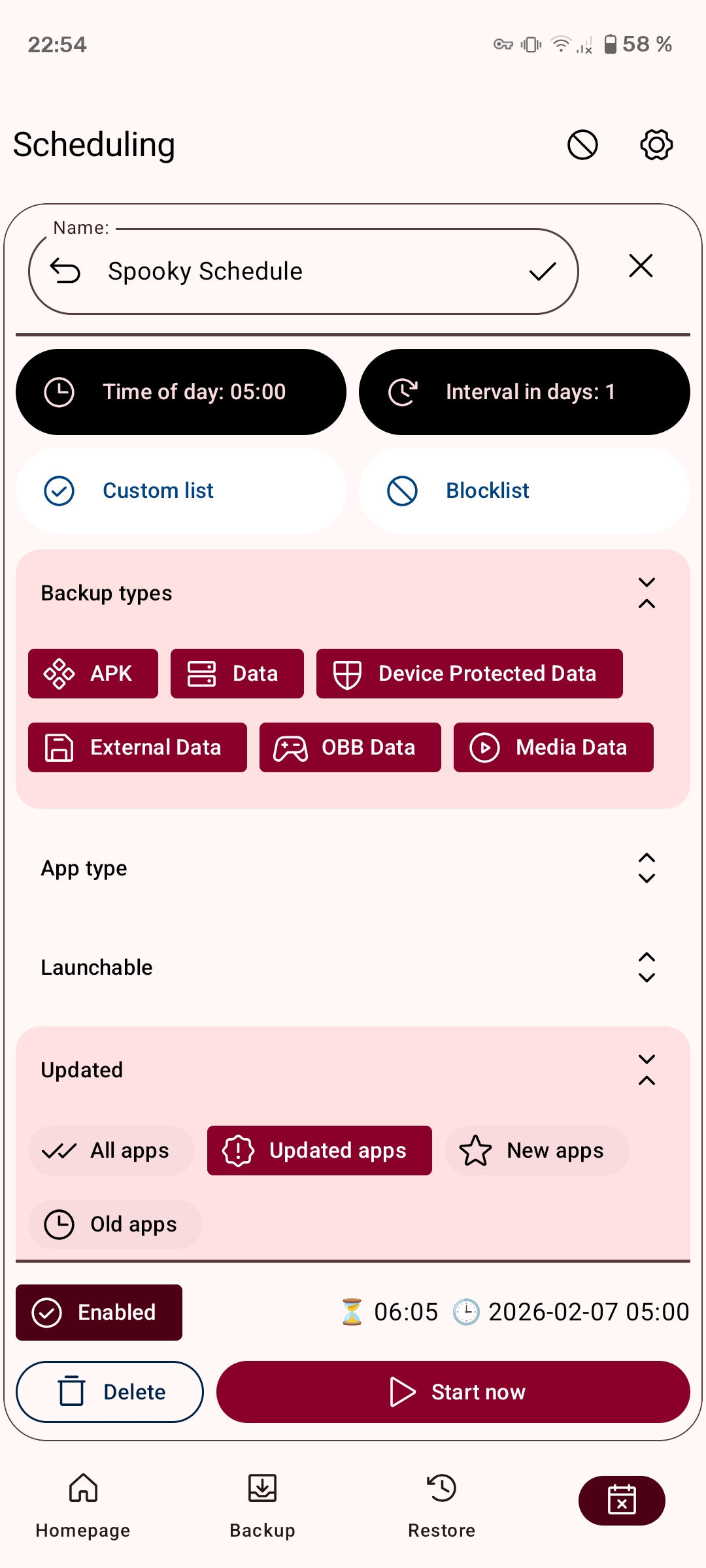
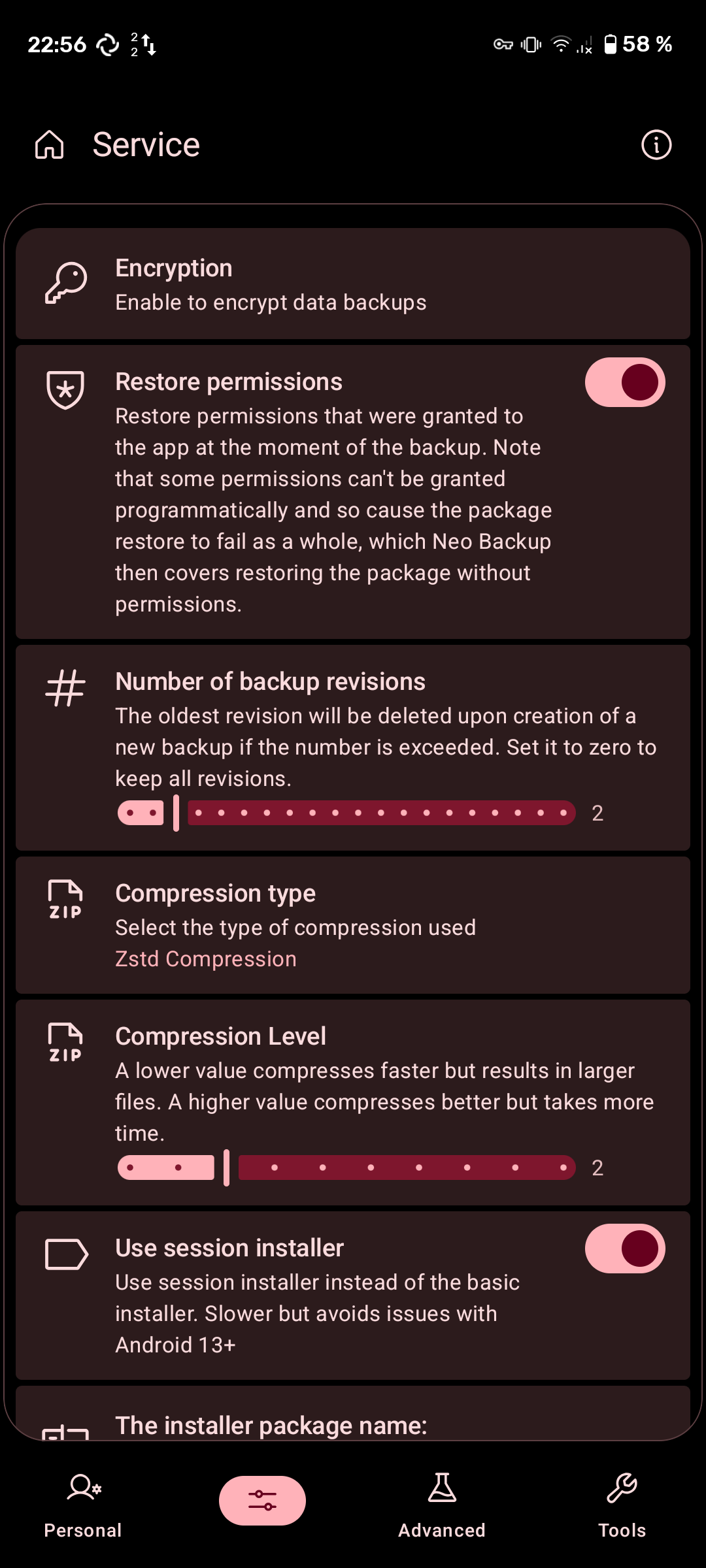
About this app
Neo Backup copies your installed apps and the data inside them (logins, settings, save games) to a folder you choose, so a factory reset or a new phone does not mean setting everything up from scratch. You can back up and restore one app at a time or run through a whole batch.
Build your own lists of the apps that matter, then schedule as many regular runs as you like so the backups stay current without you remembering. System apps can usually be put back without a reboot afterwards. It is a full rewrite of the old OAndBackup and part of the Neo Applications family.
It needs root. Reading an app's data means reaching into folders Android keeps locked away, and without root access the app simply cannot do that. The developers still call it beta, so keep a second copy of anything you cannot afford to lose.
From the app’s home page
- See the codeHow it’s made, every line is public
- Questions & commentsTalk with the people who make it
- Report a problemTell the makers something is broken
- All versionsOlder downloads and what changed
- LicenseThe rules for using and sharing it
More like this
 DataBackup
Back up apps and their data properly
DataBackup
Back up apps and their data properly
 Inure
A beautiful app manager for tinkerers
Inure
A beautiful app manager for tinkerers
 SMS Backup+
Back up your texts and call log to your email
SMS Backup+
Back up your texts and call log to your email
 Open Android Backup
Back up your phone to your own computer
Open Android Backup
Back up your phone to your own computer
 Let Me Downgrade
Go back to an older version of an app
Let Me Downgrade
Go back to an older version of an app
 Restoid
Back up your apps and data using restic, with root access
Restoid
Back up your apps and data using restic, with root access