
AxManager
Run shell commands and manage app permissions, with or without root
Made by fahrez182 · free and open source
This comes straight from AxManager’s own GitHub page, and it’s free. Need help installing?
What it looks like
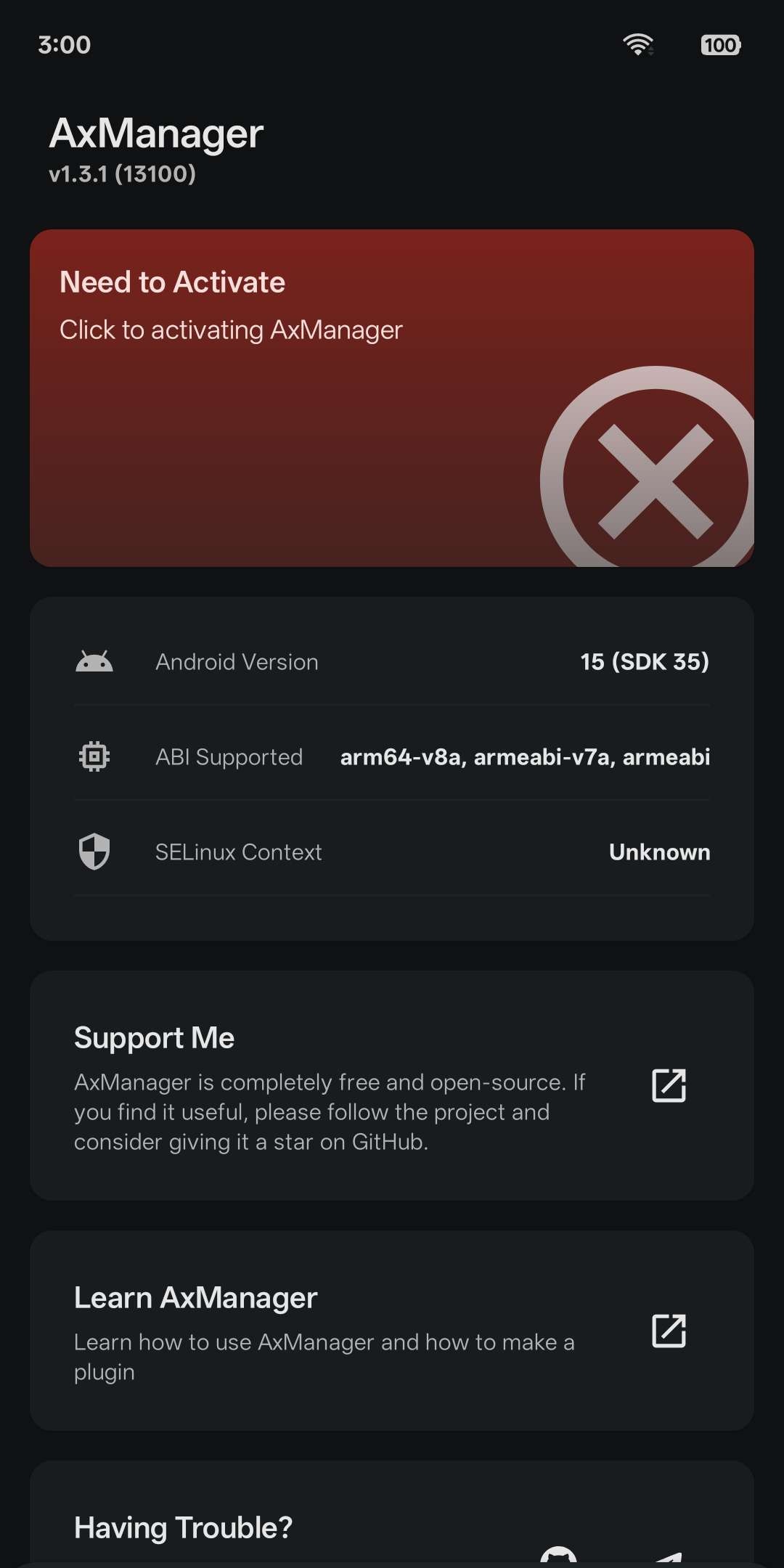
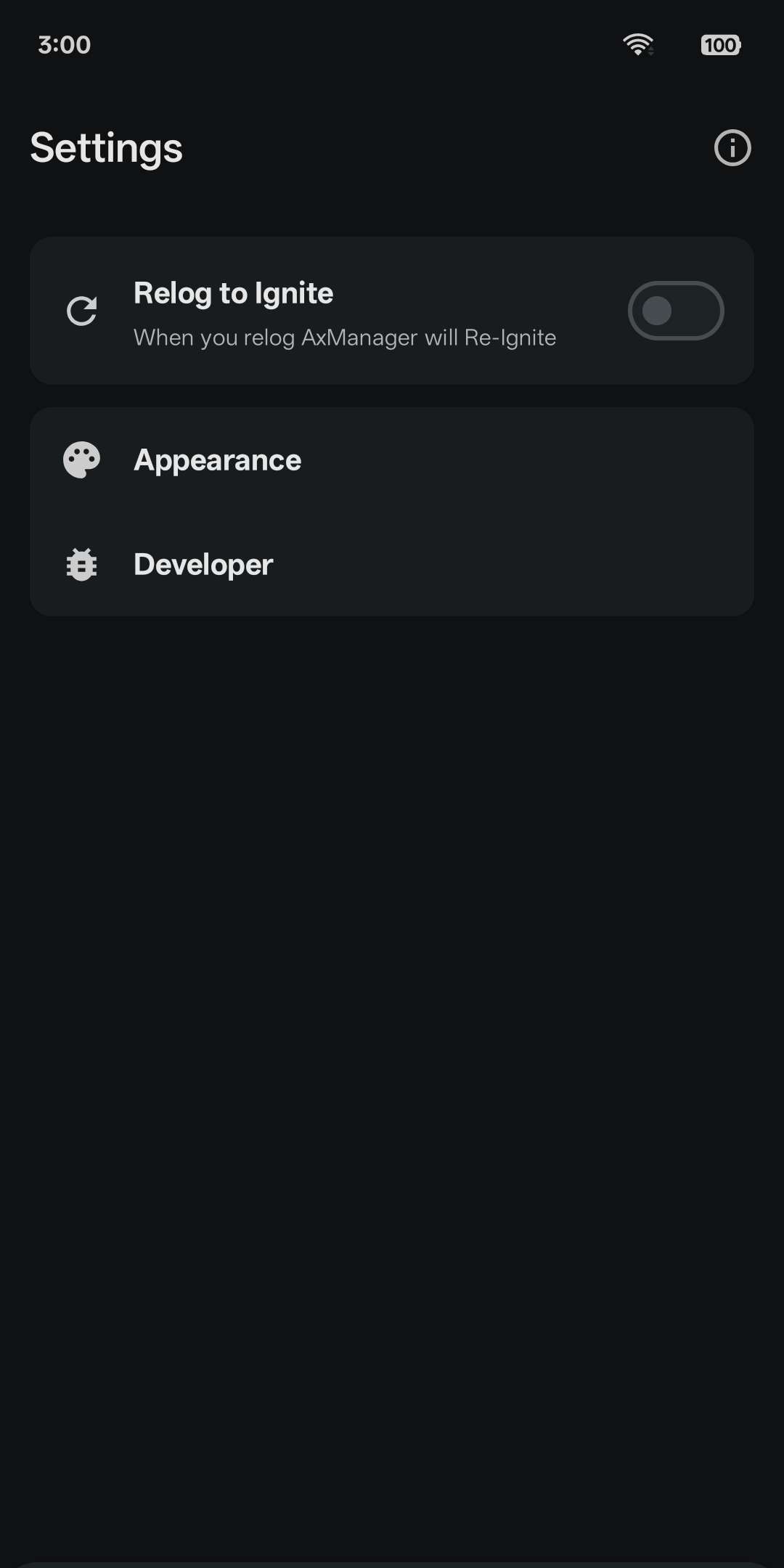
About this app
AxManager, also called Axeron Manager, is a toolbox for people who want more control over their own phone. When you start it, it runs a small helper in the background with the same permissions as the Android shell, the level a computer gets when you connect it with ADB, Android's developer tool. If your phone is rooted, it can run as root instead.
In the Privilege tab you choose which apps may use it and manage each one: force stop it, clear its cache or data, change battery and background settings, and grant or revoke permissions. Apps built for Shizuku, a helper app that lets other apps use extra system permissions without root, can connect to AxManager too once you switch that on in Settings, though a few older ones still need the Shizuku app installed. QuickShell lets you type commands and save them as snippets, and a bundled tool called axsh gives a terminal app the same powers. A settings editor lets you change Android's behind-the-scenes system settings. Plugins are add-on packages laid out like the modules of Magisk, a rooting tool, but they do not need root, and some have their own web-style screens.
It suits people comfortable with Android's developer options. It needs Android 8.0 or newer and one of these to start: root, Wireless Debugging (Android 11 or newer, on Wi-Fi, no computer needed), a computer running a single ADB command, or a second phone joined by a USB cable. After a restart you normally start it again. Root, or ADB on Android 11 or newer, can do that automatically, but the ADB way is marked experimental. Over ADB it stops if you turn off Developer options or USB debugging. Commands and plugins run with extra permissions, so only use ones you trust. The project's own store text calls it early development and beta. It is independent and not affiliated with Shizuku. The interface is in English, Indonesian and Chinese.
From the app’s home page
- See the codeHow it’s made, every line is public
- WebsiteThe app’s own home page
- Questions & commentsTalk with the people who make it
- Report a problemTell the makers something is broken
- All versionsOlder downloads and what changed
- LicenseThe rules for using and sharing it
More like this
 Shizuku
Let trusted apps do system-level jobs without rooting
Shizuku
Let trusted apps do system-level jobs without rooting
 App Manager
See inside your apps, install and back them up, with or without root
App Manager
See inside your apps, install and back them up, with or without root
 aShell You
Run ADB commands on the phone itself
aShell You
Run ADB commands on the phone itself
 Inure
A beautiful app manager for tinkerers
Inure
A beautiful app manager for tinkerers
 Shizu Call Recorder
Record phone calls on your phone without rooting it
Shizu Call Recorder
Record phone calls on your phone without rooting it
 Activity Manager
Open hidden app screens, make shortcuts, peek inside apps
Activity Manager
Open hidden app screens, make shortcuts, peek inside apps