
This comes straight from Activity Manager’s own GitHub page, and it’s free. Need help installing?
What it looks like
About this app
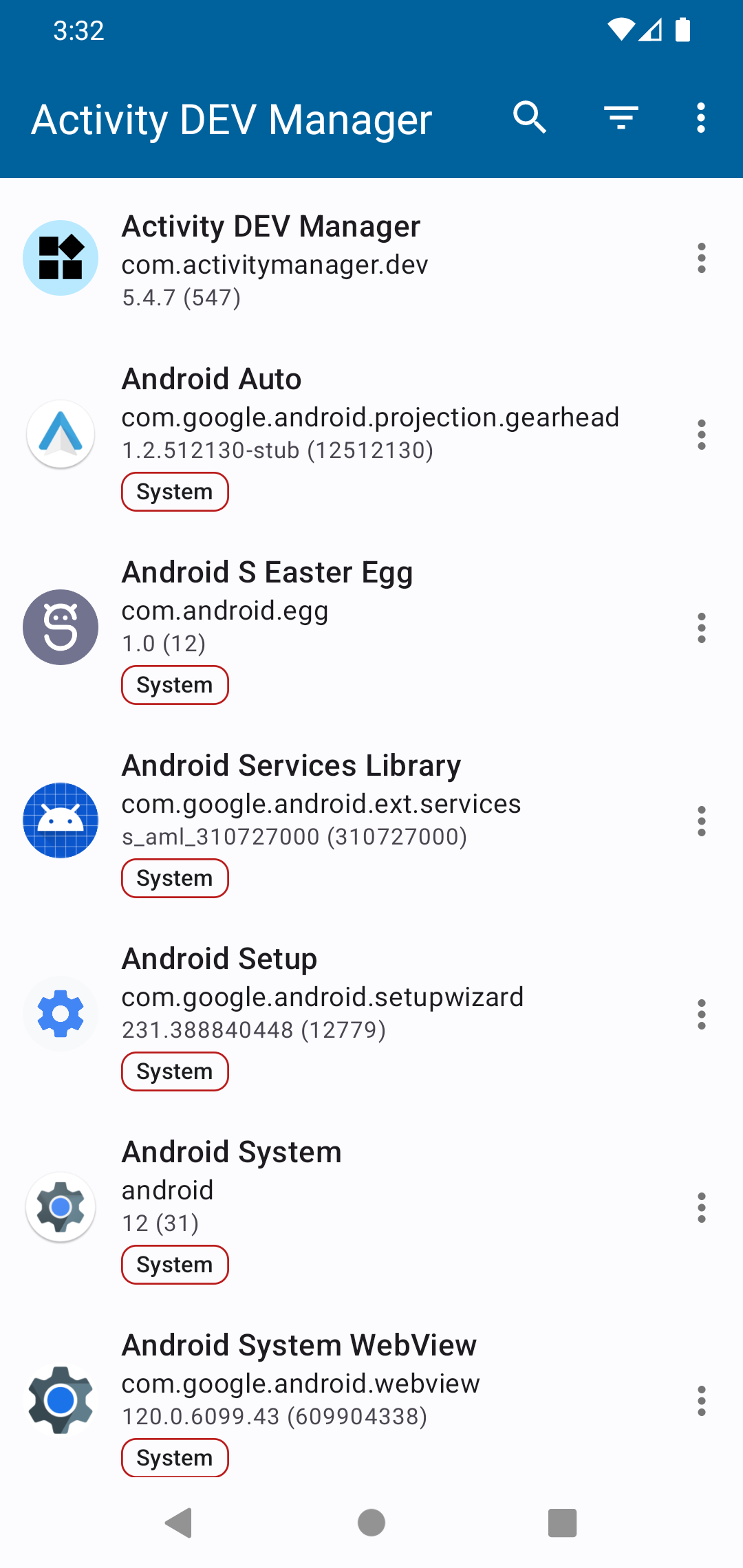
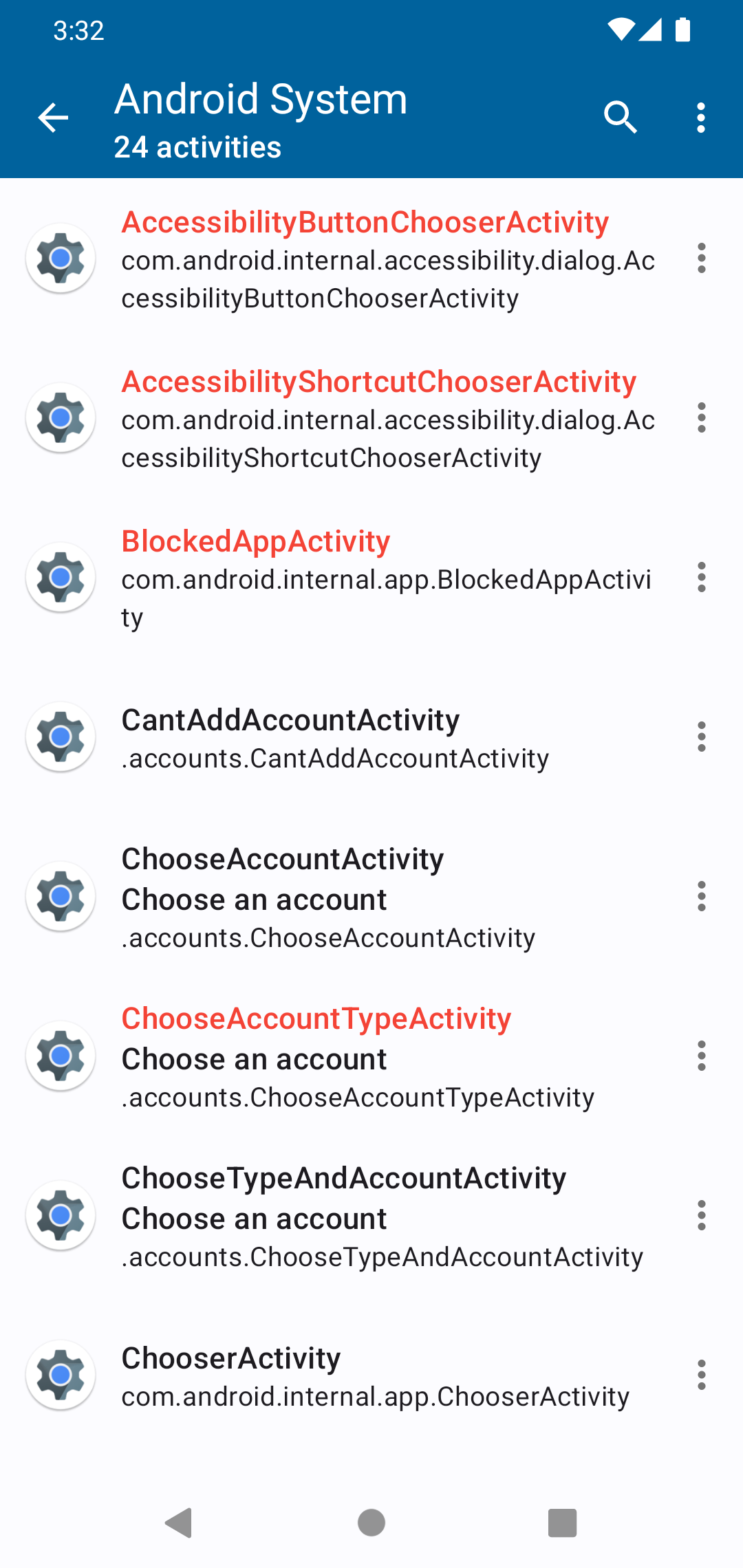
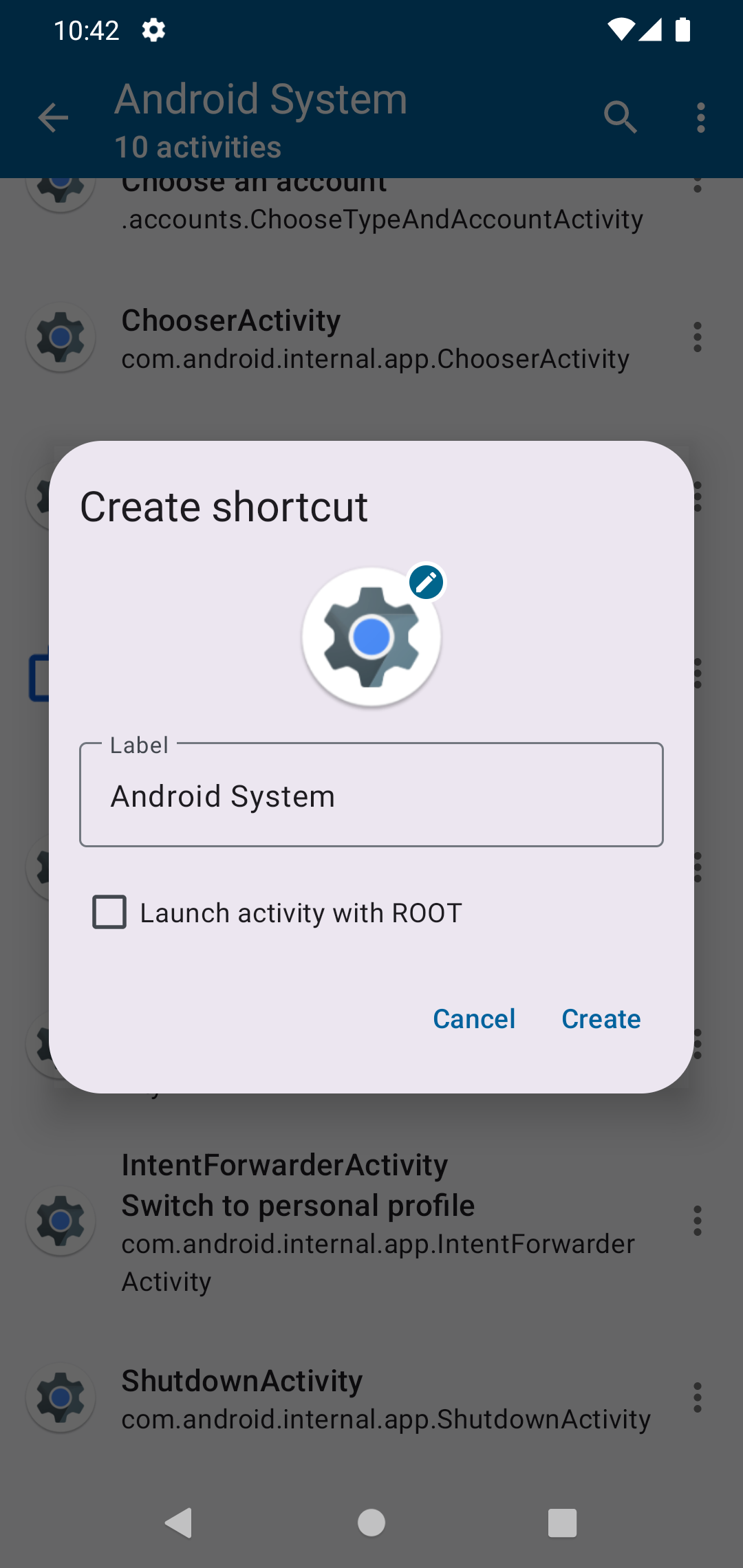
Activity Manager shows every app on your phone with the separate screens inside it, which Android calls activities. Many screens have no icon, such as a hidden settings page. You can open any of these screens directly, or turn one into a shortcut on your home screen.
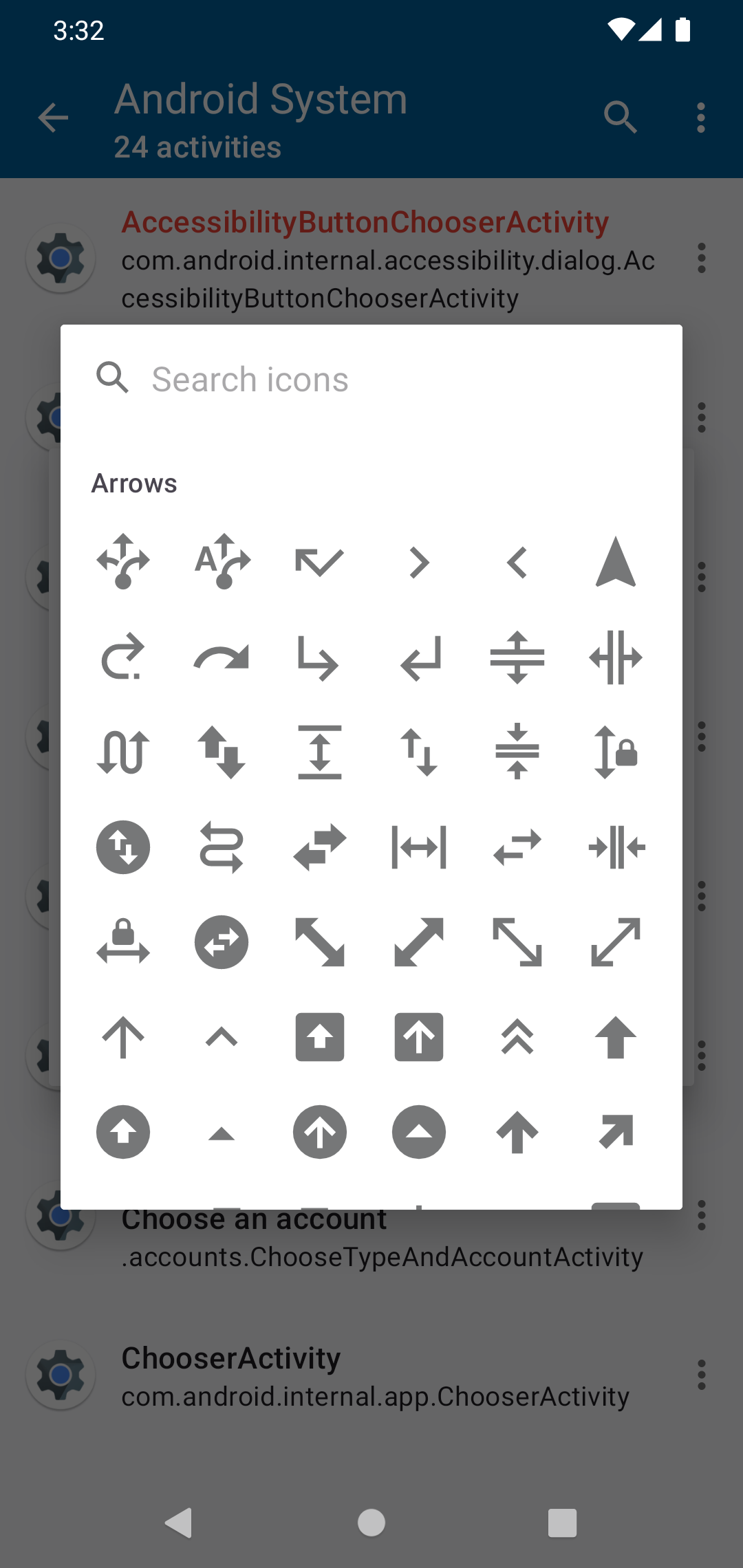
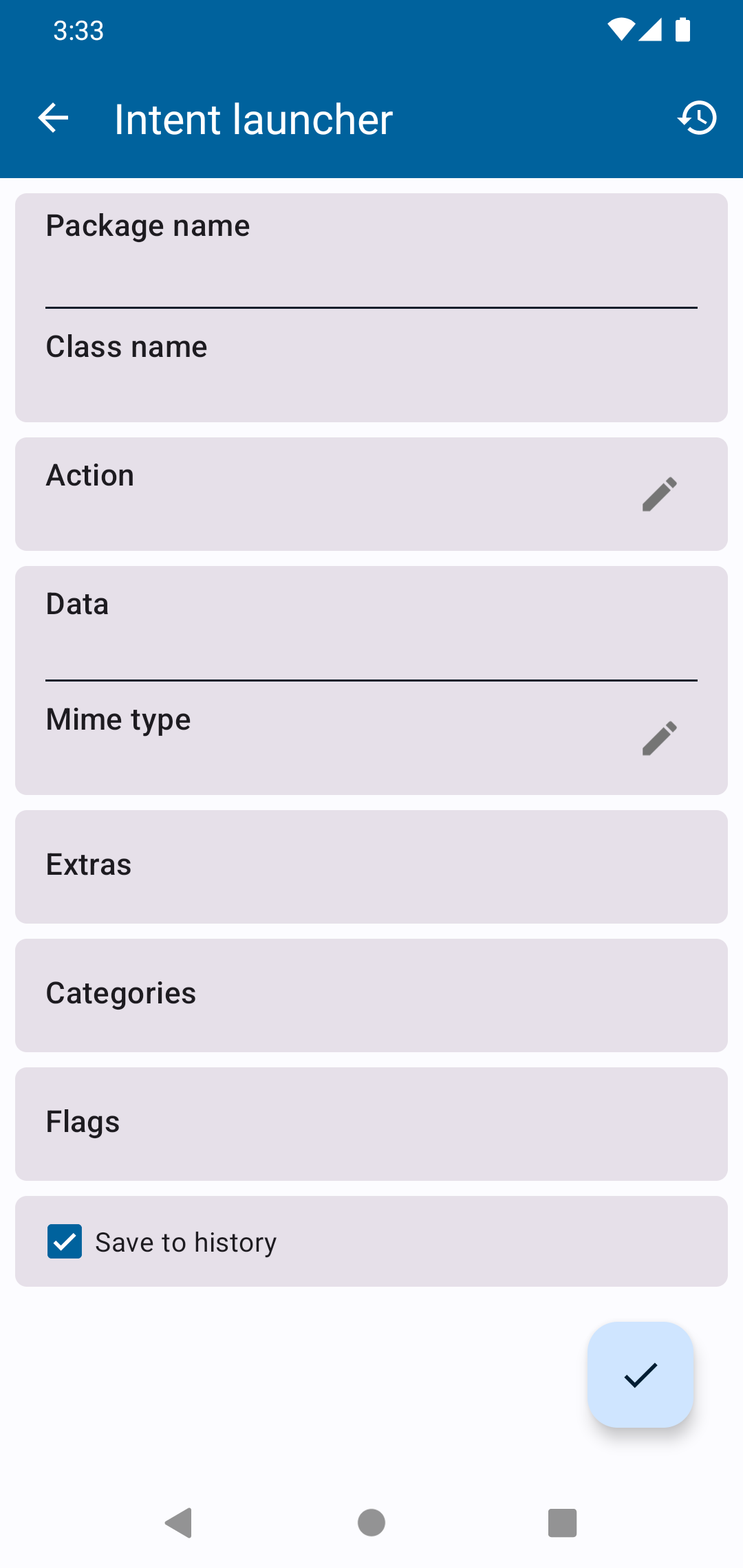
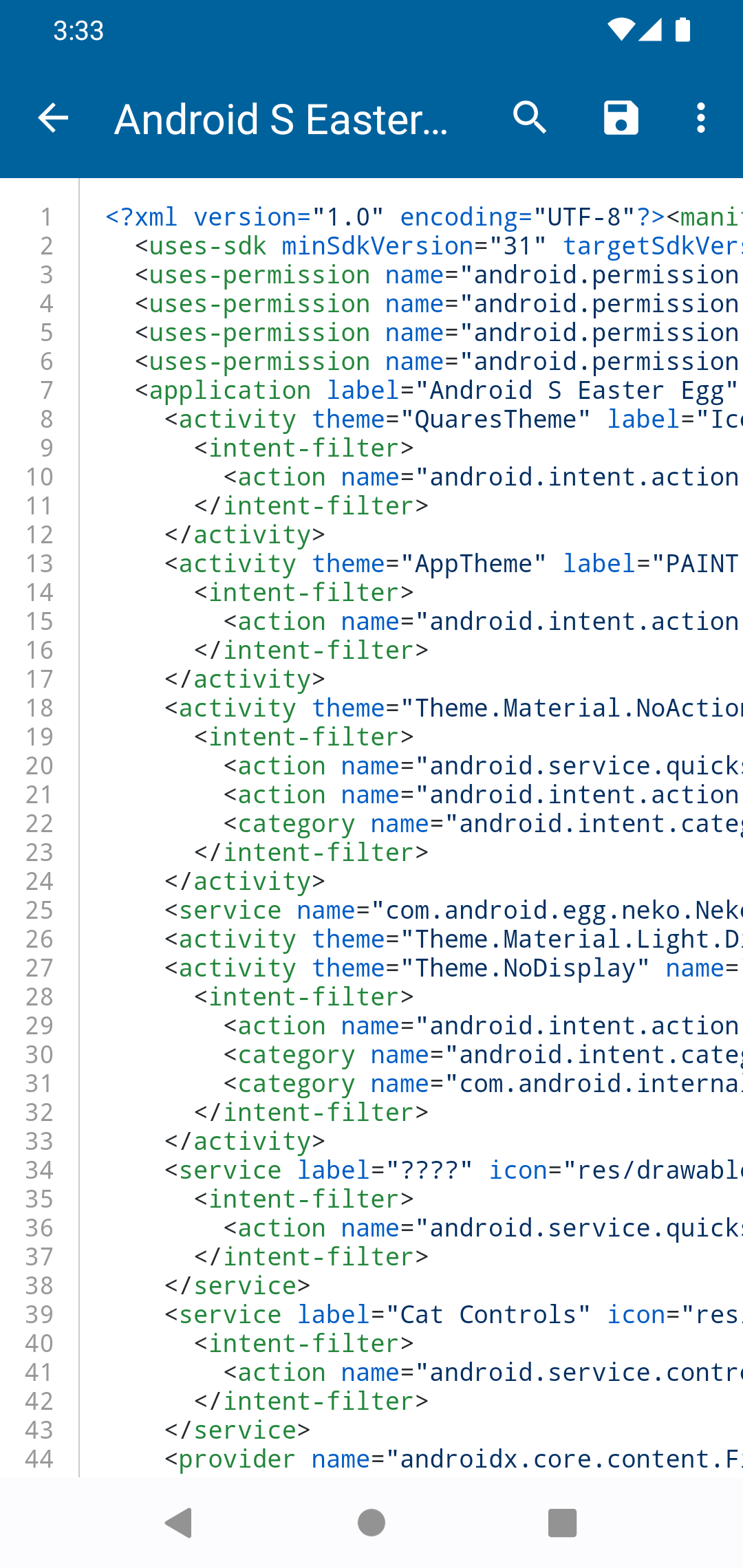
You can choose a shortcut's icon from your own pictures or from a built-in set of Material icons, and pin favourite apps to the top of the list. The Intent Builder lets you write your own intents, which are small messages that tell Android to open a screen or do a job, and send them. A history keeps the ones you ran, so you can load them again, make a shortcut, or copy them out as a link or a shell command. The Manifest Viewer shows what an app declares about itself in its information file, and it has a search bar. If you switch it on in the settings, the app also appears in the share and open menus, so you can look inside the intents other apps send.
At first it opens only the screens that apps allow others to open. Screens an app keeps private can be opened only with root access, or with Shizuku, a helper app that lets other apps use extra system permissions without root. The app has a short guide for setting Shizuku up. These private screens stay hidden until you turn them on in the settings, and then they show in red. With Shizuku, the app briefly swaps your phone's assistant app setting to open a private screen and then restores it, and it has Shizuku grant it a protected permission to change secure settings. You need Android 6 or newer. The app asks for no internet permission, and its code has no ads or analytics libraries. The interface is in English, with translations including Spanish, Polish, Turkish, Ukrainian, Korean and Chinese.
From the app’s home page
- See the codeHow it’s made, every line is public
- Questions & commentsTalk with the people who make it
- Report a problemTell the makers something is broken
- All versionsOlder downloads and what changed
- LicenseThe rules for using and sharing it
More like this
 Activity Launcher
Open hidden screens inside apps and pin shortcuts to them
Activity Launcher
Open hidden screens inside apps and pin shortcuts to them
 Inure
A beautiful app manager for tinkerers
Inure
A beautiful app manager for tinkerers
 AxManager
Run shell commands and manage app permissions, with or without root
AxManager
Run shell commands and manage app permissions, with or without root
 Google Shortcuts Launcher
Jump straight to your favorite Google app features
Google Shortcuts Launcher
Jump straight to your favorite Google app features
 RebootNya
Restart into recovery or bootloader in one tap
RebootNya
Restart into recovery or bootloader in one tap
 Krude
Launch apps and actions by typing a few letters
Krude
Launch apps and actions by typing a few letters