
WikiReader
Read Wikipedia without the clutter, in over 300 languages
Made by nsh07 · free and open source
This comes straight from WikiReader’s own GitHub page, and it’s free. Need help installing?
What it looks like
About this app
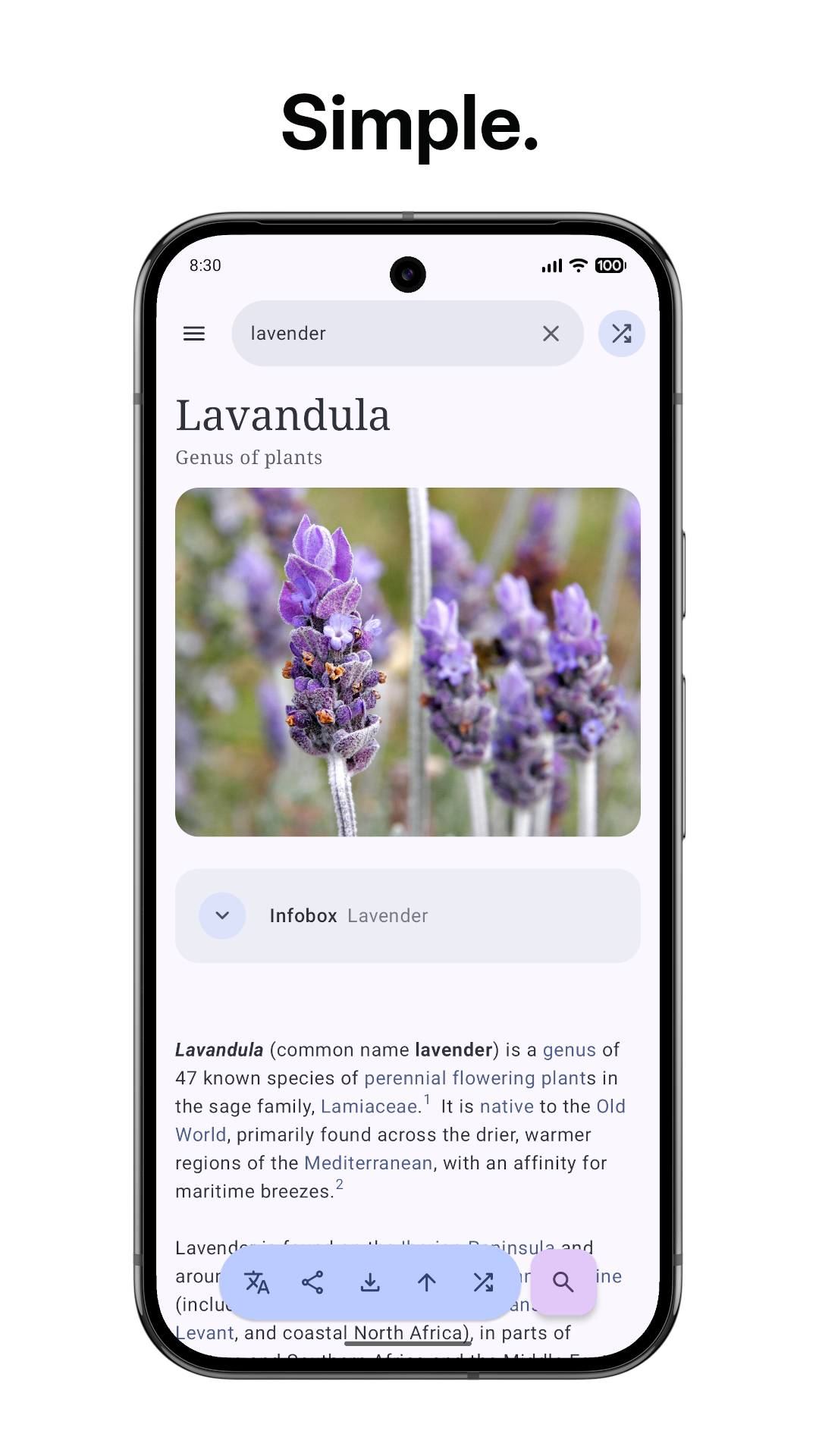
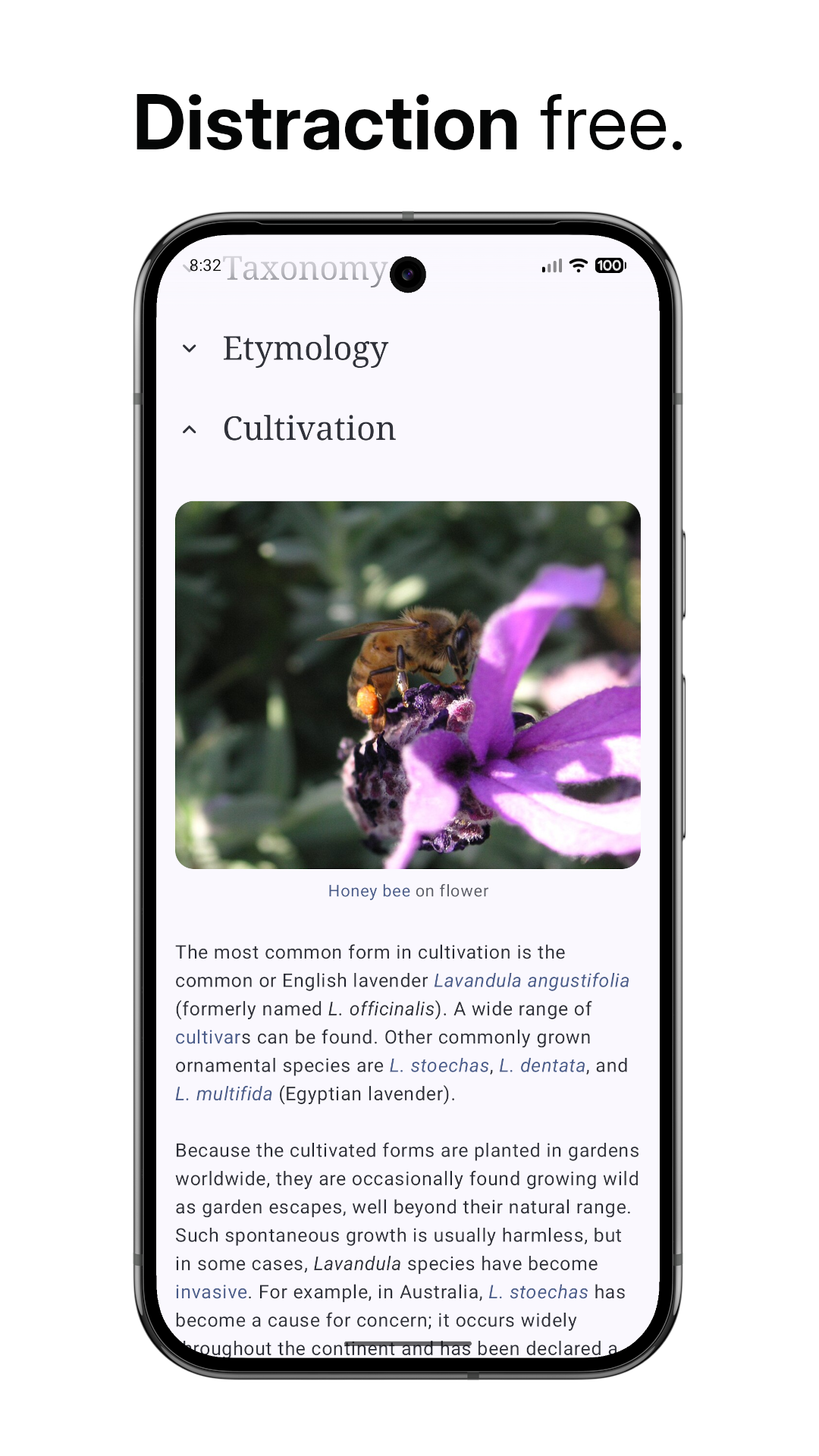
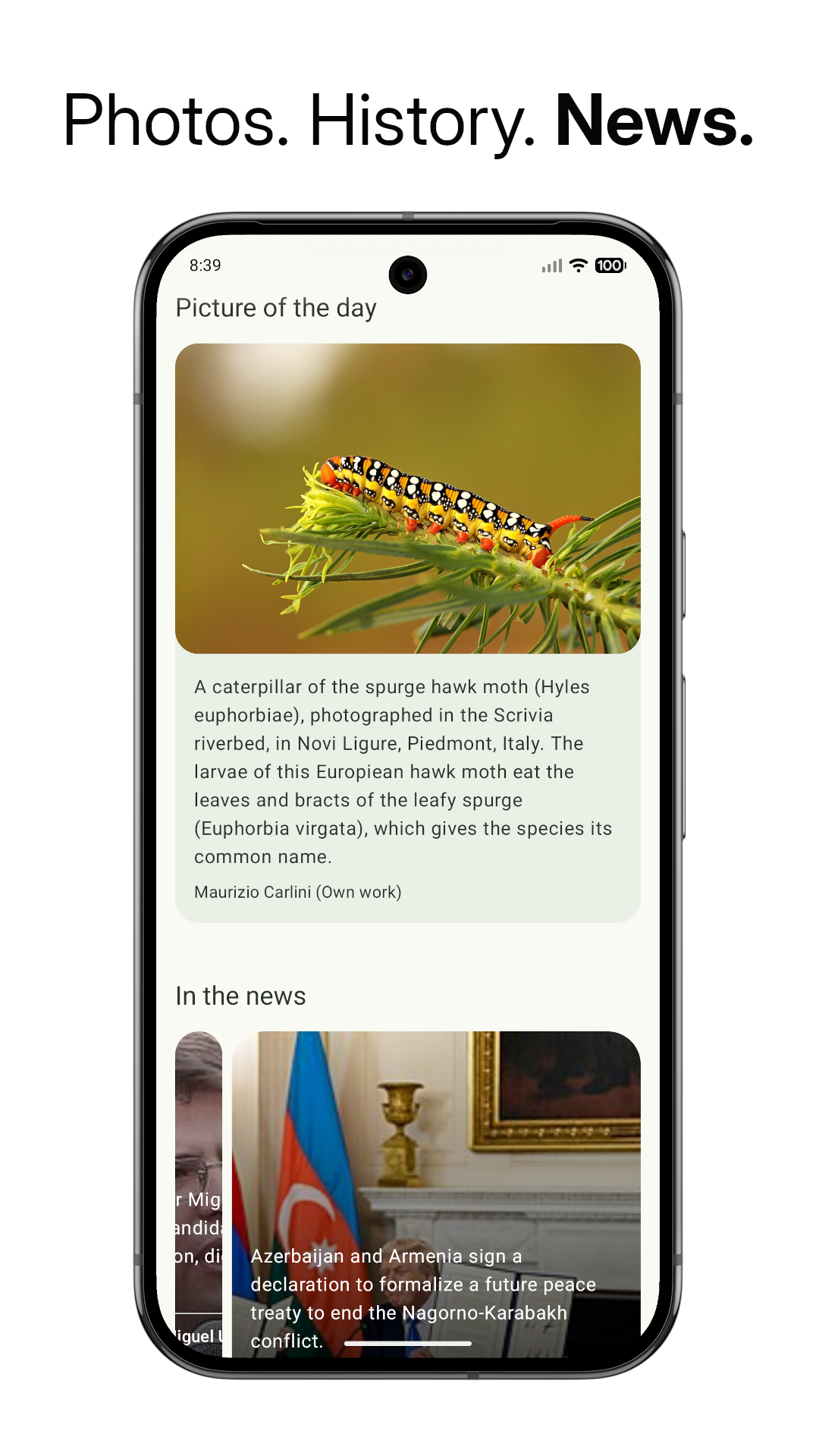
WikiReader is a small app for reading Wikipedia without the clutter. It shows the article and little else, loads the text first so you can start reading straight away, and lets you pick from over 300 Wikipedia languages.
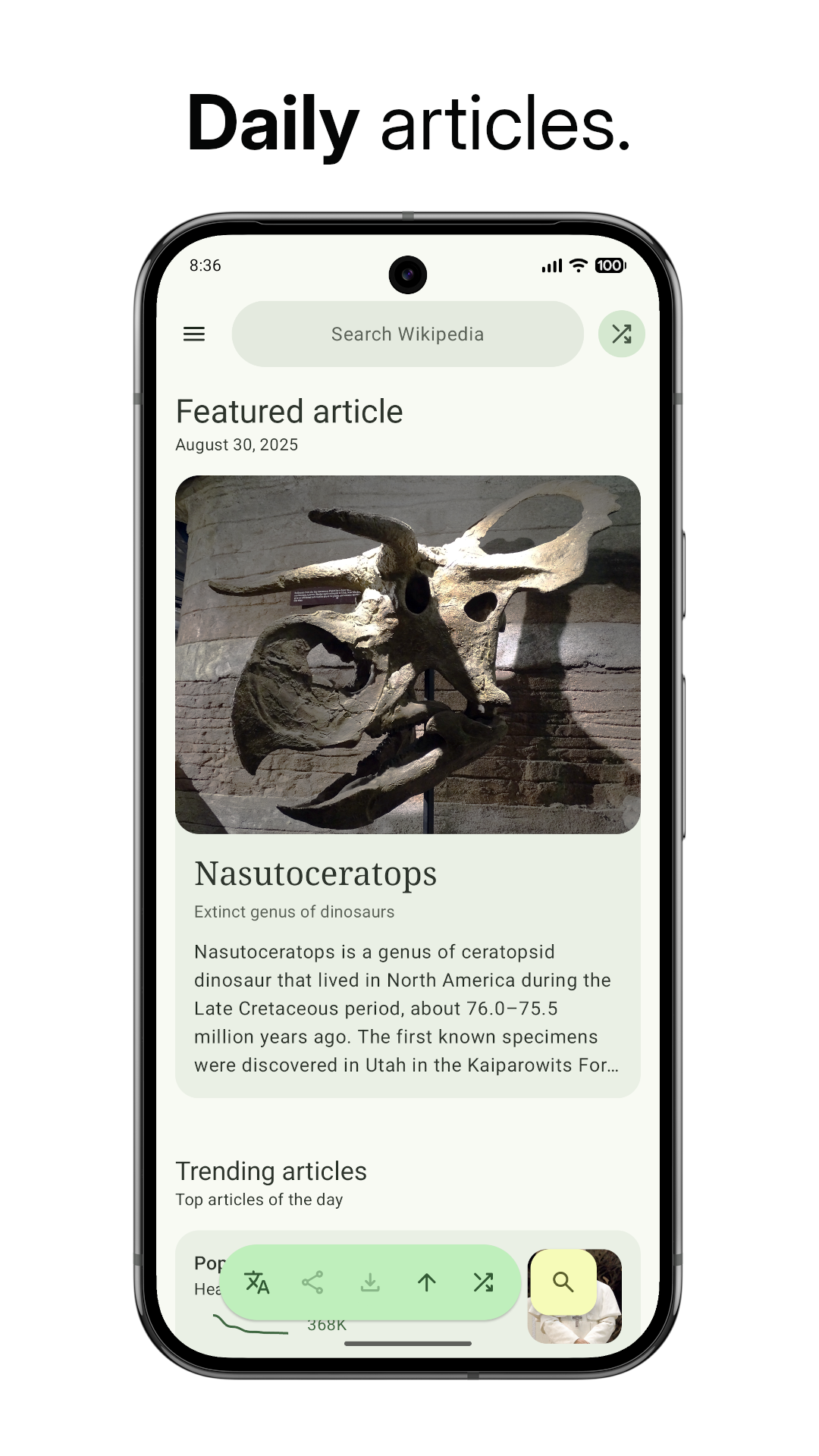
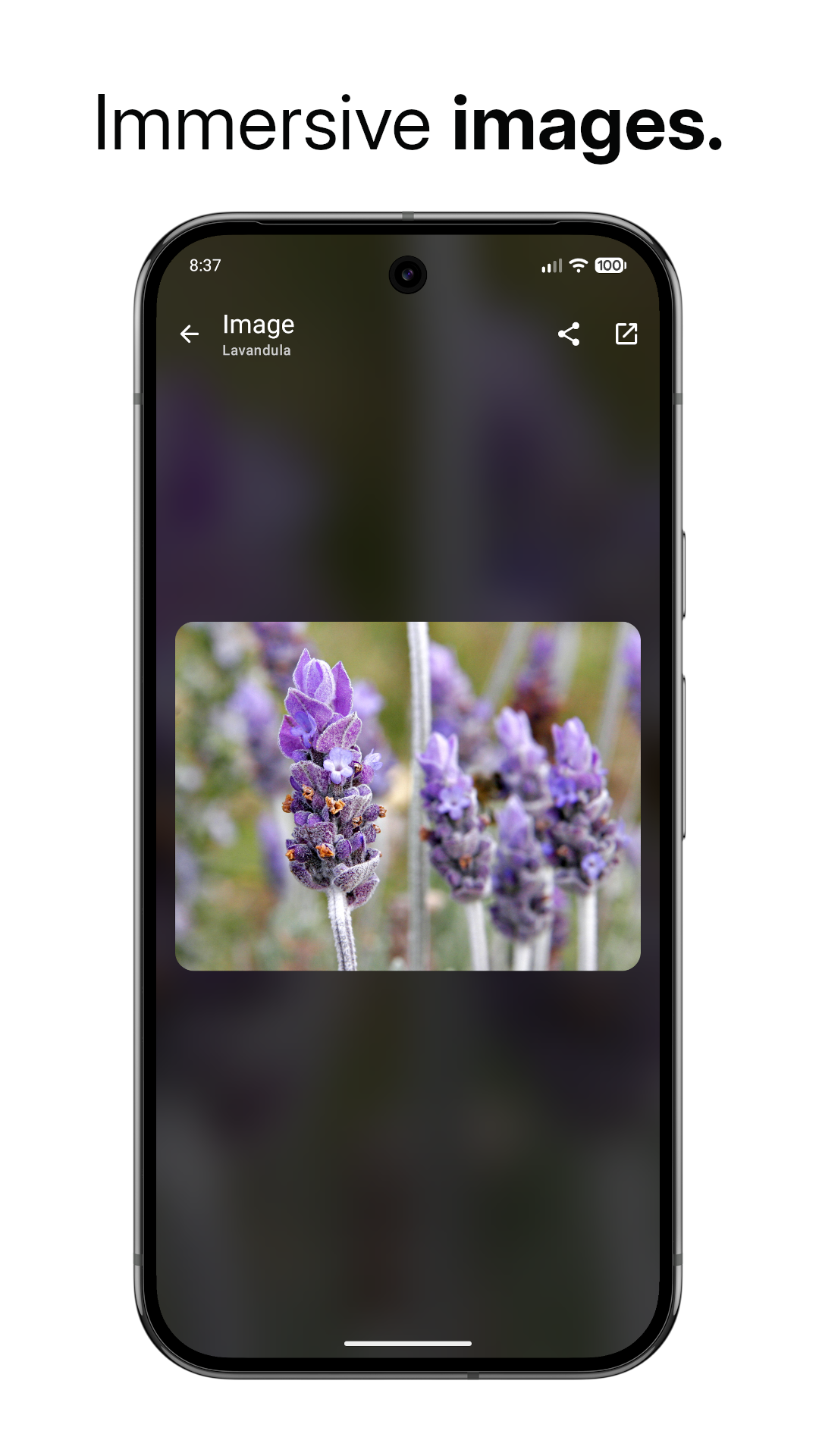
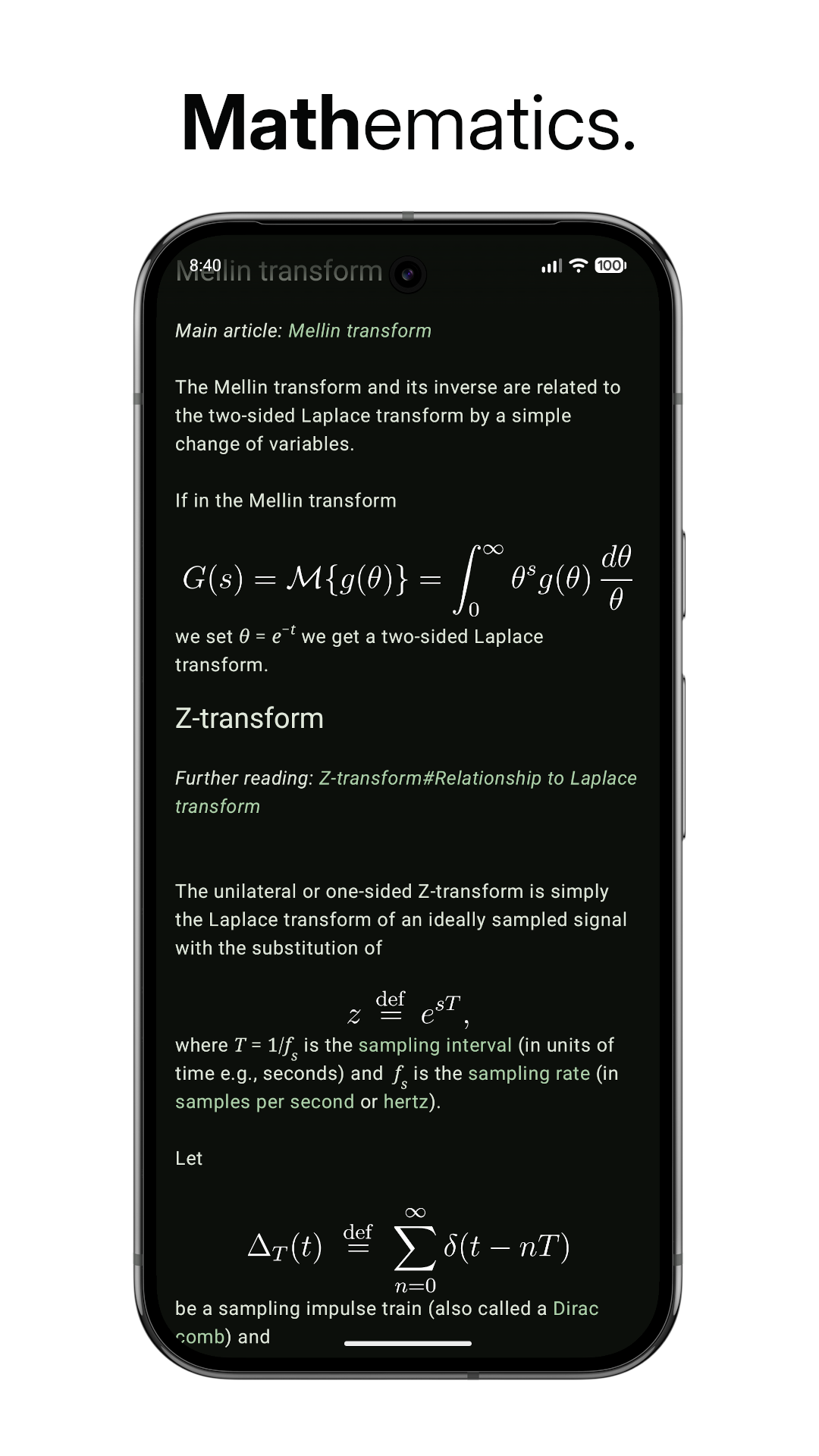
The feed shows the article of the day and trending articles, with a graph of how often each one has been read. A random article button is there for when you feel curious, and you can save articles to read offline. Tap an article's picture to see it full screen. The buttons sit at the bottom of the screen so you can use it with one hand, and the bars can hide while you scroll. Formulas in maths articles are shown as readable text. If your data plan is small, data saver mode loads text only. You can set the font size and choose light, dark or Material You colours.
It needs an internet connection for any article you have not saved, and the only permission it asks for is internet access. It is an independent app, not the official Wikipedia app.
From the app’s home page
- See the codeHow it’s made, every line is public
- Questions & commentsTalk with the people who make it
- Report a problemTell the makers something is broken
- All versionsOlder downloads and what changed
- LicenseThe rules for using and sharing it
More like this
 Aard 2
Look up words and Wikipedia articles offline
Aard 2
Look up words and Wikipedia articles offline
 Wikipedia
The official app for the free encyclopedia
Wikipedia
The official app for the free encyclopedia
 wallabag
Save articles now, read them later offline
wallabag
Save articles now, read them later offline
 Sav PDF Viewer
The simplest way to read a PDF
Sav PDF Viewer
The simplest way to read a PDF
 WikWok
Swipe through random Wikipedia articles like a short-video feed
WikWok
Swipe through random Wikipedia articles like a short-video feed
 Kotatsu Next
A light, fast manga reader that runs well on any phone
Kotatsu Next
A light, fast manga reader that runs well on any phone