This comes straight from Rufid’s own GitHub page, and it’s free. Need help installing?
What it looks like
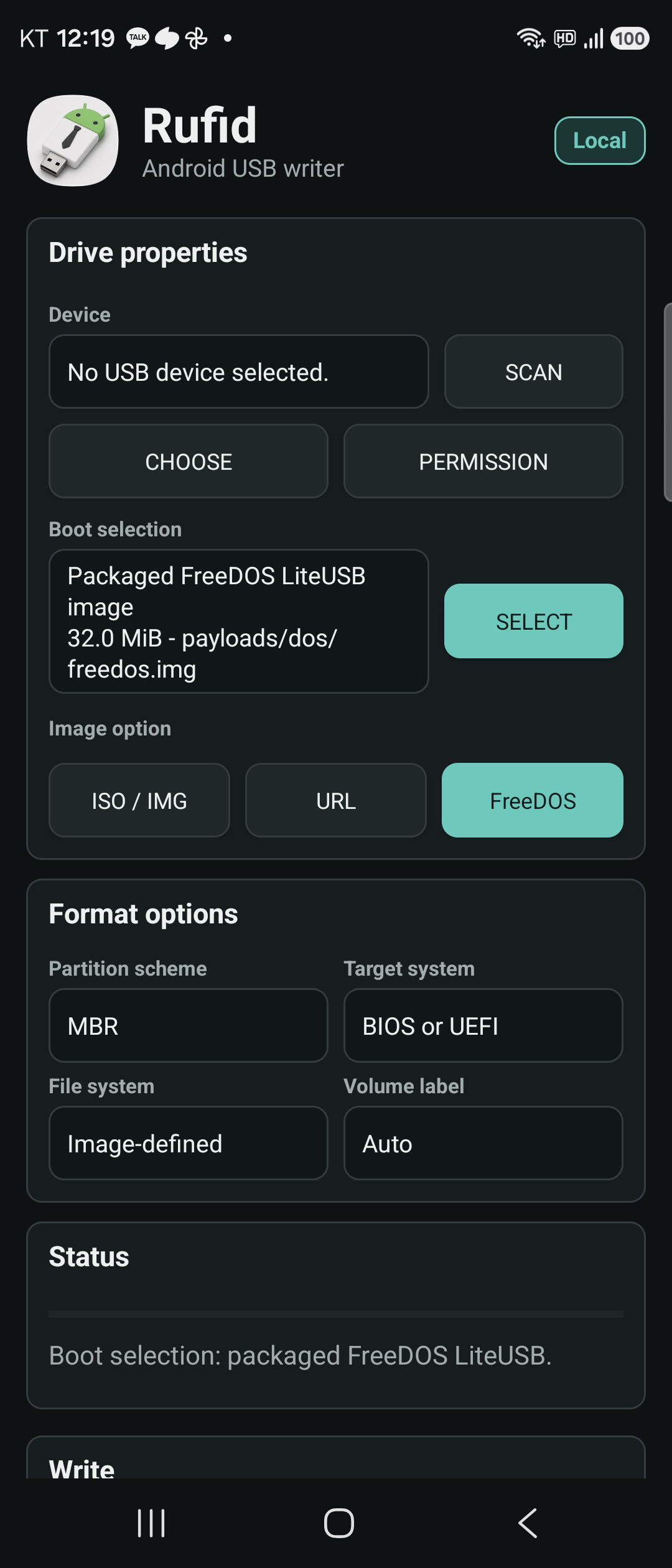
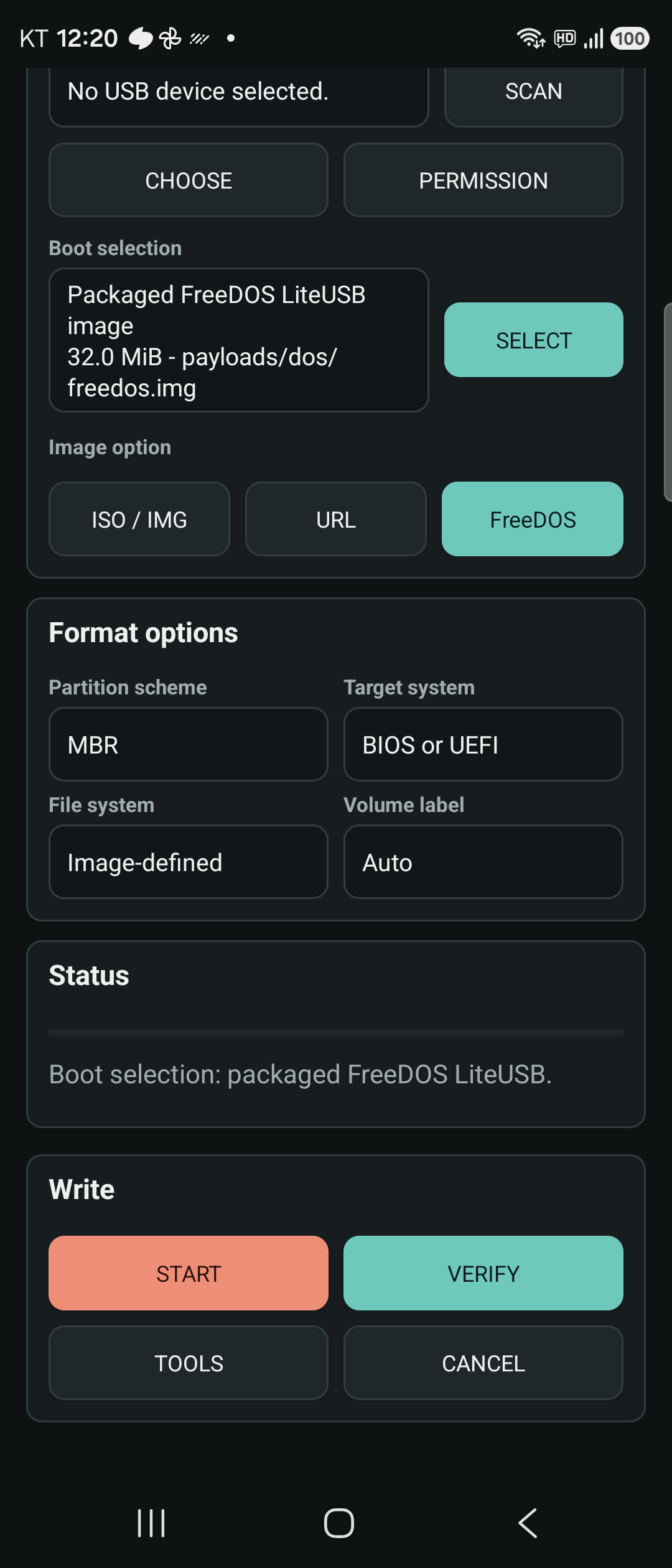
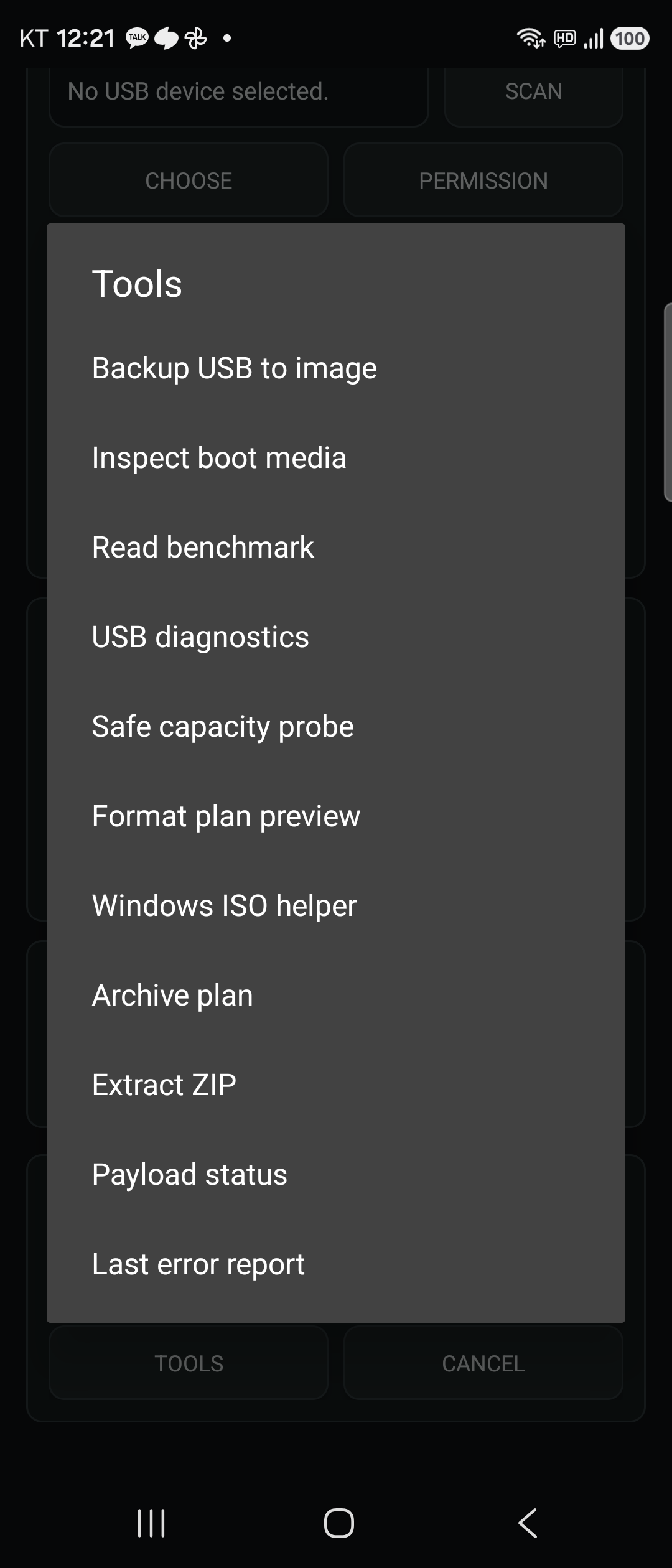
About this app
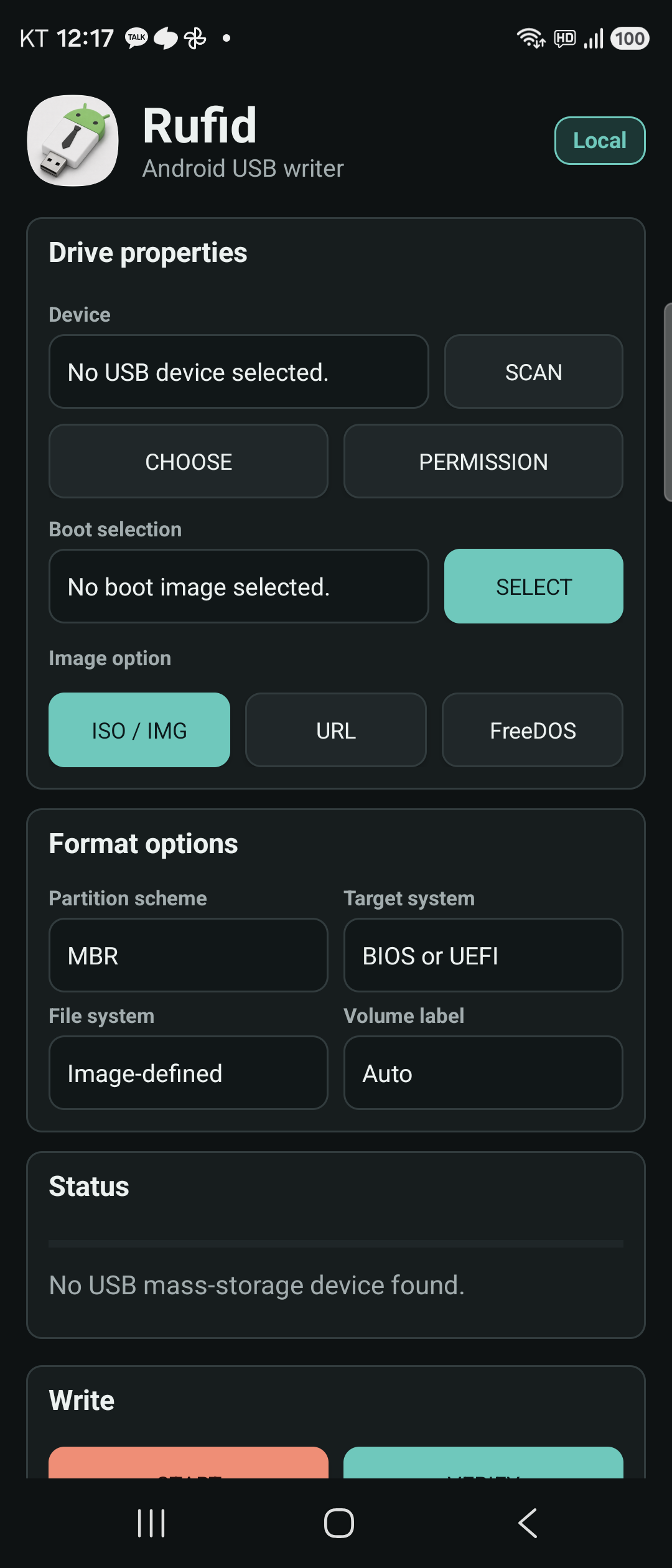
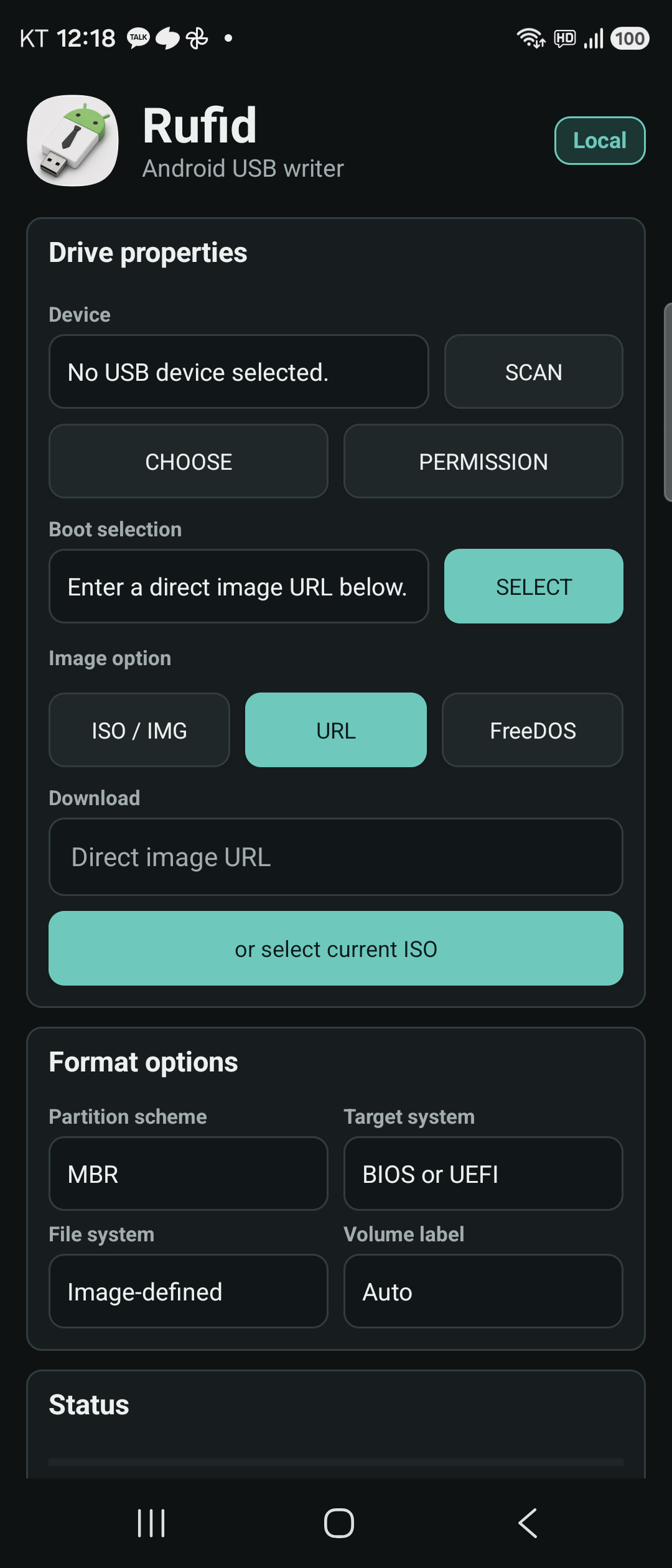
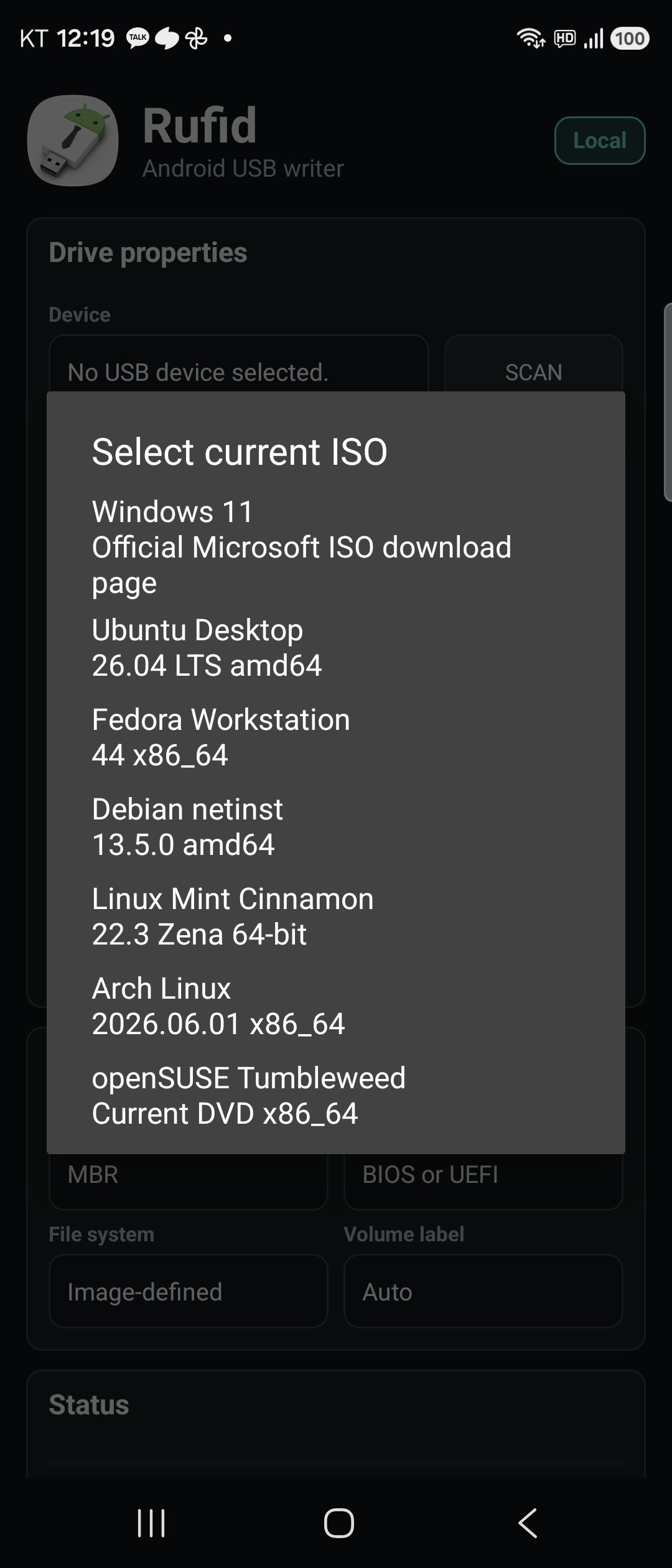
Rufid writes disk images onto a USB stick plugged into your phone, so you can build a Windows installer, a Linux live stick or a rescue drive without sitting at a computer. Pick the drive, pick an ISO from your files or paste a download link, and it writes it.
It can also bring a dead stick back to life by clearing it and formatting a fresh FAT32 or exFAT volume, back up a whole drive to a file, look at what is already on a boot disk, and split oversized Windows install files so they fit on FAT32. There are no ads, no analytics and no crash reporting, and it never asks for root.
You need a USB OTG adapter, or a phone whose USB-C port can power the drive. Writing erases the stick, so Rufid shows you the plan first and makes you type a letter to confirm. It is not connected to Rufus, Ventoy or EtchDroid in any way.
From the app’s home page
- See the codeHow it’s made, every line is public
- Questions & commentsTalk with the people who make it
- Report a problemTell the makers something is broken
- All versionsOlder downloads and what changed
- LicenseThe rules for using and sharing it
More like this
 EtchDroid
Write a Linux install image to a USB stick from your phone
EtchDroid
Write a Linux install image to a USB stick from your phone
 Simple USB Terminal
Talk to Arduinos and other USB serial gadgets
Simple USB Terminal
Talk to Arduinos and other USB serial gadgets
 Ventoid
Make a bootable USB stick from your phone
Ventoid
Make a bootable USB stick from your phone
 Obtainium
Get app updates straight from the makers
Obtainium
Get app updates straight from the makers
 Komi Store
Browse and install apps released on GitHub
Komi Store
Browse and install apps released on GitHub
 InstallerX
A better dialog for installing app files
InstallerX
A better dialog for installing app files