
This download comes from F-Droid, a trusted library of free open-source apps. Need help installing?
What it looks like
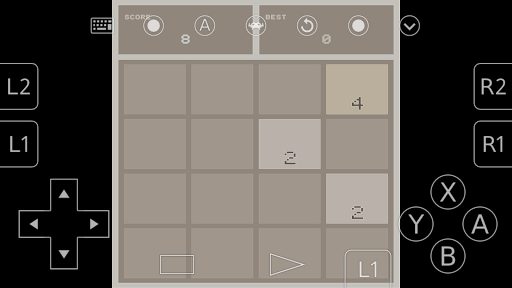
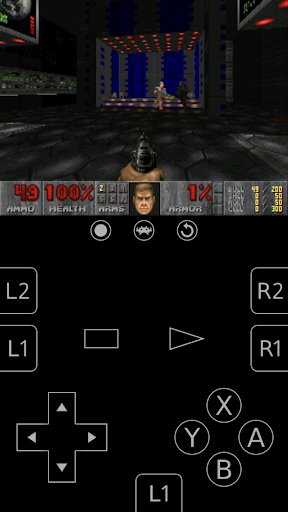
About this app
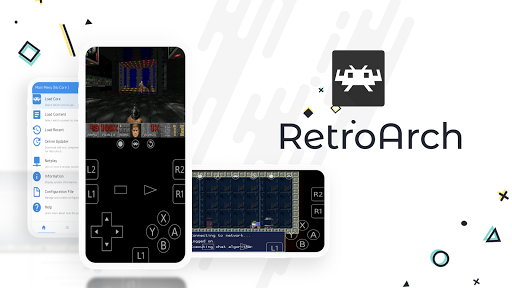
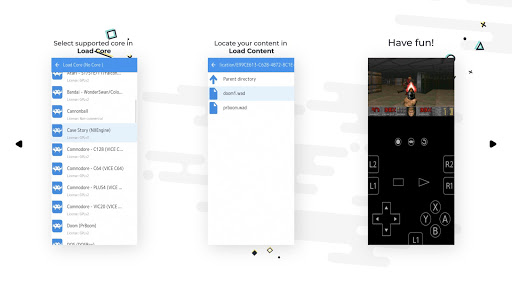
RetroArch plays games from the consoles and home computers people grew up with: the NES, Mega Drive, Game Boy, PlayStation and many more, all inside a single app. Each system is handled by a small plug-in called a core, and you download the cores you want from a list inside the app; there are more than eighty of them.
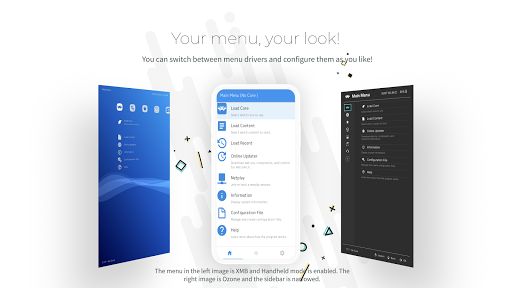
Point it at a folder of games and it sorts them into collections and looks up details about each one. There are save states, rewind, cheat codes, control remapping for a Bluetooth gamepad or the on-screen buttons, picture filters that soften the pixels, and online multiplayer for the systems that support it. The menus are built for a gamepad or a TV as much as a touchscreen.
It comes with no games. You supply your own game files, and a few systems also want BIOS files from a console you own. RetroArch is deep and full of settings, so expect to spend a while in the menus before your first game starts, and the cores are fetched from libretro's own servers rather than bundled in.
From the app’s home page
- See the codeHow it’s made, every line is public
- WebsiteThe app’s own home page
- Questions & commentsTalk with the people who make it
- Report a problemTell the makers something is broken
- All versionsOlder downloads and what changed
- LicenseThe rules for using and sharing it
More like this
 Dolphin Emulator
Play GameCube and Wii games on your phone
Dolphin Emulator
Play GameCube and Wii games on your phone
 PPSSPP
Play your PSP games on your phone
PPSSPP
Play your PSP games on your phone
 Azahar
Play Nintendo 3DS games on your phone
Azahar
Play Nintendo 3DS games on your phone
 Vita3K
Play PlayStation Vita games on your phone
Vita3K
Play PlayStation Vita games on your phone
 ScummVM
Play classic point-and-click adventure games again
ScummVM
Play classic point-and-click adventure games again
 Panda3DS
A lighter way to play 3DS games on your phone
Panda3DS
A lighter way to play 3DS games on your phone