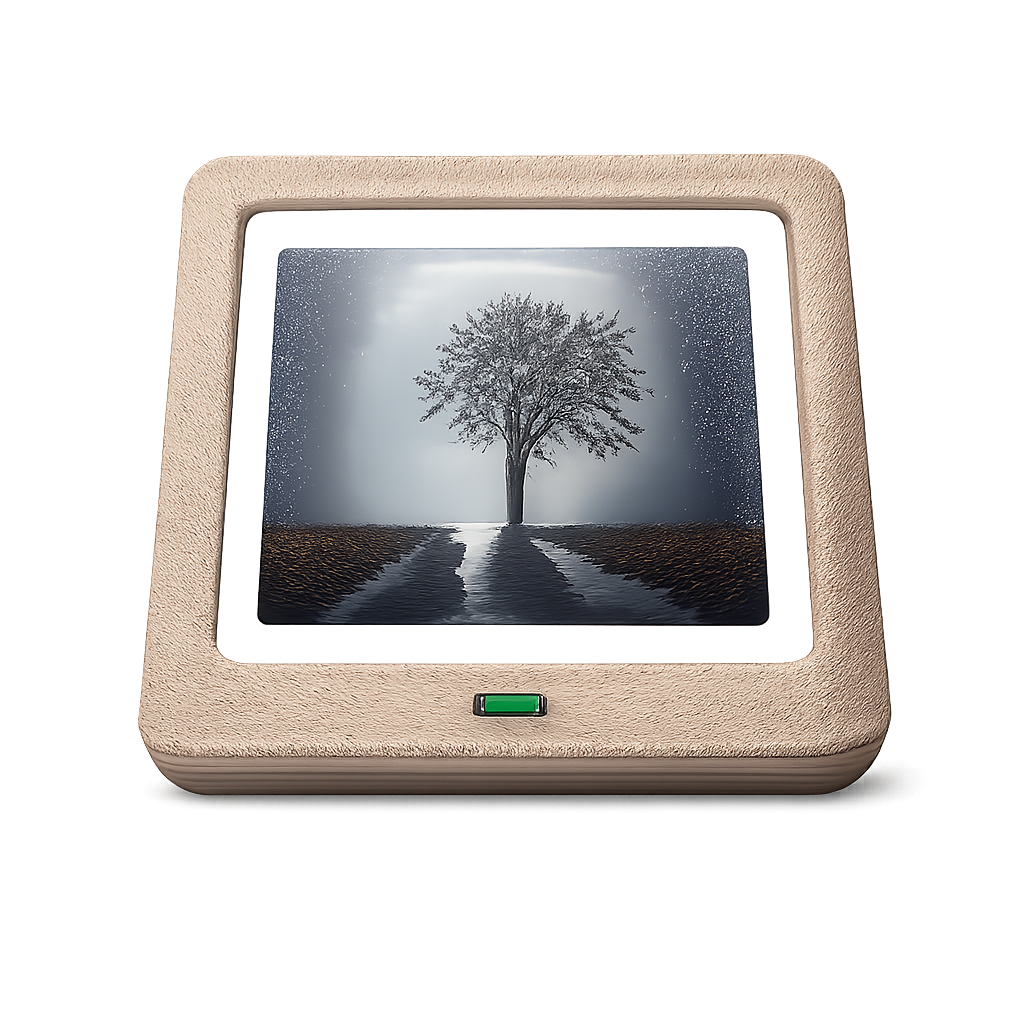
OpenPhotoFrame
Turn an old tablet into a photo frame, synced from Nextcloud
Made by micw · free and open source
This comes straight from OpenPhotoFrame’s own GitHub page, and it’s free. Need help installing?
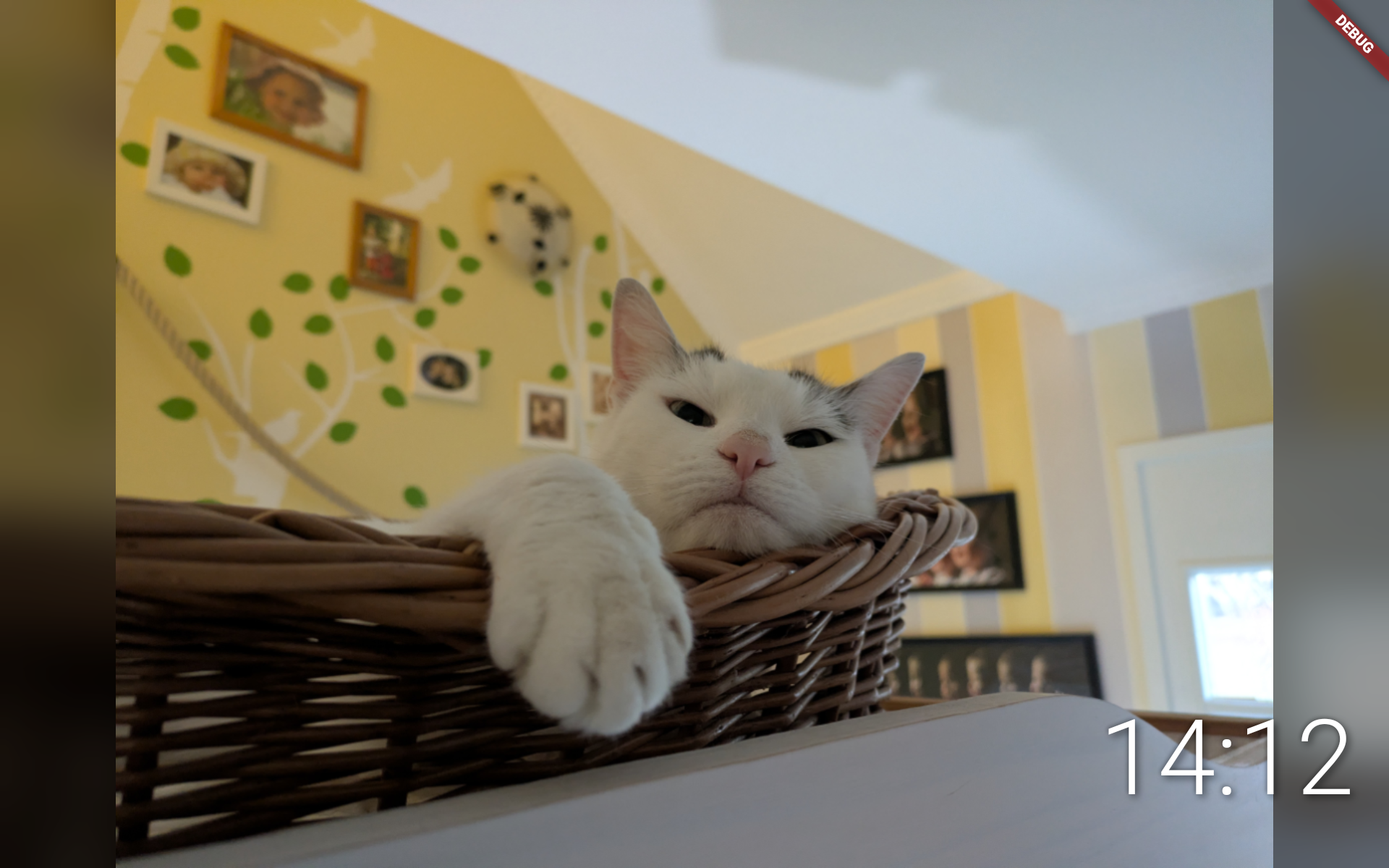
What it looks like
About this app
OpenPhotoFrame turns an old Android tablet into a digital photo frame. Prop it on a shelf and it shows your pictures one after another, fading from one to the next. There are no ads, no subscriptions and no tracking.
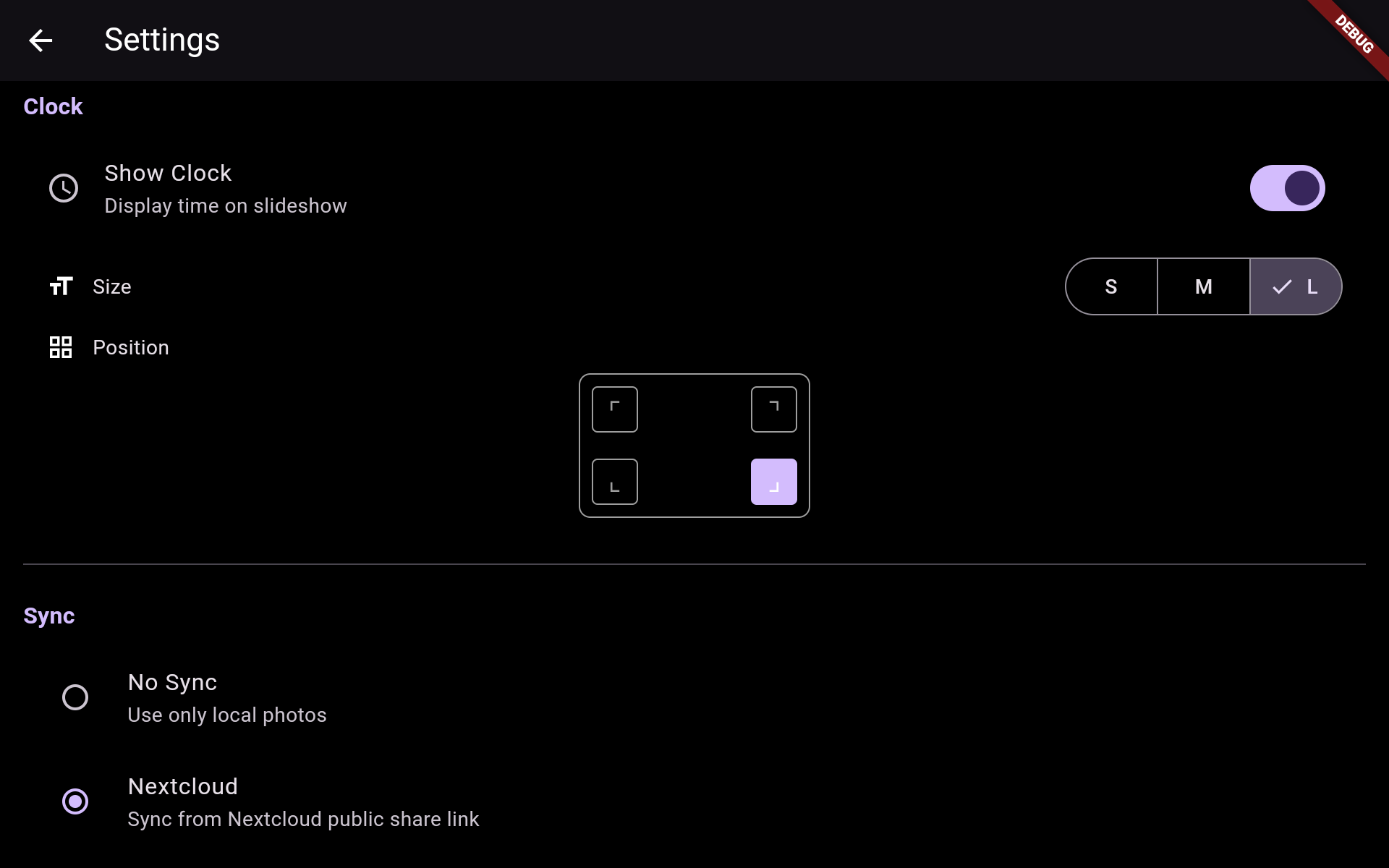
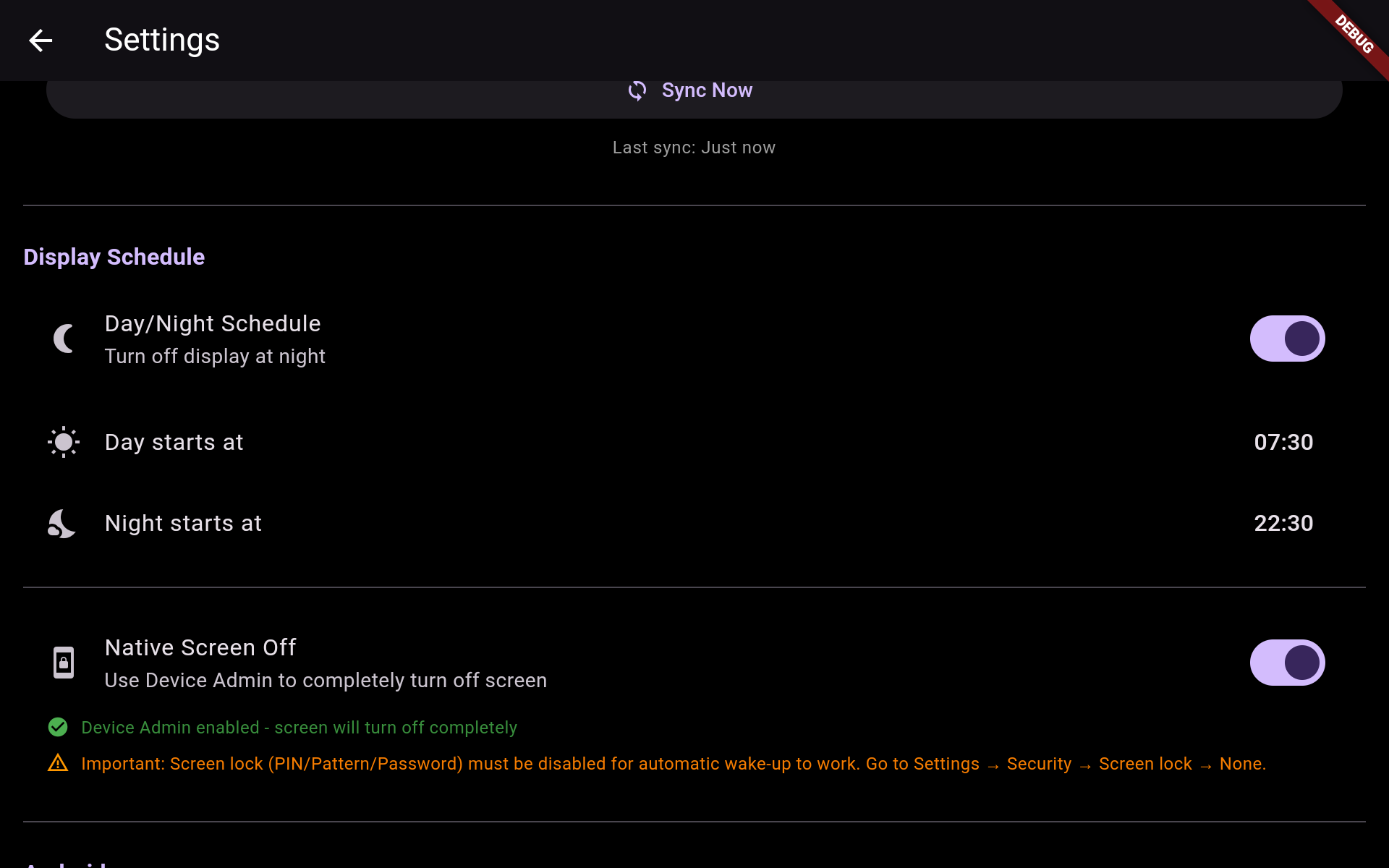
Photos can come from a Nextcloud share link, a Nextcloud or other WebDAV account with a username and password, a folder on the tablet, or the tablet's own gallery. Synced photos are kept on the tablet, so the frame keeps working offline. You choose how long each photo stays up (1 to 15 minutes), how often to sync, and whether to fill spare screen space with a blurred copy of the photo. It can also show a clock, or the date and place a photo was taken, and a night schedule turns the display off and back on at set times. Tap the middle of the screen for settings, or the edges to go back and forward.
To sync you need your own Nextcloud or WebDAV server. Turning the screen fully off needs Device Admin permission and no screen lock, otherwise it only dims. Place names are looked up through OpenStreetMap's Nominatim service, which means sending it the photo's coordinates, so that is off until you switch it on. The app is in English and German.
From the app’s home page
- See the codeHow it’s made, every line is public
- Questions & commentsTalk with the people who make it
- Report a problemTell the makers something is broken
- All versionsOlder downloads and what changed
- LicenseThe rules for using and sharing it
More like this
 NeriPlayer
One music player for your files and your accounts
NeriPlayer
One music player for your files and your accounts
 Sylvakru
Play your music from your phone or your own home server
Sylvakru
Play your music from your phone or your own home server
 Power Ampache 2
Stream your self-hosted music collection in style
Power Ampache 2
Stream your self-hosted music collection in style
 Floccus
Sync bookmarks between your browsers and phone through your own storage
Floccus
Sync bookmarks between your browsers and phone through your own storage
 Homer Audio Player
A big-button audiobook and podcast player for older or low-vision listeners
Homer Audio Player
A big-button audiobook and podcast player for older or low-vision listeners
 Immich
Back up your photos to a server you own
Immich
Back up your photos to a server you own