This comes straight from openCook’s own GitHub page, and it’s free. Need help installing?
What it looks like
About this app
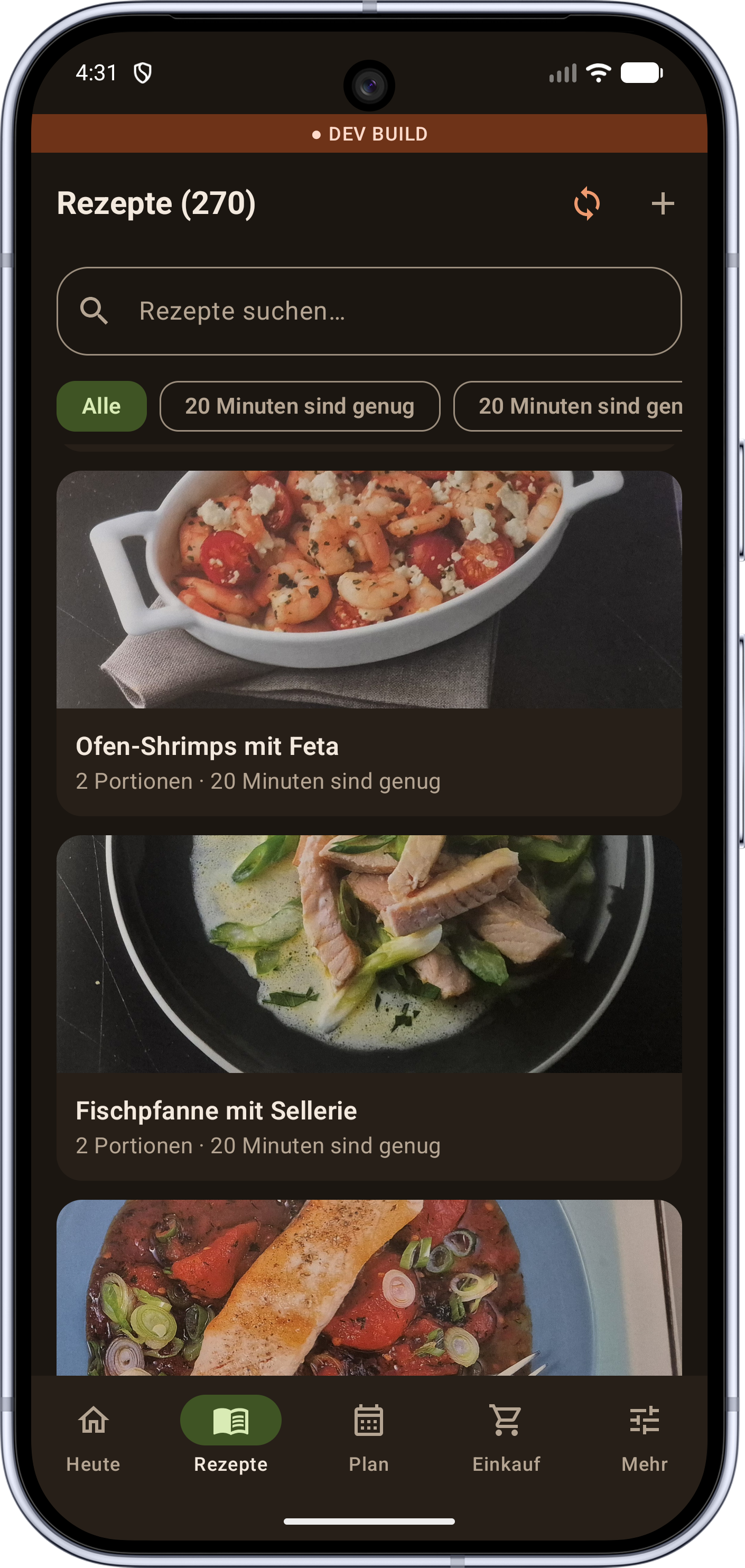
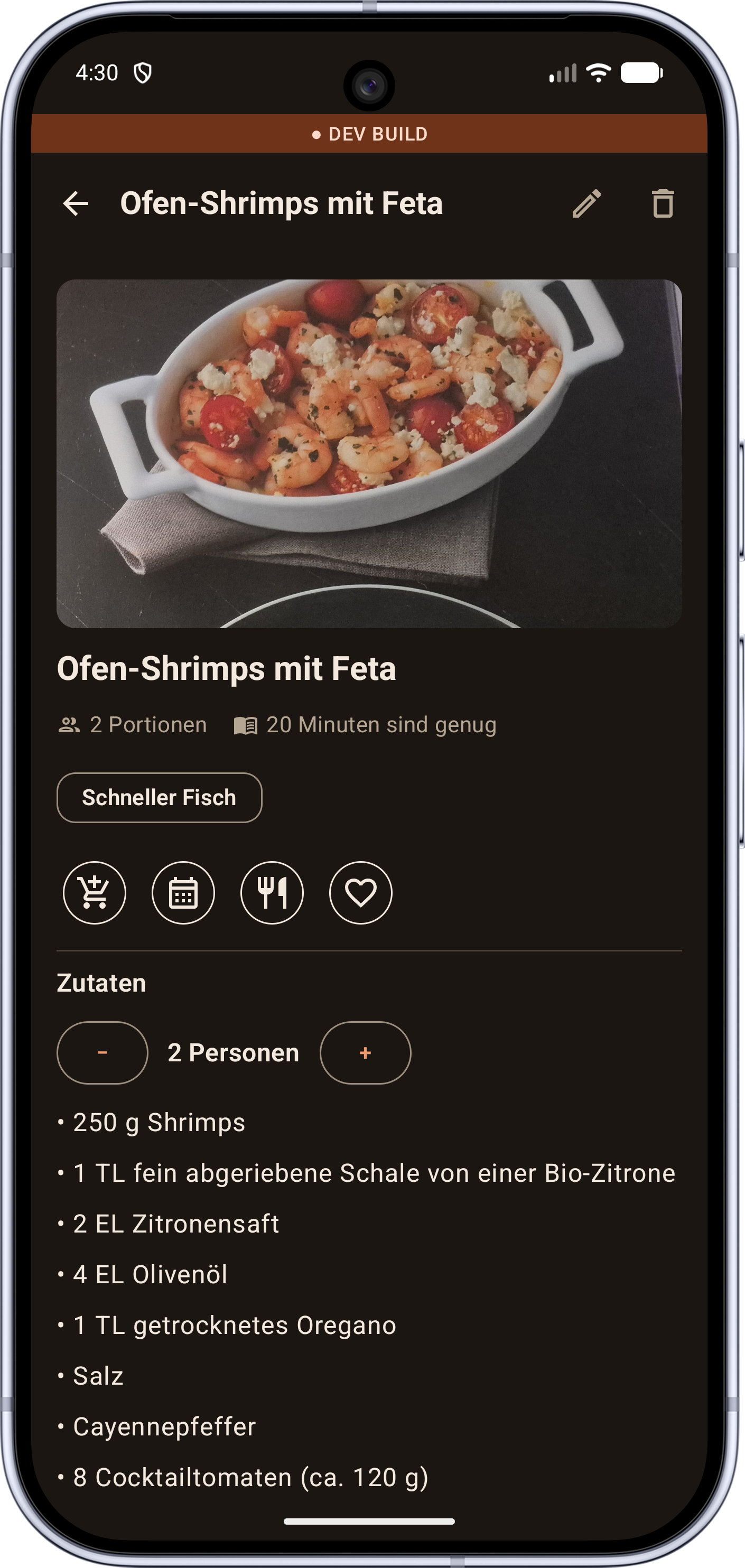
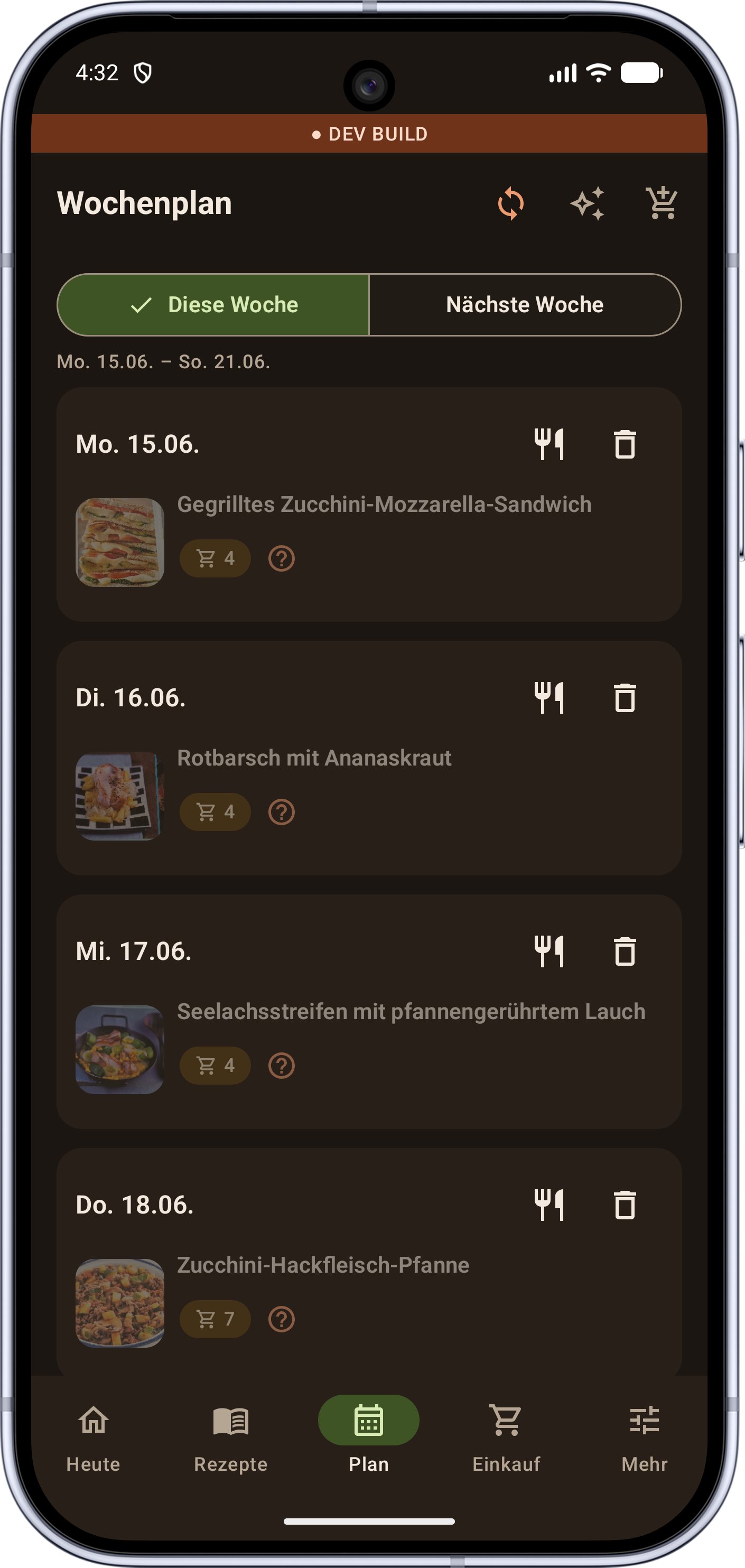
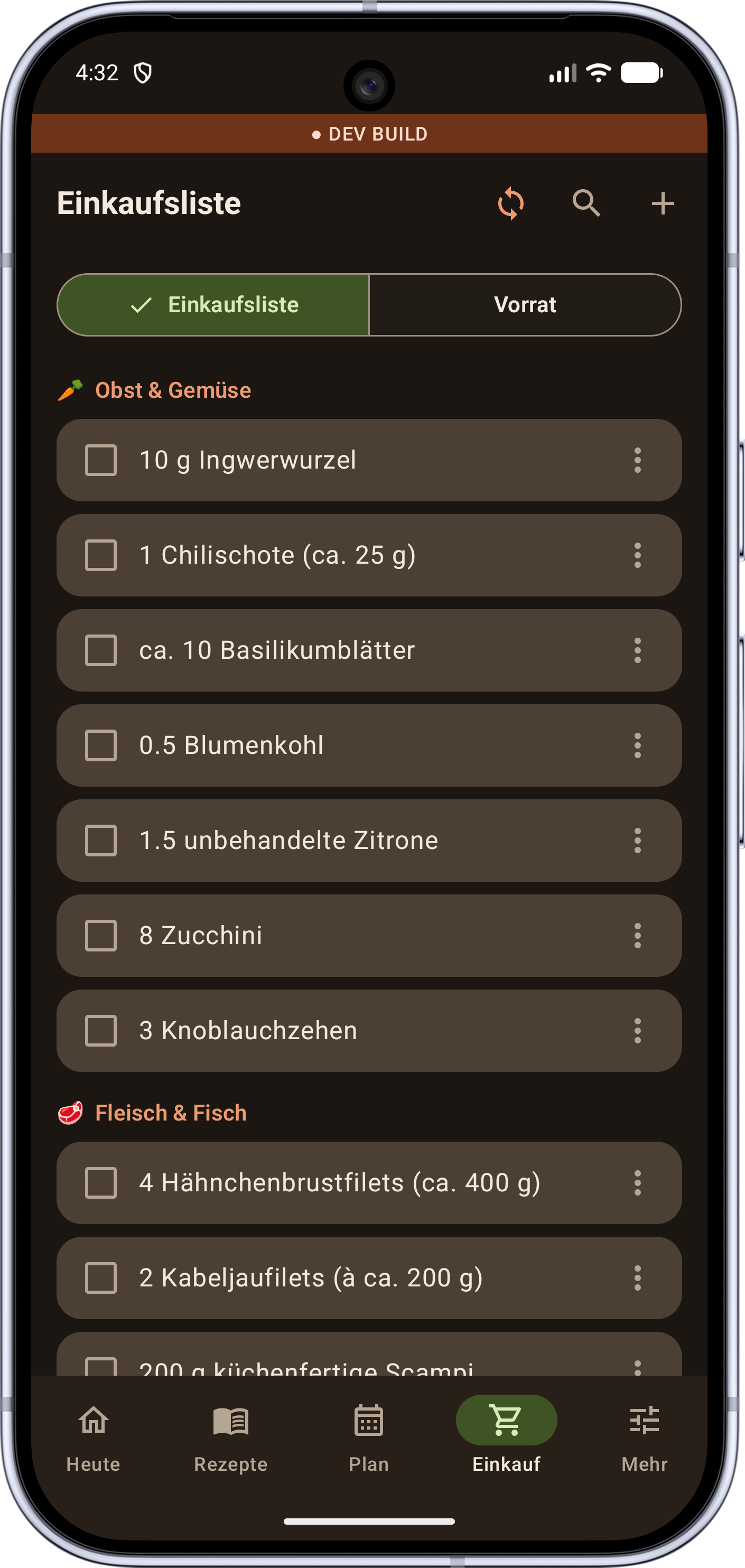
openCook turns pictures of paper recipes into recipes you can use. Photograph a page from a cookbook and it reads off the title, the ingredients and amounts, the steps, the cooking time and the servings, and if there are two recipes on the page it splits them apart. From there it can plan your week and build one shopping list the whole household ticks off together.
Recipes, meal plans and lists work with no server at all, and phones in the same house sync directly with each other over your Wi-Fi. You can add pantry items by scanning a barcode, and save a recipe you are reading in your phone's browser by sharing it to the app. There is no sign-up.
Reading recipes from photos is the one part that needs a small server you run at home (the AI runs on your machine, not someone else's) and scans queue up until it is reachable again. The app is young, so expect some rough edges.
From the app’s home page
- See the codeHow it’s made, every line is public
- Questions & commentsTalk with the people who make it
- Report a problemTell the makers something is broken
- All versionsOlder downloads and what changed
- LicenseThe rules for using and sharing it
More like this
 kitshn
Your Tandoor recipe box on your phone
kitshn
Your Tandoor recipe box on your phone
 Broccoli
Your own recipe collection, with a seasonal calendar
Broccoli
Your own recipe collection, with a seasonal calendar
 KitchenOwl
A shopping list your whole household shares
KitchenOwl
A shopping list your whole household shares
 Grocery Genius
A shopping list that already knows the items
Grocery Genius
A shopping list that already knows the items
 Nextcloud Cookbook
Your Nextcloud recipe book, on your phone
Nextcloud Cookbook
Your Nextcloud recipe book, on your phone
 Aisleron
A shopping list sorted by supermarket aisle
Aisleron
A shopping list sorted by supermarket aisle