Nextcloud Calendar Mobile
See and edit the calendar on your own Nextcloud server
Made by SoluceTechnologies · free and open source
This comes straight from Nextcloud Calendar Mobile’s own GitHub page, and it’s free. Need help installing?
What it looks like
About this app
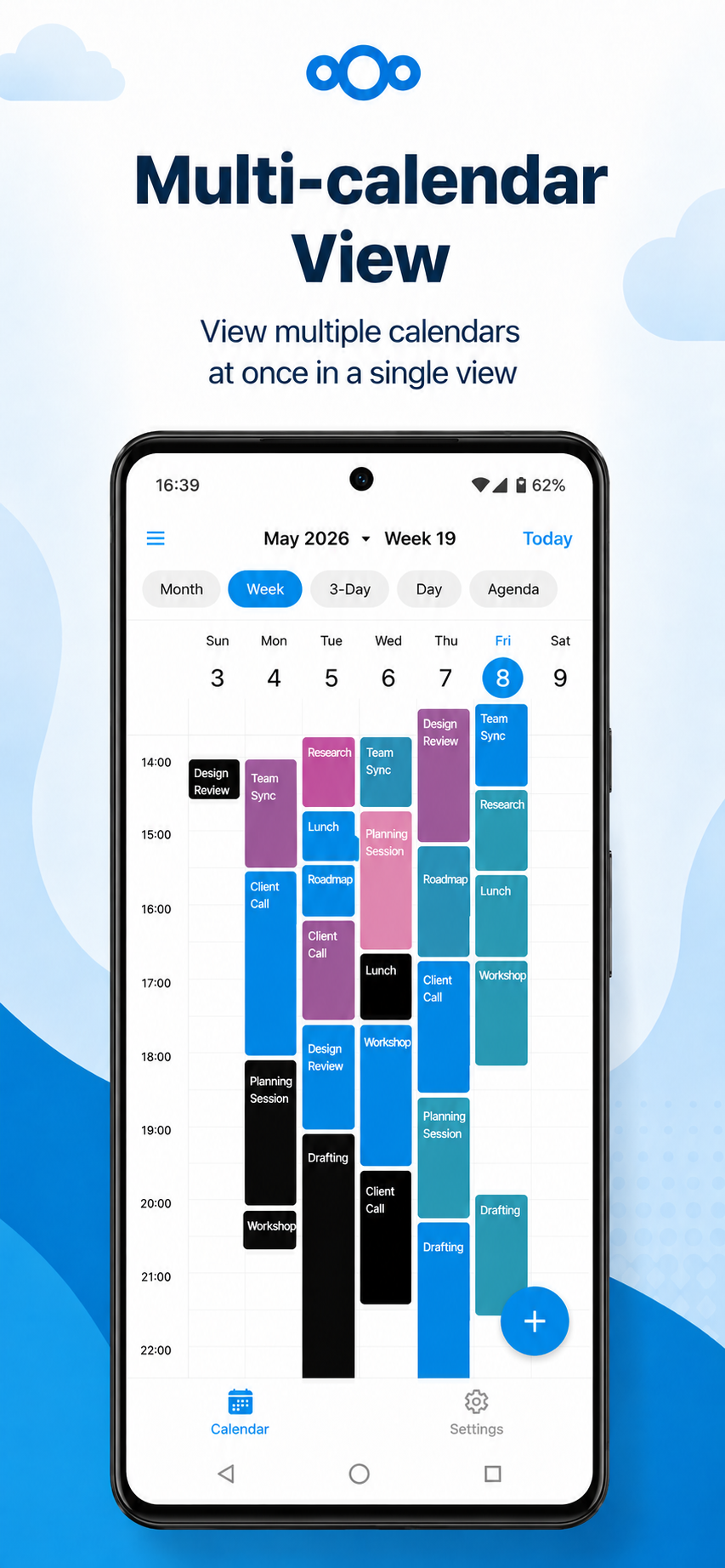
This app puts the calendars from your Nextcloud server on your phone. You get month, week, three-day, day and agenda views, and you can add events, open them, drag one to a new time, or pull its edge to make it longer or shorter.
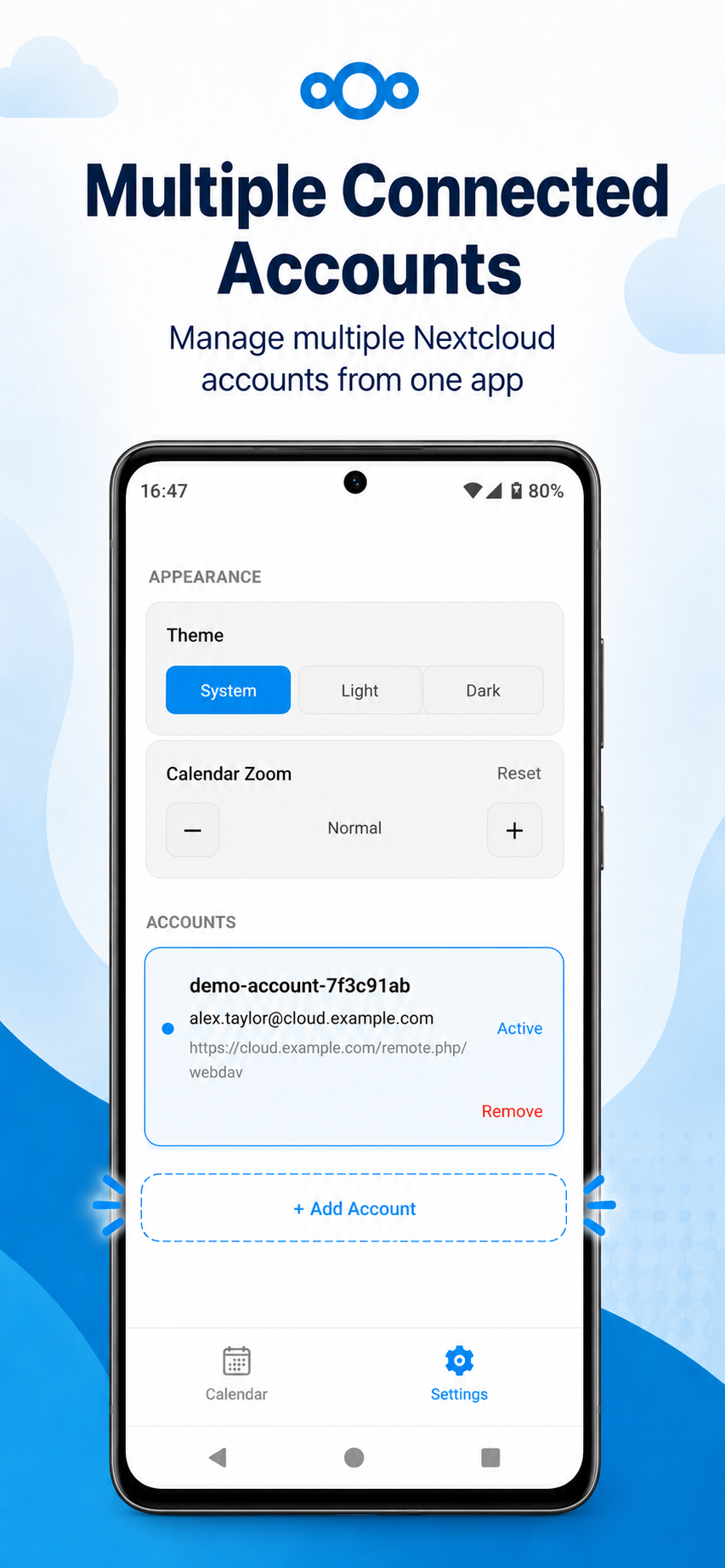
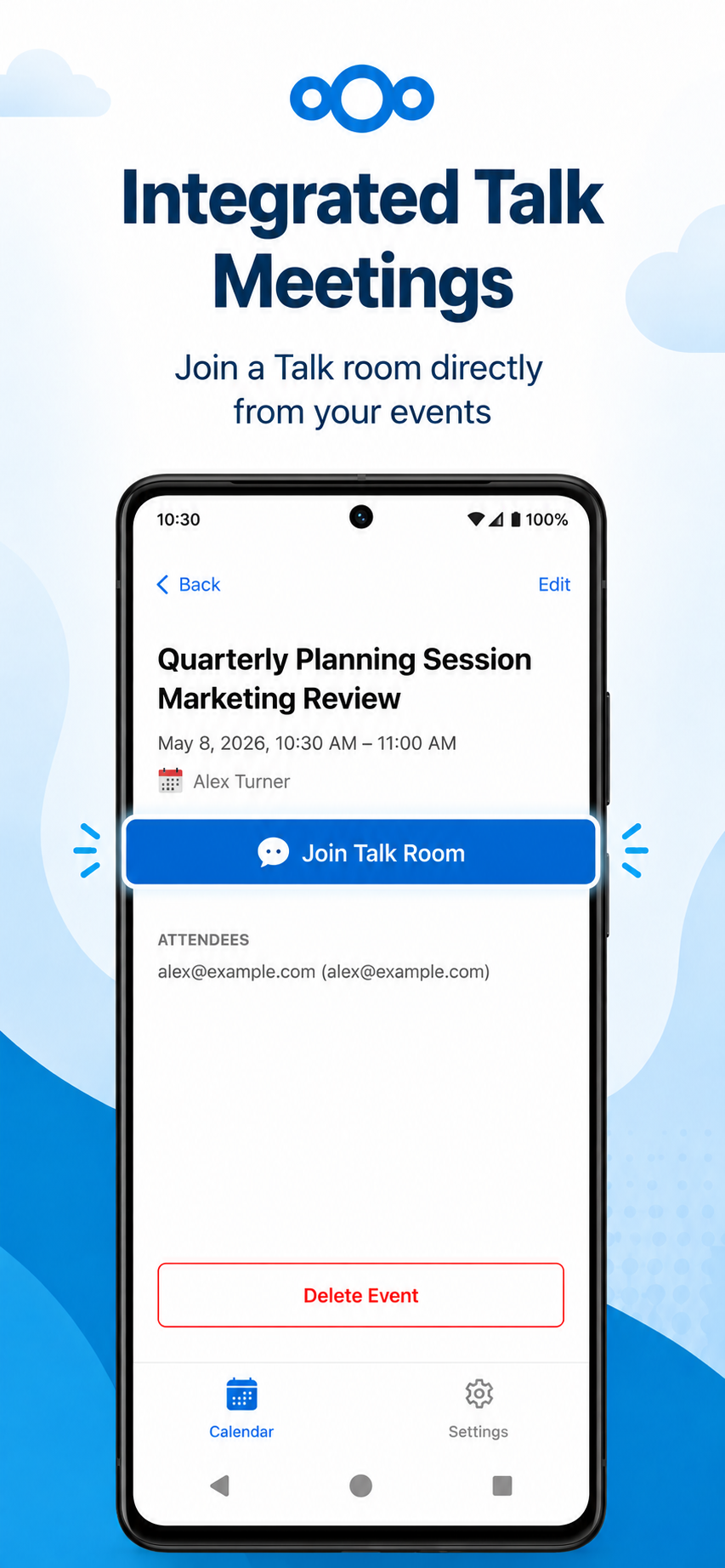
It talks to Nextcloud over CalDAV, so changes travel both ways and a copy is kept on the phone for reading when you are offline. You can add several Nextcloud accounts, hide or show each calendar and give it a colour, put your next events on a home screen widget, and attach a Nextcloud Talk room to an event when you create it.
You need your own Nextcloud server for any of this to work. It is not made or approved by Nextcloud, and it is still being actively built, so things can change from one version to the next.
From the app’s home page
- See the codeHow it’s made, every line is public
- Questions & commentsTalk with the people who make it
- Report a problemTell the makers something is broken
- All versionsOlder downloads and what changed
- LicenseThe rules for using and sharing it
More like this
 DAVx⁵
Sync contacts and calendars with your own server
DAVx⁵
Sync contacts and calendars with your own server
 Etar Calendar
A clean calendar showing every account on your phone
Etar Calendar
A clean calendar showing every account on your phone
 Flow
Events, groups and time in one planner
Flow
Events, groups and time in one planner
 Nextcloud
Your own cloud for files, photos and more
Nextcloud
Your own cloud for files, photos and more
 Fossify Calendar
A simple calendar with widgets and no ads
Fossify Calendar
A simple calendar with widgets and no ads
 Nextcloud Notes
Notes that live on your own Nextcloud
Nextcloud Notes
Notes that live on your own Nextcloud