
LANShield
Stop apps on your phone from poking around your home network
Made by DistriNet · free and open source
This comes straight from LANShield’s own GitHub page, and it’s free. Need help installing?
What it looks like
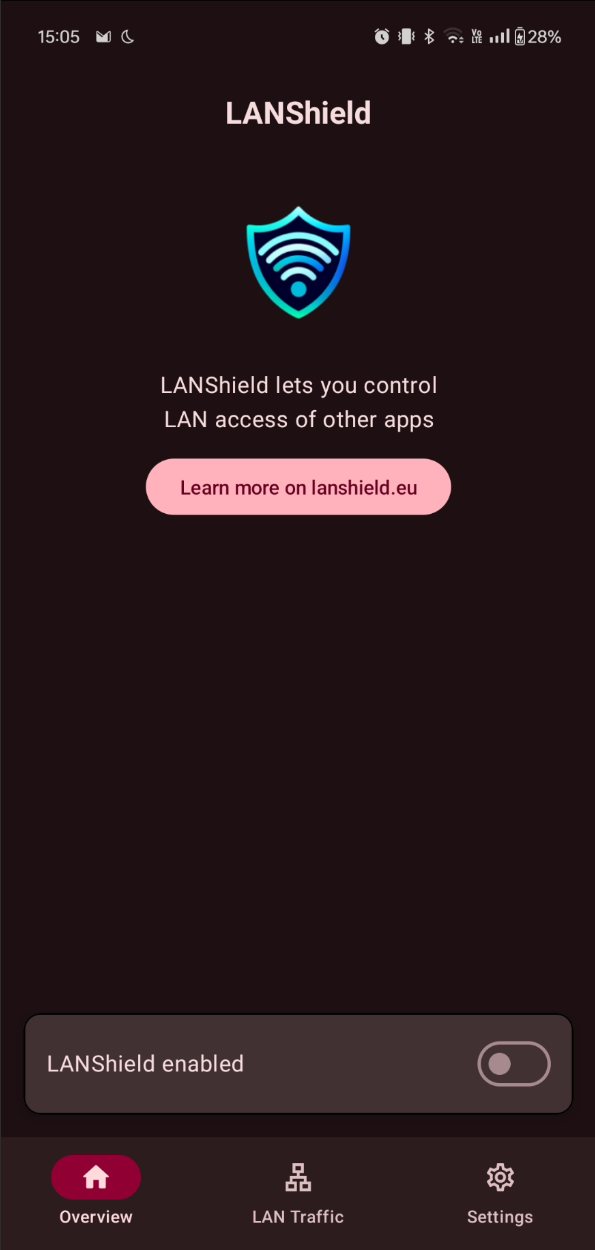
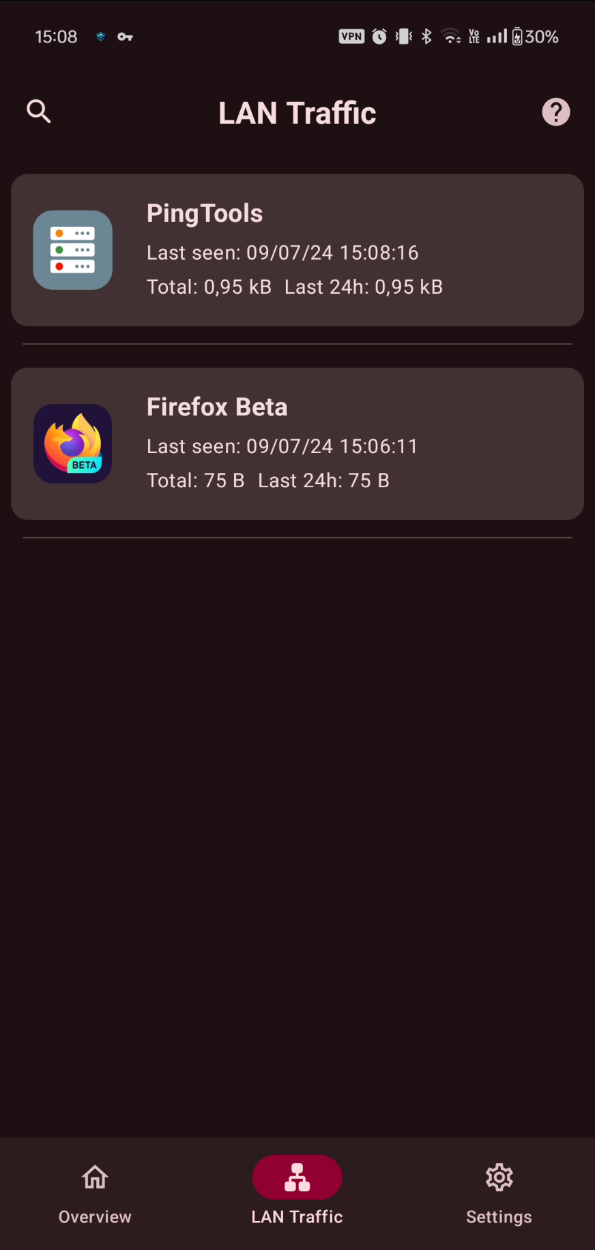
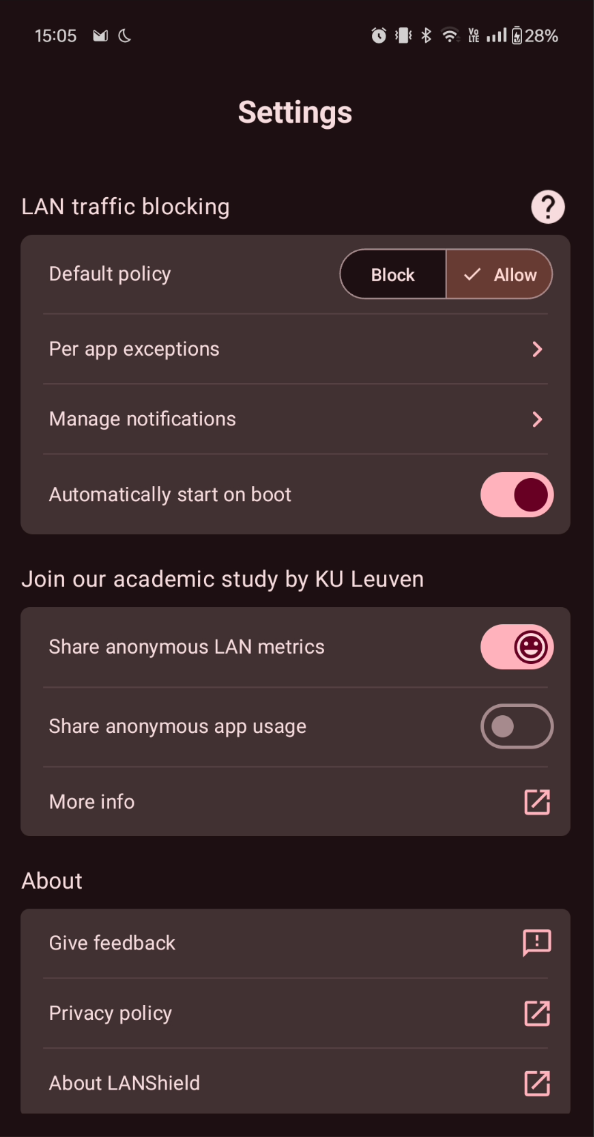
About this app
Plenty of apps quietly scan the network you are connected to, looking for printers, TVs, speakers and anything else sitting on your Wi-Fi. Most of them have no reason to. LANShield lets you decide which apps may reach the local network at all, and shows you which ones have been trying.
Set a default of block or allow, treat the apps you installed differently from the system ones, then make exceptions app by app. DNS and multicast traffic can be handled on their own, since they happen constantly and usually do not need blocking. A log records every connection, including which app made it, where it went, how long it lasted and how much data moved, and you can export the lot to a file. A separate scan shows which apps are sitting there listening for incoming connections.
It uses Android's built-in VPN slot to do this, so no root is needed, but Android only allows one VPN at a time and LANShield will take that slot. It controls local network traffic only, so it is not a general internet firewall. The app comes from the DistriNet research group at KU Leuven in Belgium.
From the app’s home page
- See the codeHow it’s made, every line is public
- WebsiteThe app’s own home page
- Questions & commentsTalk with the people who make it
- Report a problemTell the makers something is broken
- All versionsOlder downloads and what changed
- LicenseThe rules for using and sharing it
More like this
 PCAPdroid
See what your apps are sending to the internet
PCAPdroid
See what your apps are sending to the internet
 Rethink DNS + Firewall
A firewall, DNS filter and tunnel in one
Rethink DNS + Firewall
A firewall, DNS filter and tunnel in one
 NetGuard
Block any app from using the internet, no root
NetGuard
Block any app from using the internet, no root
 AFWall+
Choose exactly which apps may use the internet (needs root)
AFWall+
Choose exactly which apps may use the internet (needs root)
 TrackerControl
See who your apps are talking to, and stop them
TrackerControl
See who your apps are talking to, and stop them
 Blocker
Switch off the parts of an app you don't want running
Blocker
Switch off the parts of an app you don't want running