
Iconify
Change your phone's icons, colours and notification panel
Made by Mahmud0808 · free and open source
This comes straight from Iconify’s own GitHub page, and it’s free. Need help installing?
What it looks like
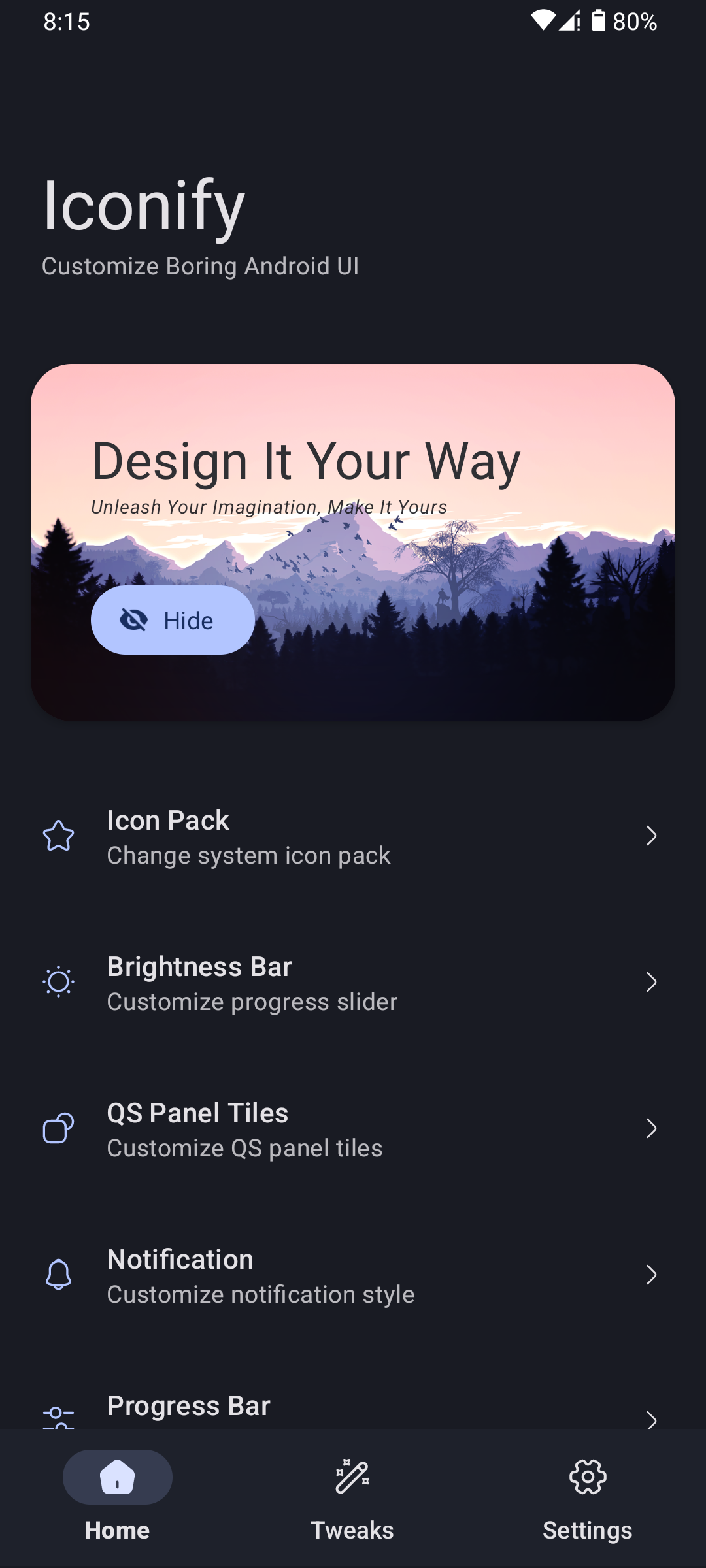
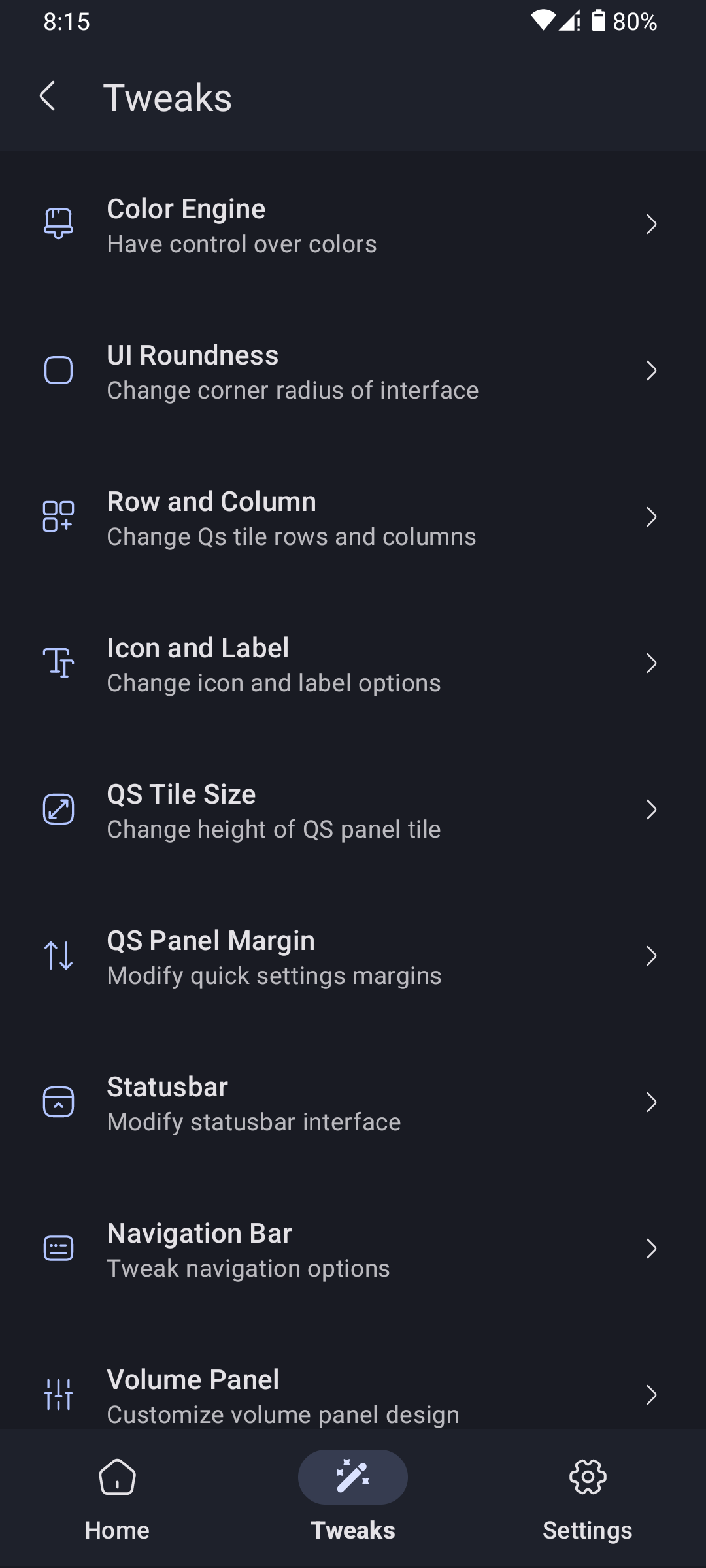
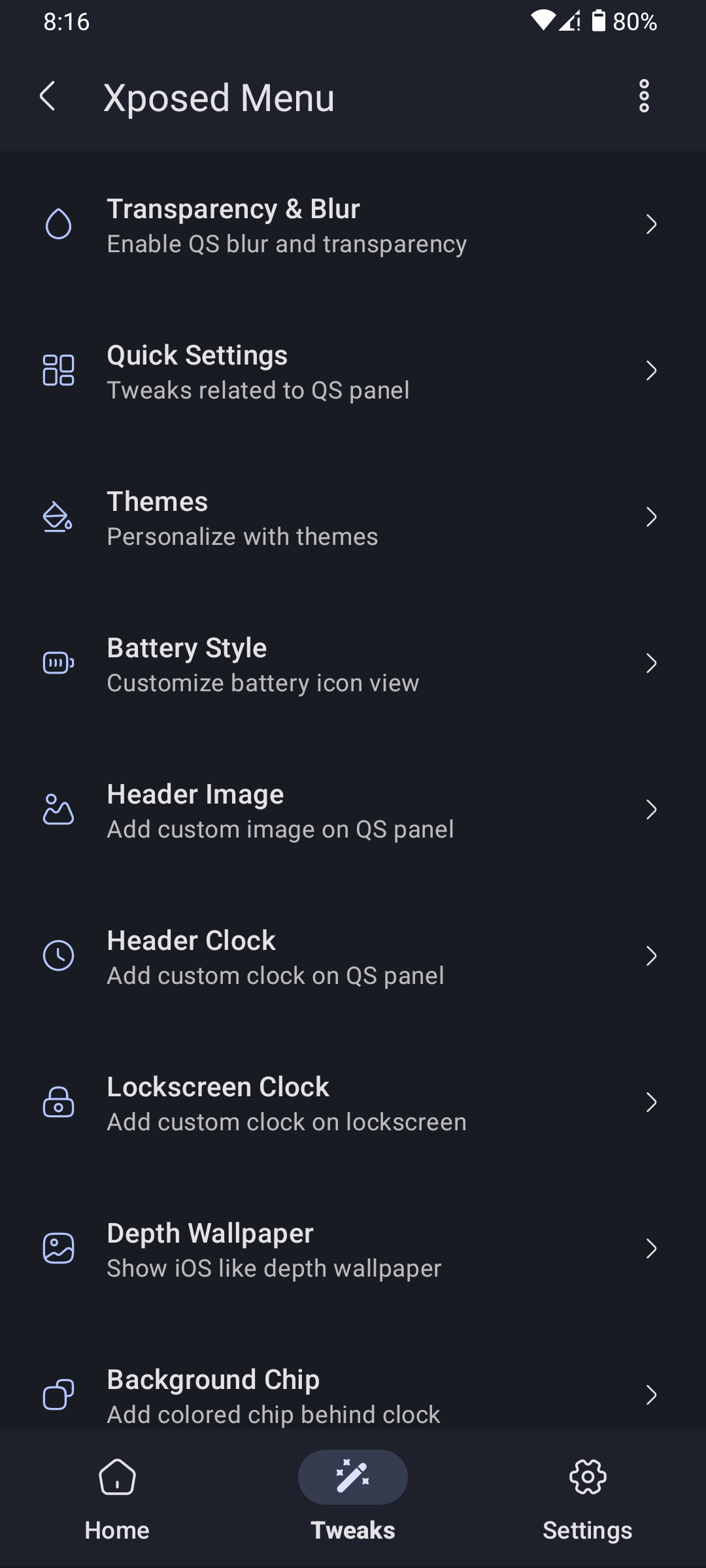
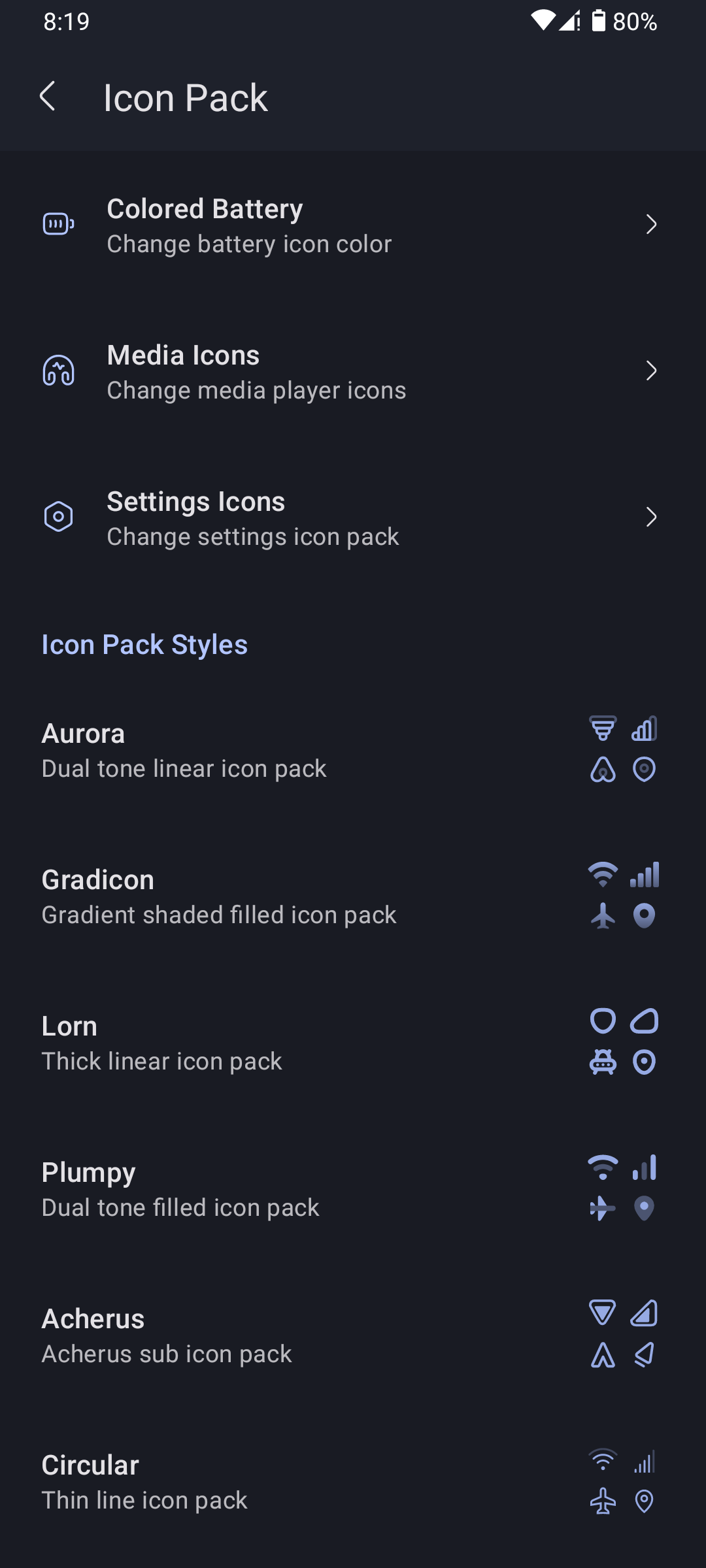
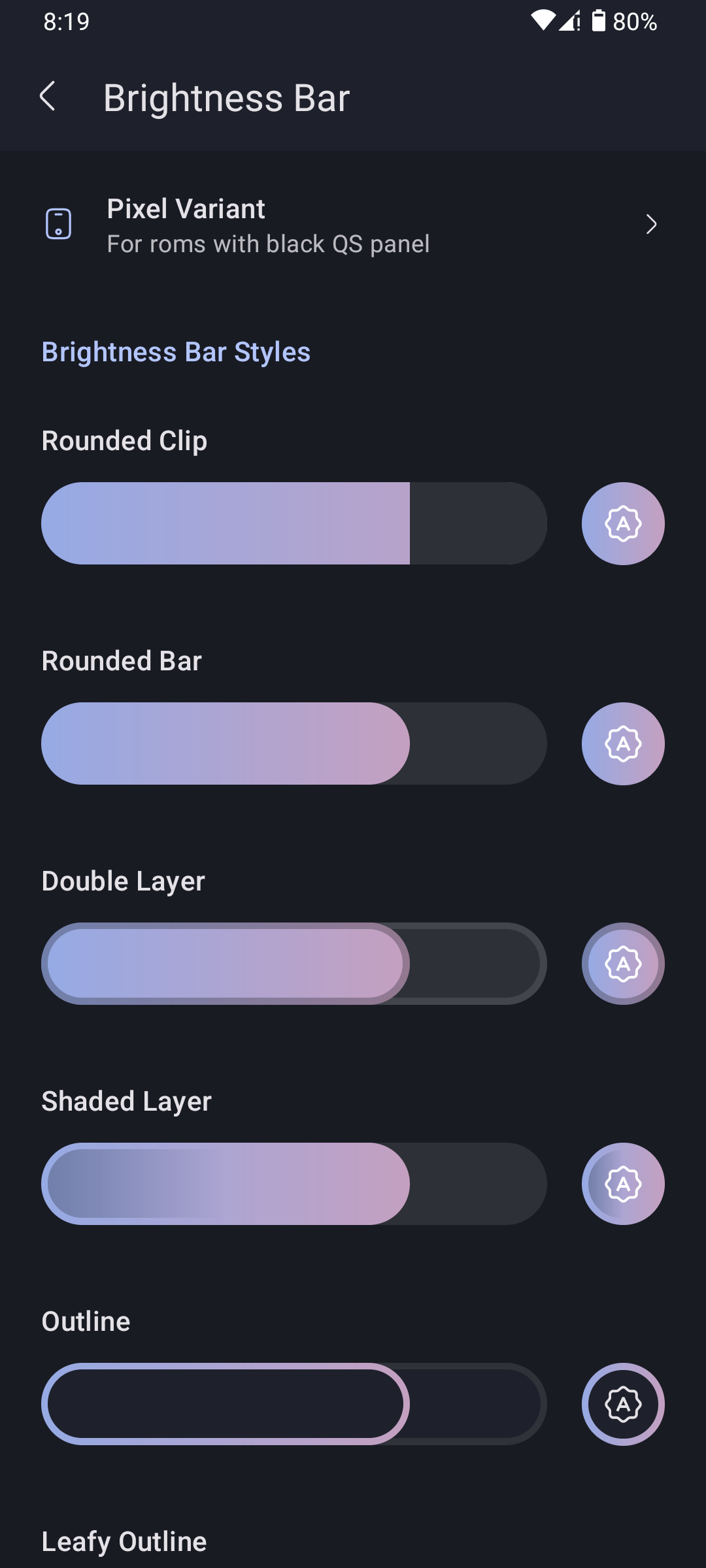
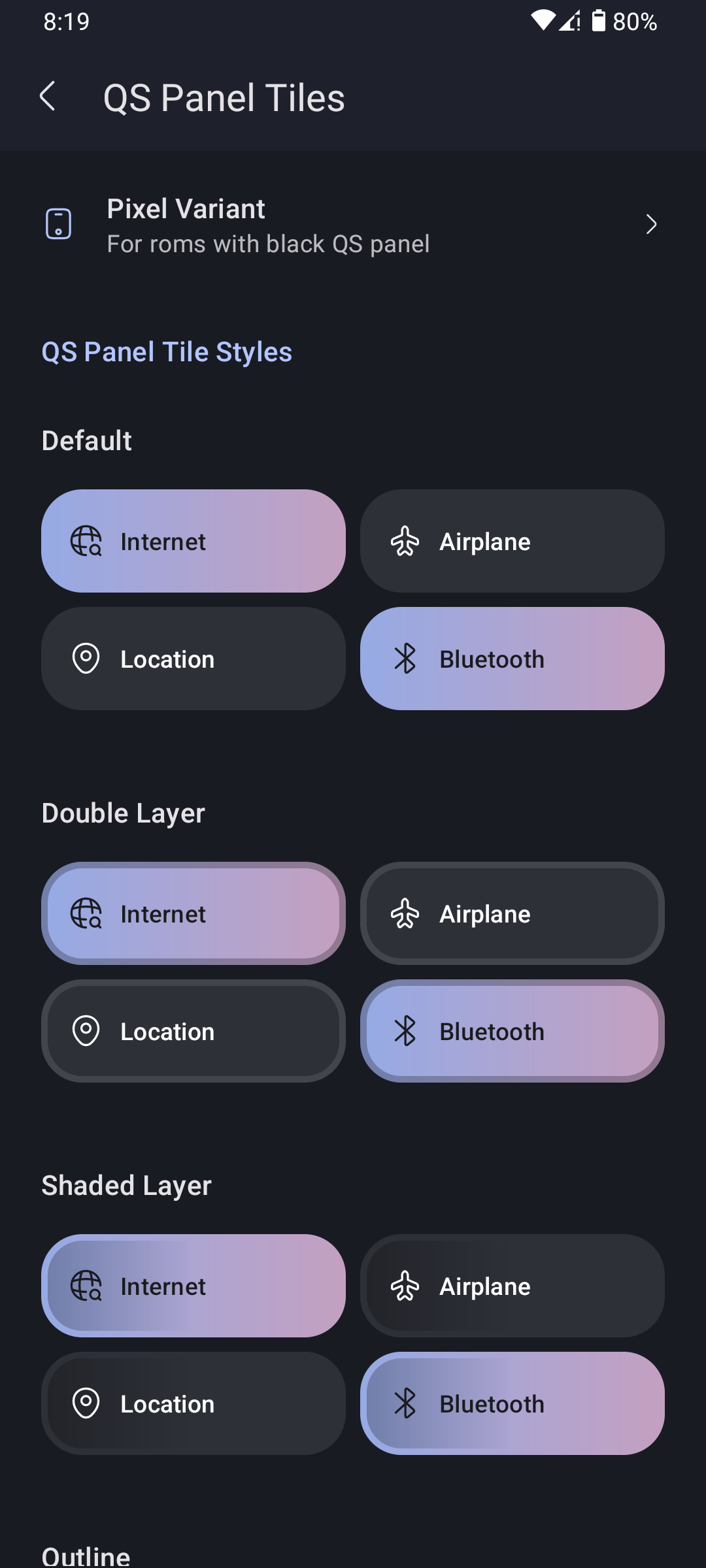
About this app
Iconify reshapes the parts of Android you look at all day. Swap the status bar and quick settings icons for another set, change the shape behind app icons, choose your own accent colours, and rebuild the notification panel and volume slider in a different style.
It does this by building a system module made for your particular ROM and applying it through Magisk, KernelSU or APatch together with an Xposed framework such as LSPosed. You grant root access once, wait while the module is generated, reboot when it asks, and the changes are in place.
This is a root app and there is no version that works without it. You need Android 12 or newer on a Pixel or an AOSP-based custom ROM, plus Magisk, KernelSU or APatch and an Xposed framework. Use v7.3.0 for Android 12 up to Android 16 (non-QPR) and v8.0.0 or later for Android 16 QPR1 onwards. KernelSU 3.0 and above also needs the Mountify module. Have a working custom recovery ready before you start, in case a change stops the phone booting.
From the app’s home page
- See the codeHow it’s made, every line is public
- WebsiteThe app’s own home page
- Questions & commentsTalk with the people who make it
- Report a problemTell the makers something is broken
- All versionsOlder downloads and what changed
- LicenseThe rules for using and sharing it
More like this
 APatch
Root your phone by patching its kernel
APatch
Root your phone by patching its kernel
 Arcticons
A calm line-drawing icon pack for your phone
Arcticons
A calm line-drawing icon pack for your phone
 De-Bloater
Remove pre-installed junk apps from a rooted phone
De-Bloater
Remove pre-installed junk apps from a rooted phone
 Renkin
Mix several icon packs into one
Renkin
Mix several icon packs into one
 IconRequest
Help icon packs cover your apps
IconRequest
Help icon packs cover your apps
 Shizuku
Let trusted apps do system-level jobs without rooting
Shizuku
Let trusted apps do system-level jobs without rooting