
Exif Notes
Note down every frame you shoot on film, then add the details to your scans
Made by tommi1hirvonen · free and open source
This comes straight from Exif Notes’s own GitHub page, and it’s free. Need help installing?
What it looks like
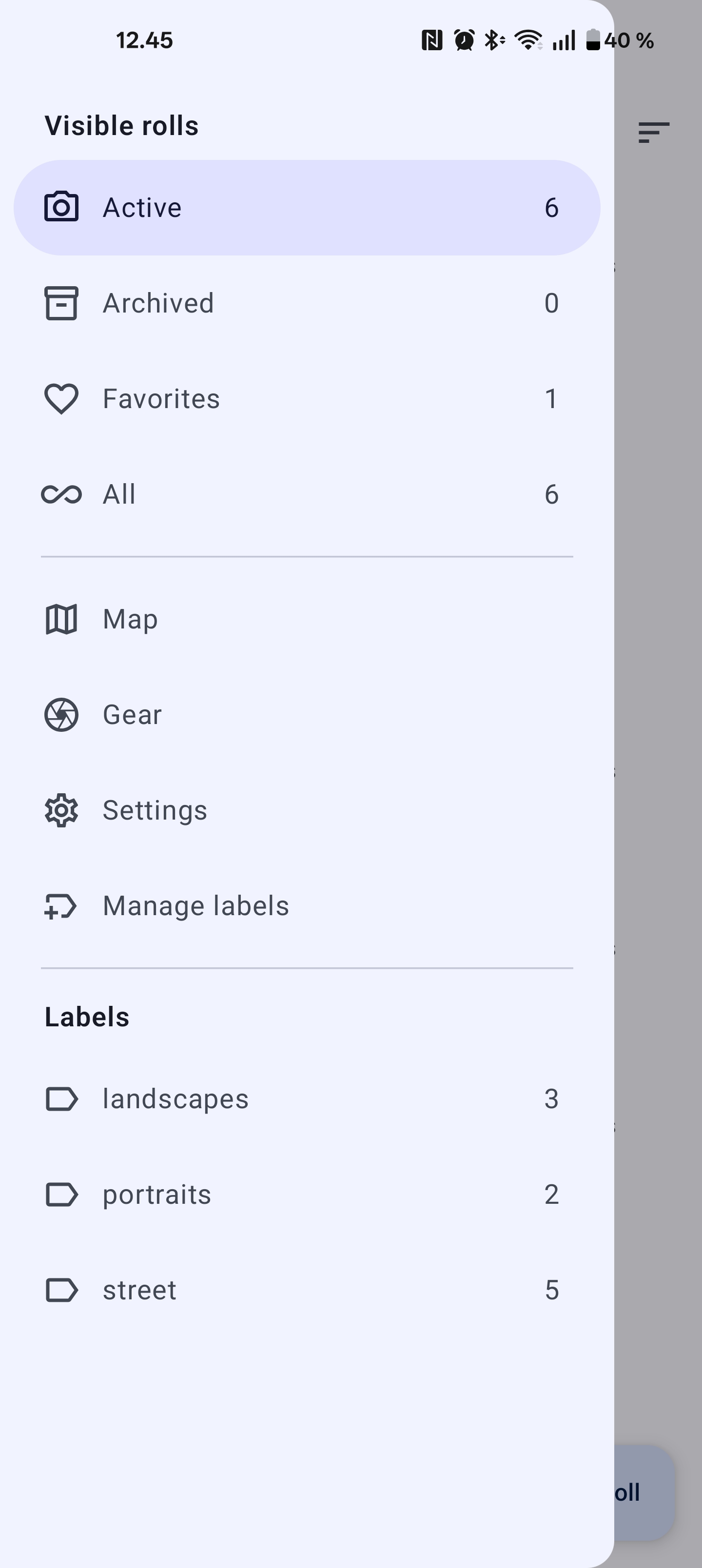
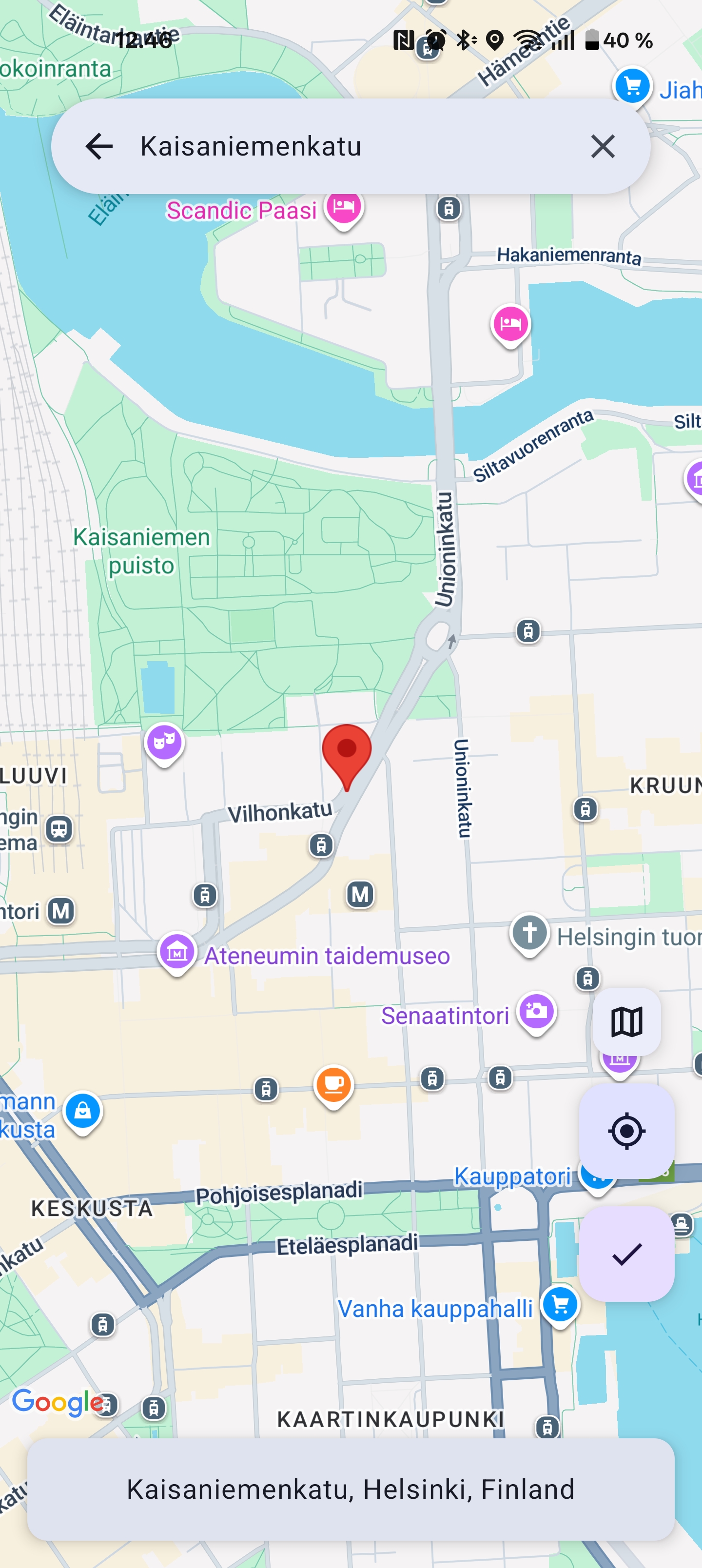
About this app
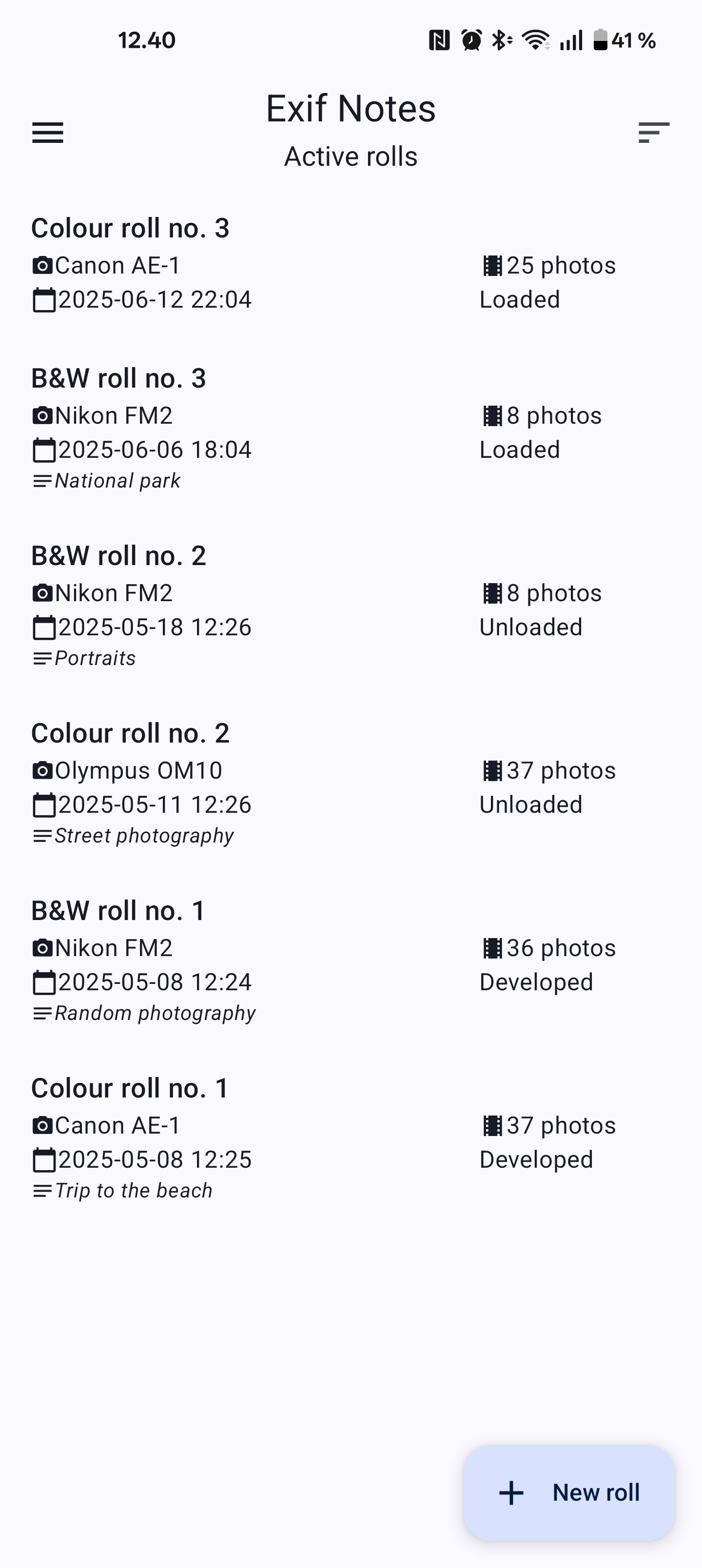
Exif Notes is a notebook for film photographers. While you shoot, you jot down what you did for each frame. Later you can attach those notes to your scanned photos, so that photo sites and apps show the camera, lens, aperture and the rest, just as they do for digital shots.
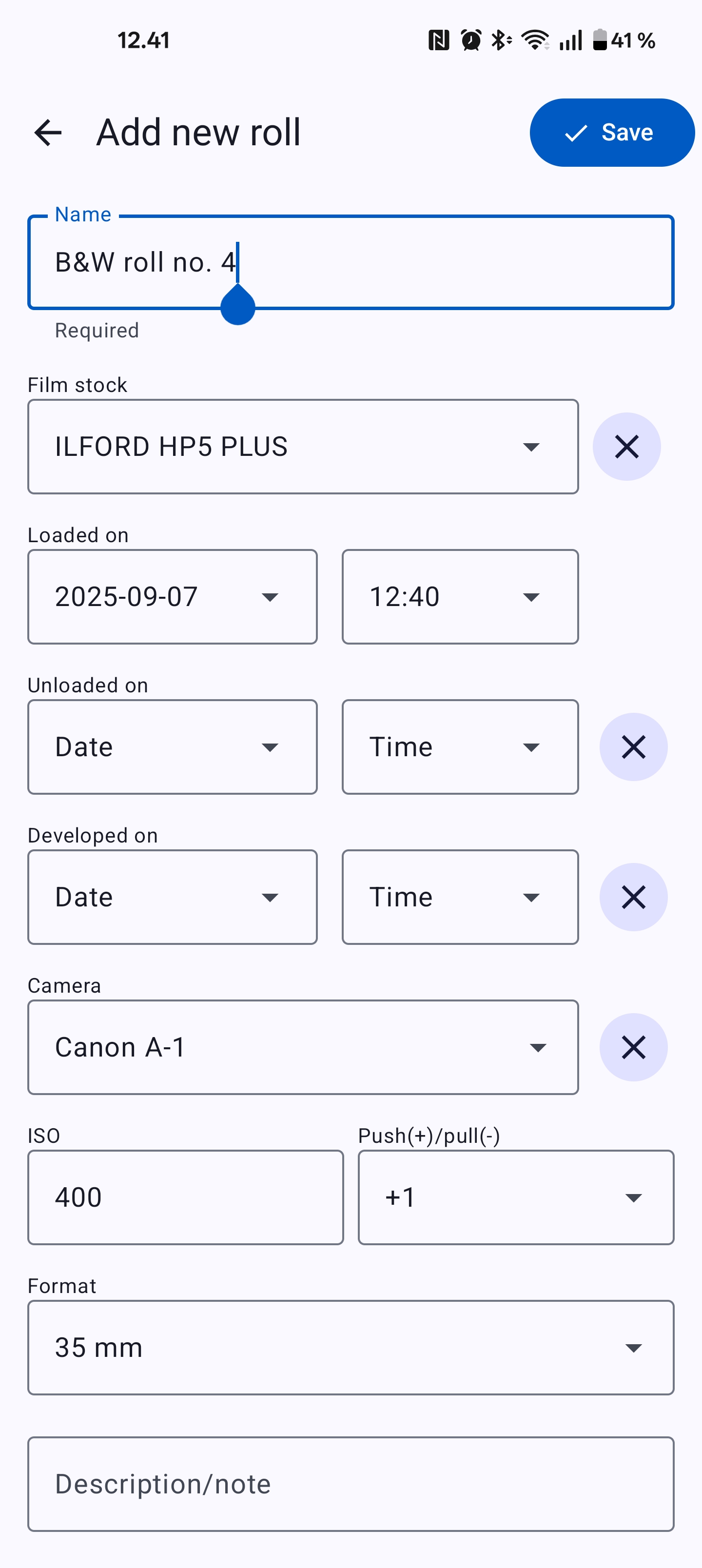
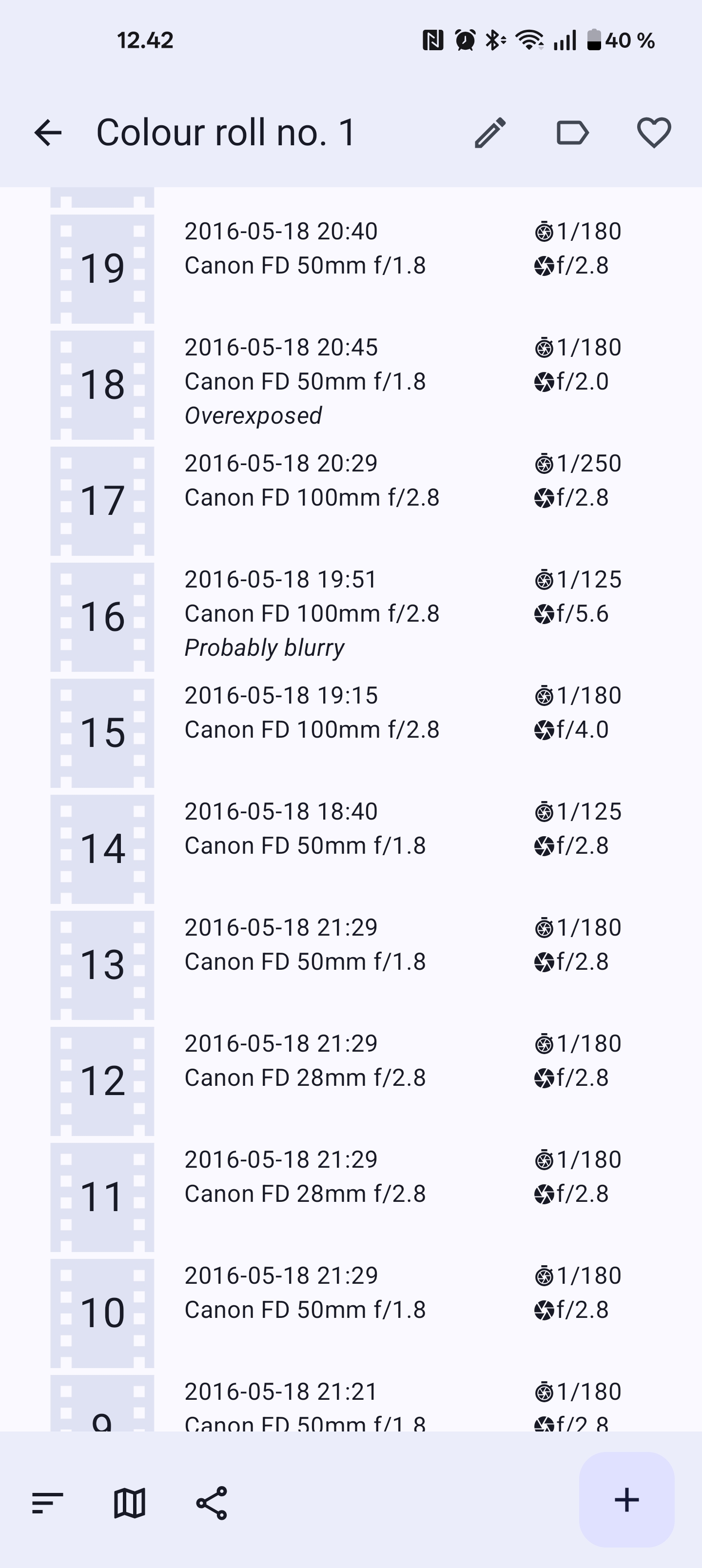
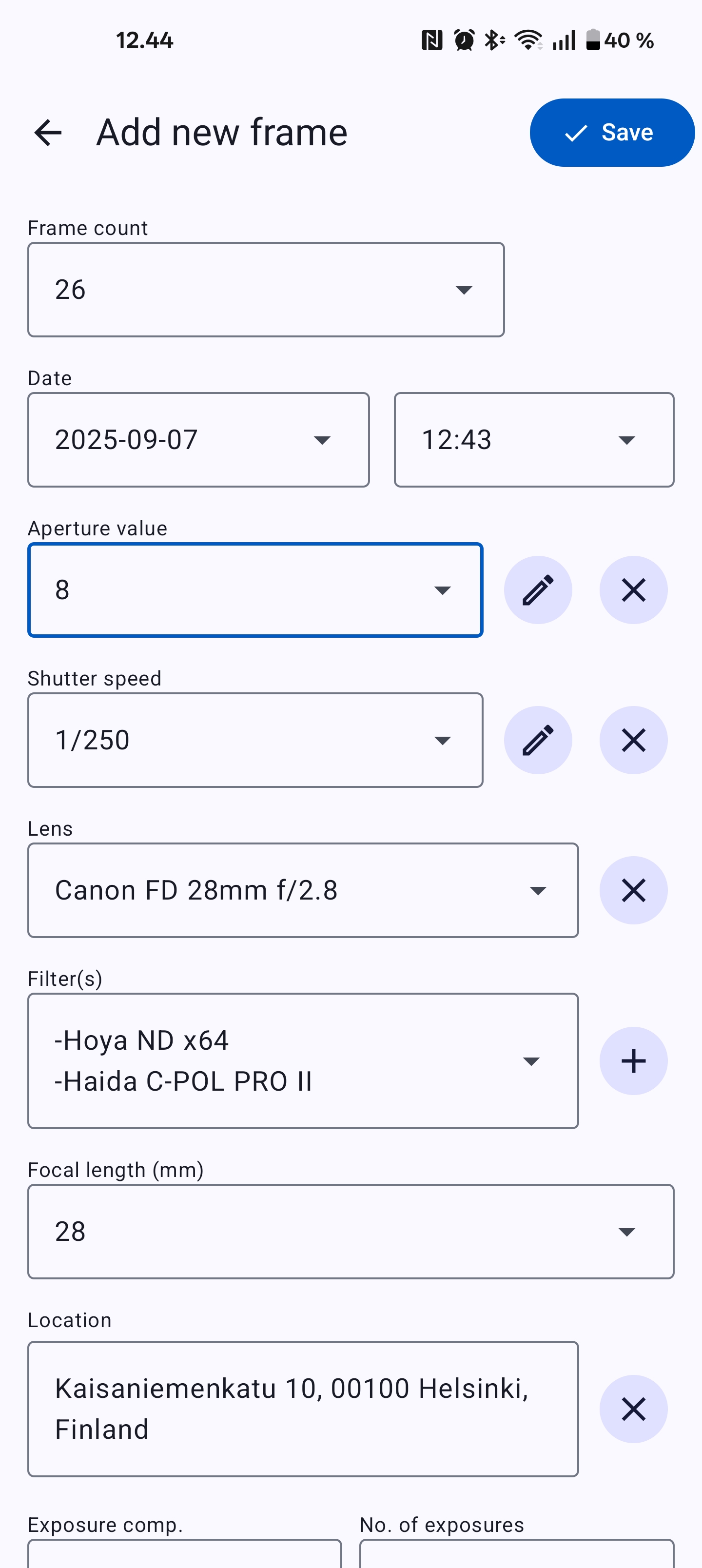
First you add your gear: cameras, lenses, filters and film stocks. Then you start a roll, choose the gear it uses, and add a frame each time you press the shutter. A frame can hold the date and time, aperture, shutter speed, lens, focal length, location and your own notes. You can set the location on a map or let the app look up an address from coordinates. When a roll is finished, the app exports a text file of ready-made ExifTool commands, or a CSV file you can open in a spreadsheet. Your notes live in a database on your phone, which you can export and import to back it up or move to a new phone.
The app only prepares the ExifTool commands. You run them yourself on a computer that has ExifTool installed. The map and address lookup use Google Maps, a closed service, so they need an internet connection and may not work on phones without Google services. It is a hobby project made in the developer's spare time.
From the app’s home page
- See the codeHow it’s made, every line is public
- Questions & commentsTalk with the people who make it
- Report a problemTell the makers something is broken
- All versionsOlder downloads and what changed
- LicenseThe rules for using and sharing it
More like this
 Easy Watermark
Stamp a repeating watermark on photos before you share them
Easy Watermark
Stamp a repeating watermark on photos before you share them
 Lyrico
Tidy up your music tags and add synced lyrics
Lyrico
Tidy up your music tags and add synced lyrics
 Metadator
Fix the titles and covers on your music files
Metadator
Fix the titles and covers on your music files
 Flut Renamer
Rename lots of files at once, with rules and a preview first
Flut Renamer
Rename lots of files at once, with rules and a preview first
 ExifEraser
Remove hidden location data from photos before sharing
ExifEraser
Remove hidden location data from photos before sharing
 Metadata Remover
Strip hidden details out of your photos
Metadata Remover
Strip hidden details out of your photos