EbookConverter
Convert ebooks between epub, mobi, azw3 and more on your phone
Made by bilec · free and open source
This comes straight from EbookConverter’s own GitHub page, and it’s free. Need help installing?
What it looks like
About this app
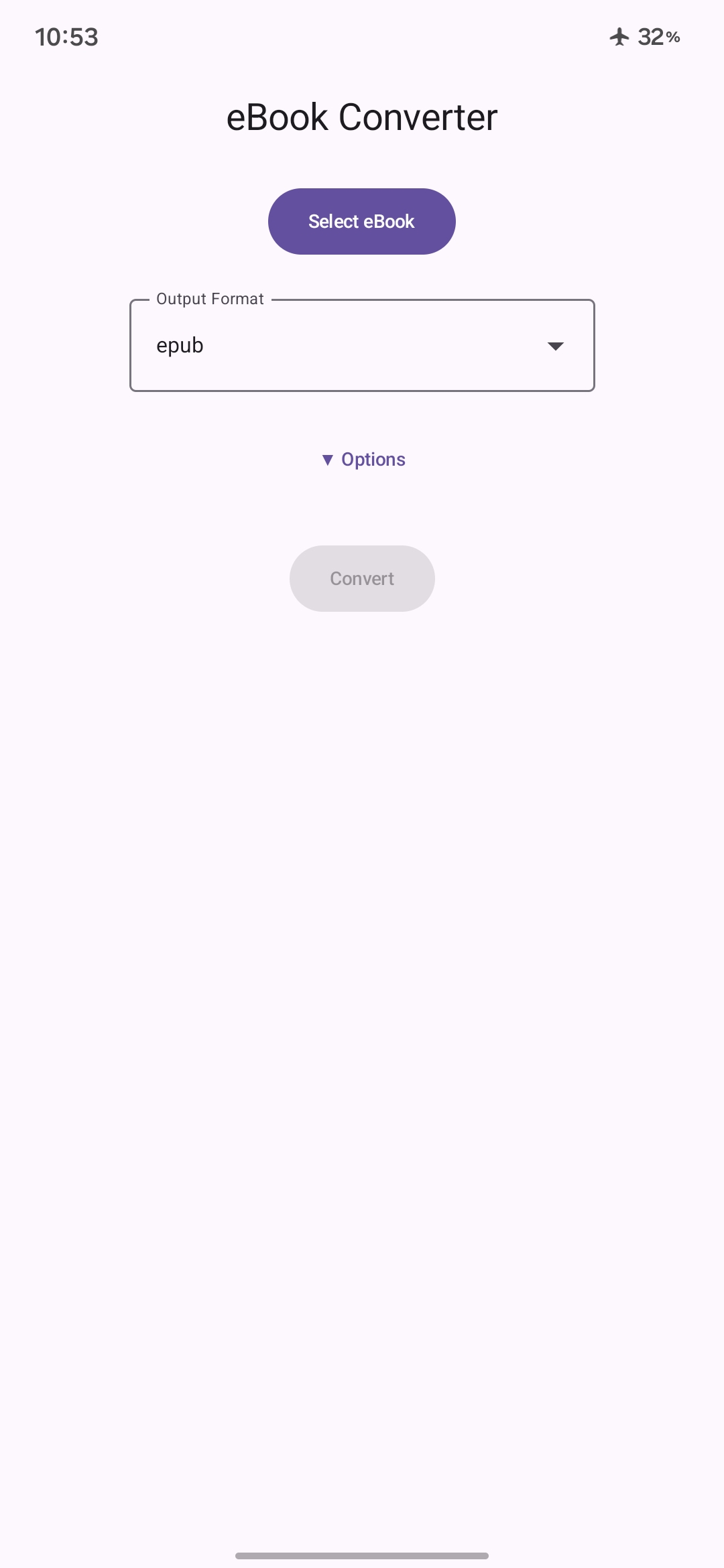
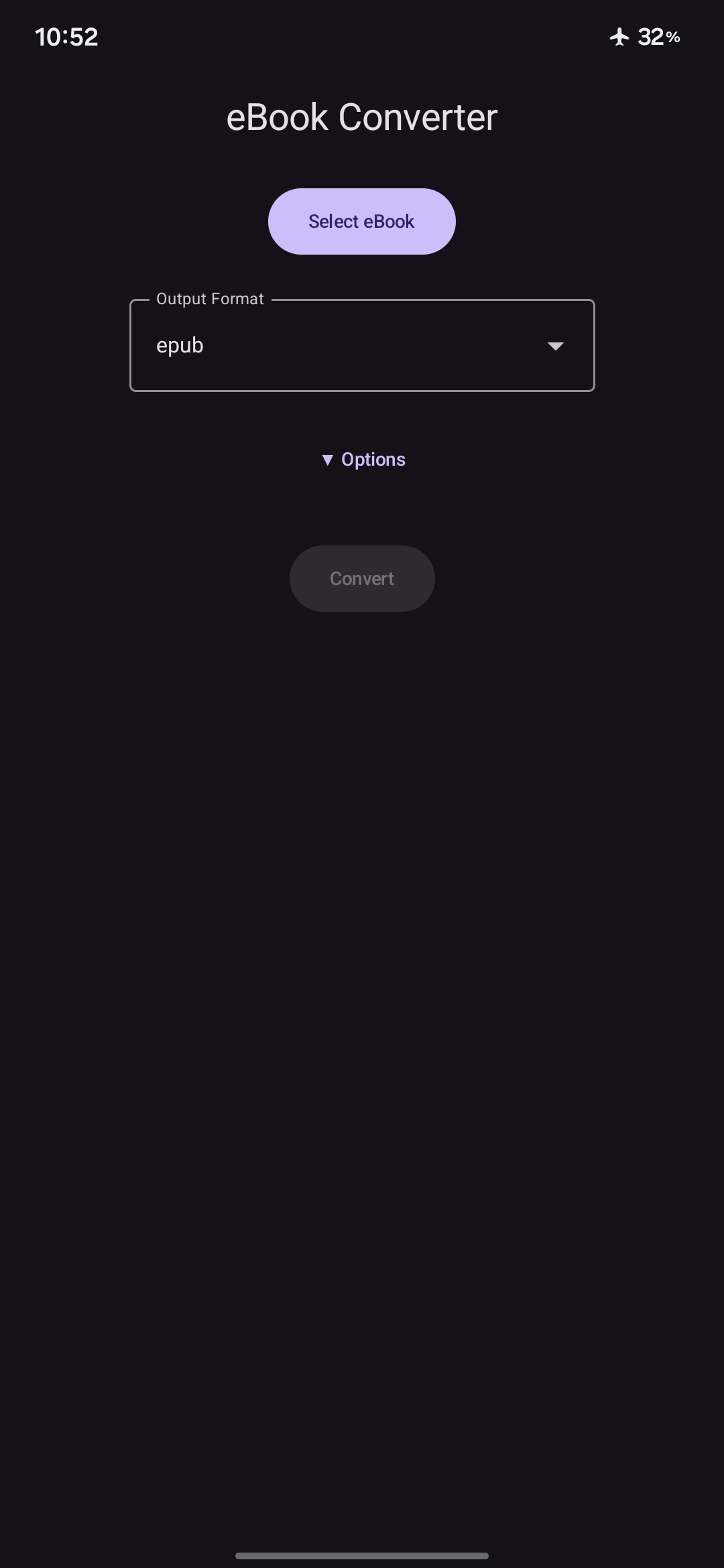
EbookConverter changes an ebook from one format to another right on your phone, with no need for a computer. Pick a book, choose the format you want, and save the result wherever you like. You can select several books at once and convert them in one go.
It reads epub, mobi, azw3, azw4, docx, odt, fb2, html, htmlz, lrf, pdb, rtf, txt, djvu, chm, cbz, cbr and text-based PDFs, and it writes epub, mobi, azw3, docx, fb2, html, htmlz, lrf, oeb, txt and txtz. You can pick an output profile to suit your reader, such as Kindle, Kobo, Nook, iPad or a generic e-ink screen. Before converting you can edit the title, authors and publisher, set the base font size and the page margins, and remove text you do not want. The developer says all conversion runs locally and no internet is needed.
PDF is an input format only, so you cannot save a book as a PDF. Scanned PDFs will not work either, because they need text recognition, which is not available on Android. Some options are plain text boxes where you type values or extra settings, so the screen is more functional than friendly. Under the hood the app wraps ebook-converter, a Python project derived from Calibre, rather than Calibre itself.
From the app’s home page
- See the codeHow it’s made, every line is public
- Questions & commentsTalk with the people who make it
- Report a problemTell the makers something is broken
- All versionsOlder downloads and what changed
- LicenseThe rules for using and sharing it
More like this
 Anx Reader
Read your ebooks and see how much you read
Anx Reader
Read your ebooks and see how much you read
 Cool Reader
Read almost any ebook format, out loud if you like
Cool Reader
Read almost any ebook format, out loud if you like
 Book's Story
Read your own ebooks in a clean, customisable reader
Book's Story
Read your own ebooks in a clean, customisable reader
 Episteme
Read your PDFs and ebooks on any of your devices
Episteme
Read your PDFs and ebooks on any of your devices
 JellyBook
Read the books and comics on your Jellyfin server
JellyBook
Read the books and comics on your Jellyfin server
 MoRead
A local novel reader with an AI reading companion
MoRead
A local novel reader with an AI reading companion