
This comes straight from droidVNC-NG’s own GitHub page, and it’s free. Need help installing?
What it looks like
About this app
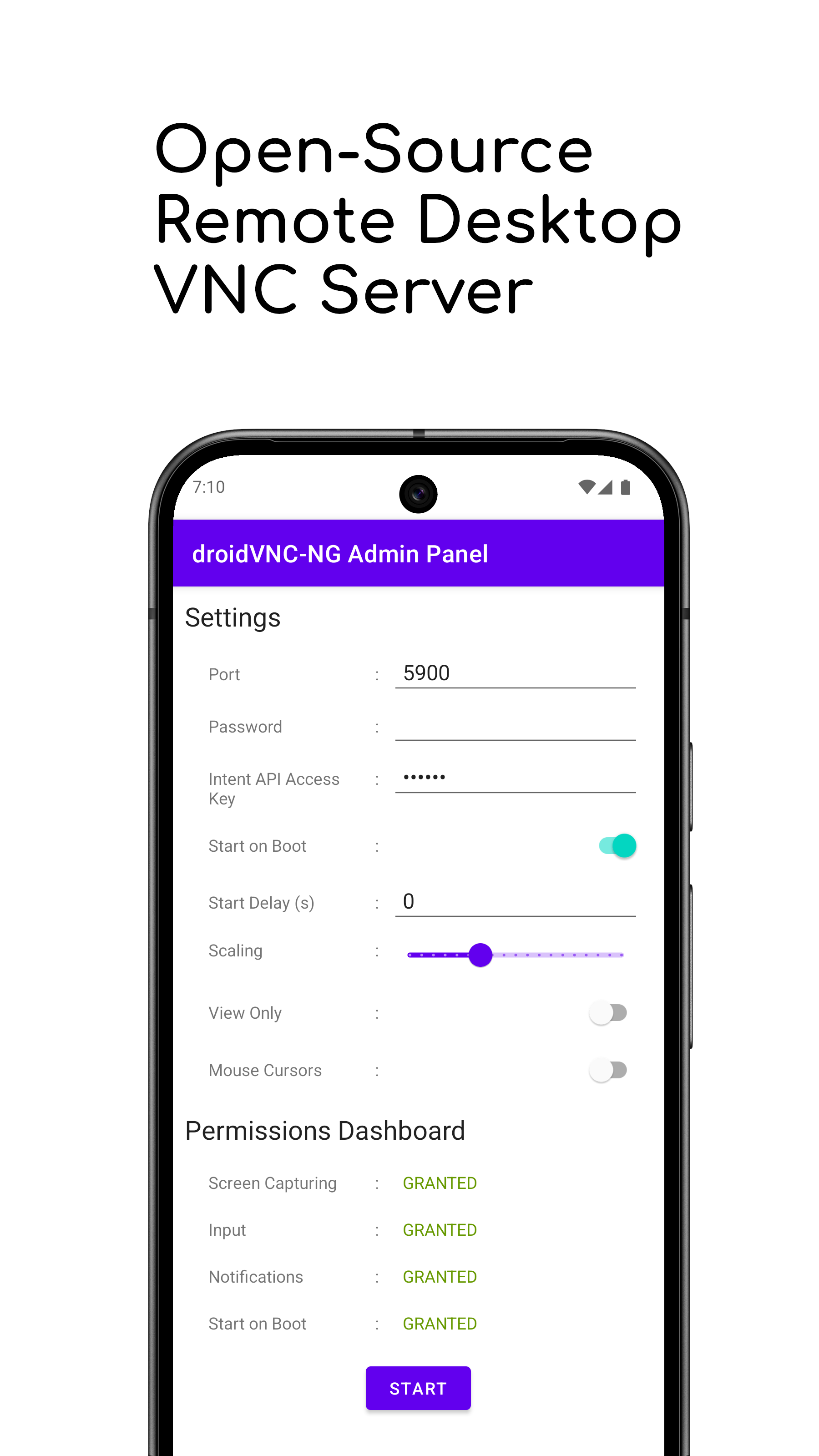
droidVNC-NG turns your Android phone or tablet into a screen you can open on your computer. Point any VNC viewer on the same network at it and you see the phone's display live, then tap, type and scroll using your mouse and keyboard.
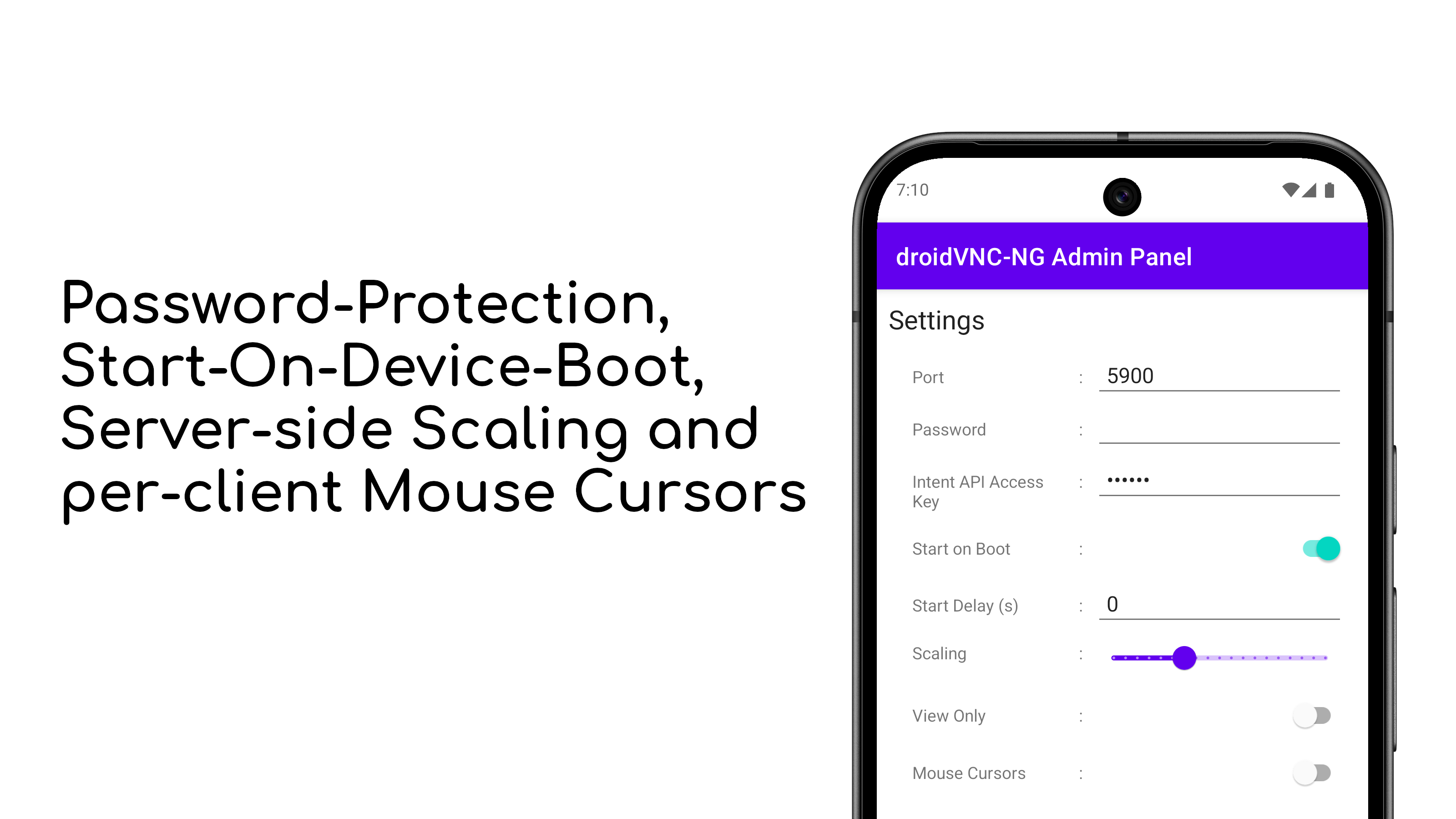
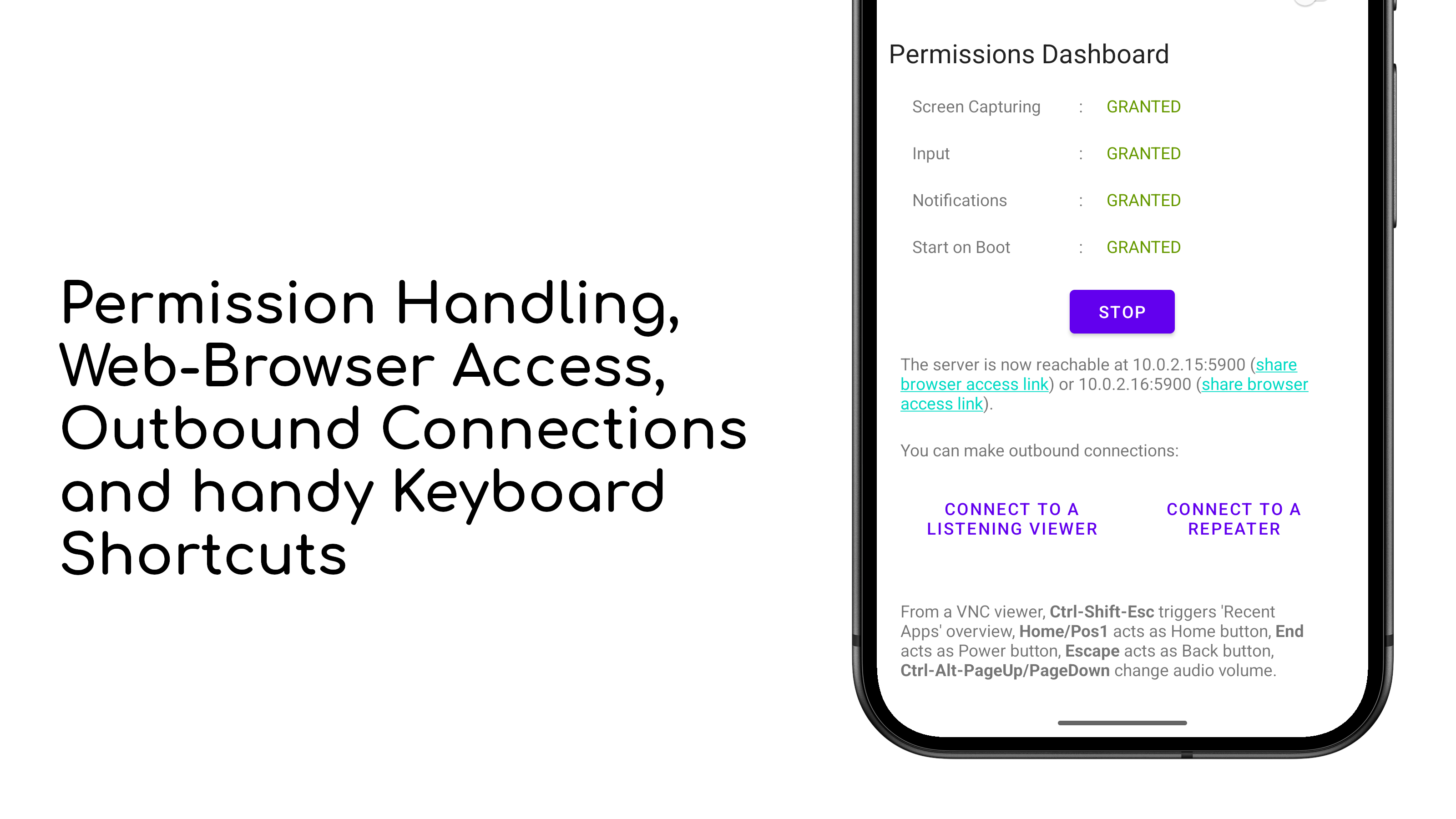
It uses the screen sharing built into Android 7 and newer, so no root is needed. You can set a password, choose a port, start the server automatically when the phone boots, and even connect straight from a web browser thanks to the built-in noVNC client. Remote control only works once you switch on the app's accessibility service, and you can copy text between the two machines.
It is made for a home or office network. Apart from the password exchange the connection is not encrypted, so treat it as something for a network you trust. To reach the phone from outside you either have to open a port on your router yourself, or use the reverse-connection option so the phone dials out to a viewer that is waiting for it.
From the app’s home page
- See the codeHow it’s made, every line is public
- Questions & commentsTalk with the people who make it
- Report a problemTell the makers something is broken
- All versionsOlder downloads and what changed
- LicenseThe rules for using and sharing it
More like this
 AVNC
Control another computer's screen from your phone
AVNC
Control another computer's screen from your phone
 MultiVNC
A VNC viewer with SSH tunnelling built in
MultiVNC
A VNC viewer with SSH tunnelling built in
 KDE Connect
Link your phone and your computer over Wi-Fi
KDE Connect
Link your phone and your computer over Wi-Fi
 Treehouses Remote
Set up a Raspberry Pi over Bluetooth
Treehouses Remote
Set up a Raspberry Pi over Bluetooth
 HTTPOnFire
Turn your phone into a little web server
HTTPOnFire
Turn your phone into a little web server
 ServerBox
Check on your servers from your phone
ServerBox
Check on your servers from your phone