
This comes straight from Curbox’s own GitHub page, and it’s free. Need help installing?
What it looks like
About this app
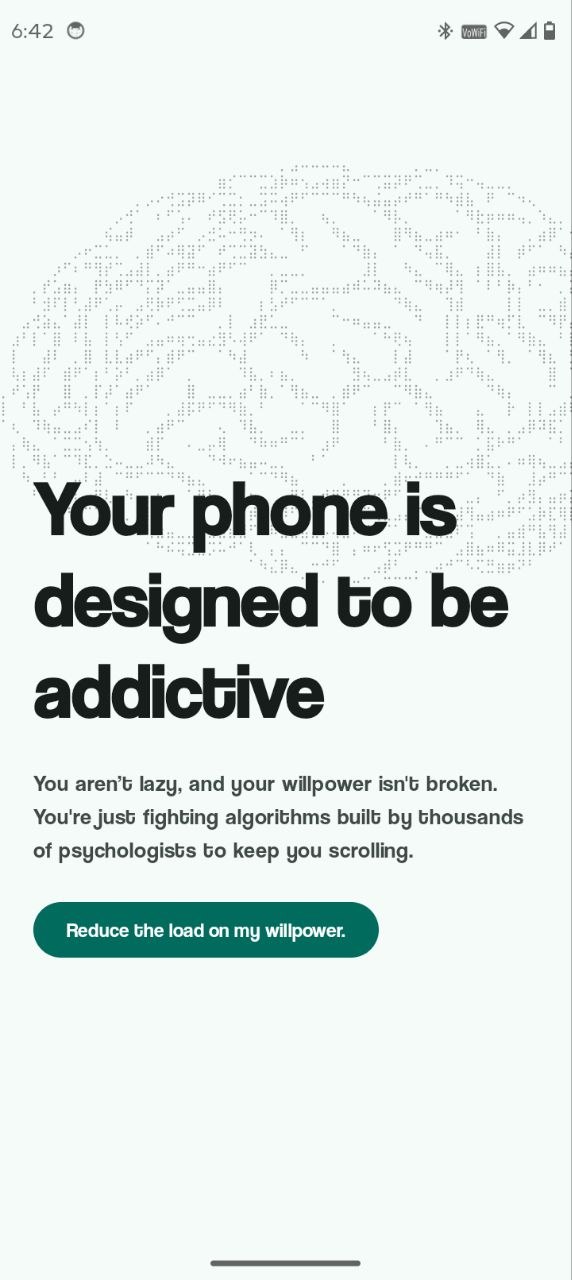
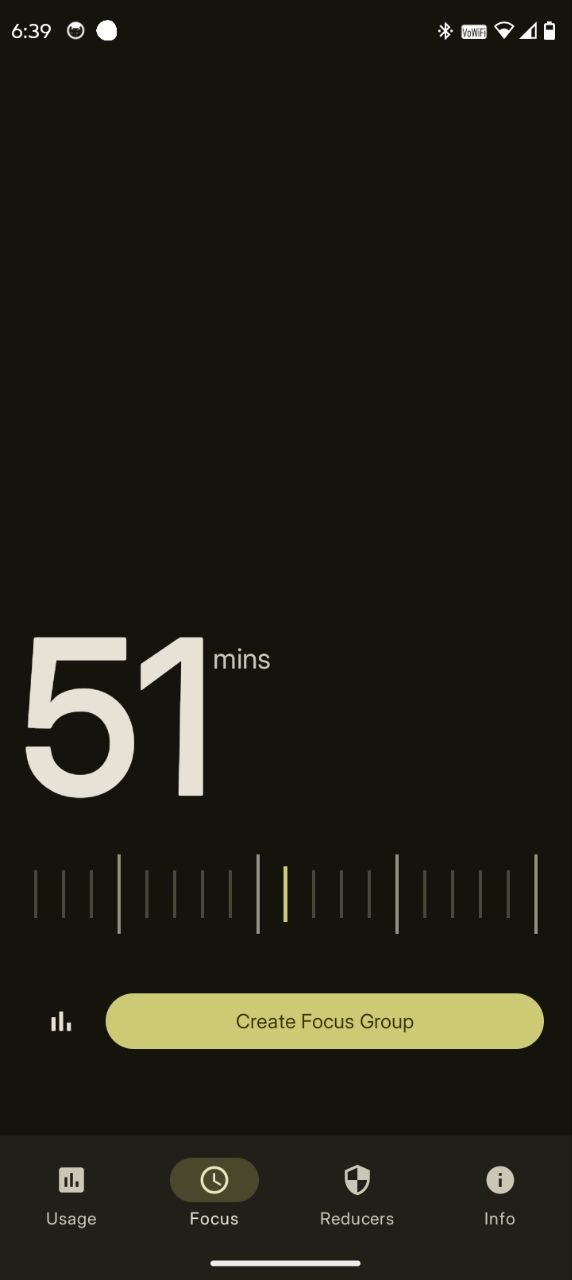
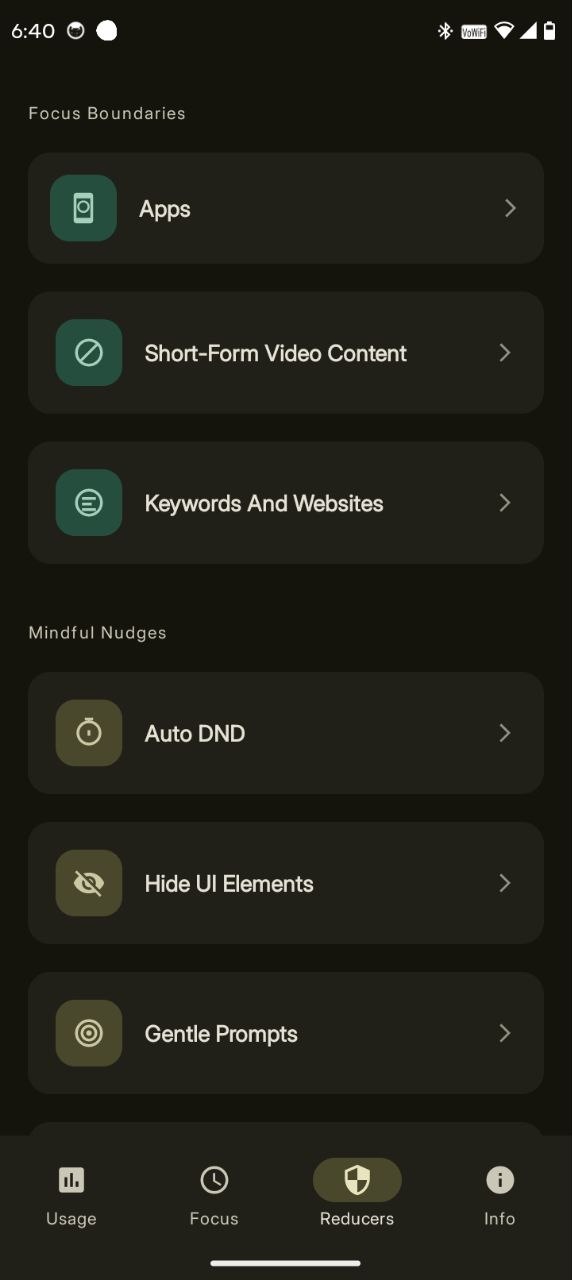
Curbox blocks the apps and websites that keep pulling you back, on a schedule and within a daily time budget you set. It can also block just the worst part of an app instead of the whole thing: hide the YouTube home feed but keep search, or switch off Reels and Shorts while messages still work.
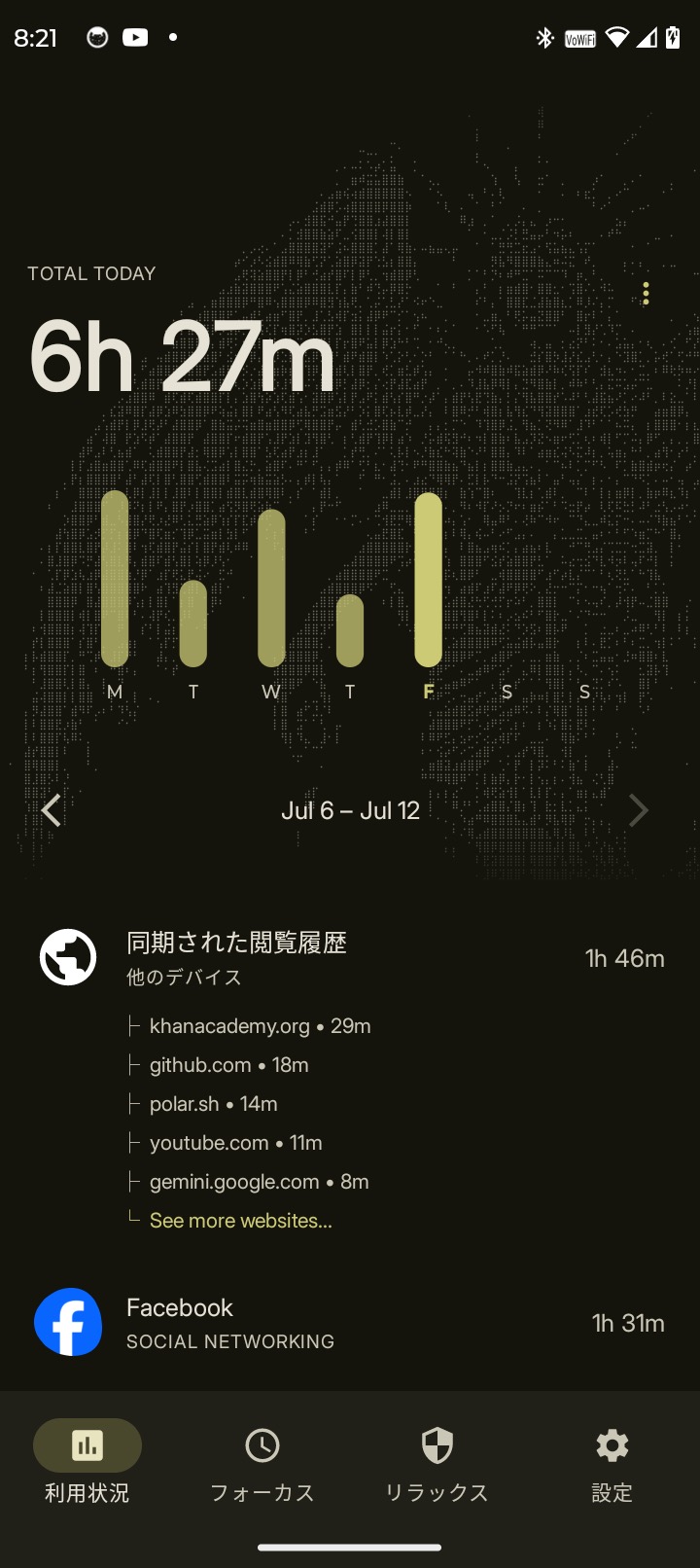
When your time is up, you choose how hard it should be to get back in: a flat no, a short timed unlock, retyping a sentence about why you are giving up on your goals, solving a sum, or scanning a QR code you stuck on the far side of the house. Alongside that it counts how many short videos you scrolled, times each session, and can turn a chosen app grey.
Setting it up takes a few permission steps: the blocking runs through Android's accessibility service, and some of the stronger controls need Shizuku. Their website has the walkthrough.
From the app’s home page
- See the codeHow it’s made, every line is public
- WebsiteThe app’s own home page
- Questions & commentsTalk with the people who make it
- Report a problemTell the makers something is broken
- All versionsOlder downloads and what changed
- LicenseThe rules for using and sharing it
More like this
 QuestPhone
Earn your screen time by finishing real tasks
QuestPhone
Earn your screen time by finishing real tasks
 DetoxDroid
Makes your phone boring so you use it less
DetoxDroid
Makes your phone boring so you use it less
 Olauncher
A plain launcher that helps you use your phone less
Olauncher
A plain launcher that helps you use your phone less
 Unlauncher
A plain home screen that keeps you off your phone
Unlauncher
A plain home screen that keeps you off your phone
 FokusLauncher
A text-only home screen for a calmer phone
FokusLauncher
A text-only home screen for a calmer phone
 Mako
A minimal, private launcher built for speed
Mako
A minimal, private launcher built for speed