
This comes straight from Binary Eye’s own GitHub page, and it’s free. Need help installing?
What it looks like
About this app
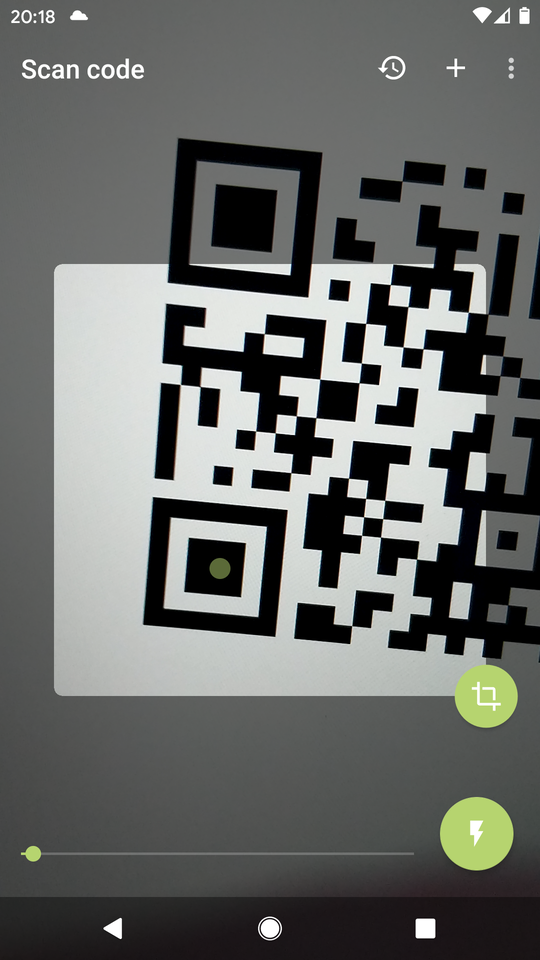
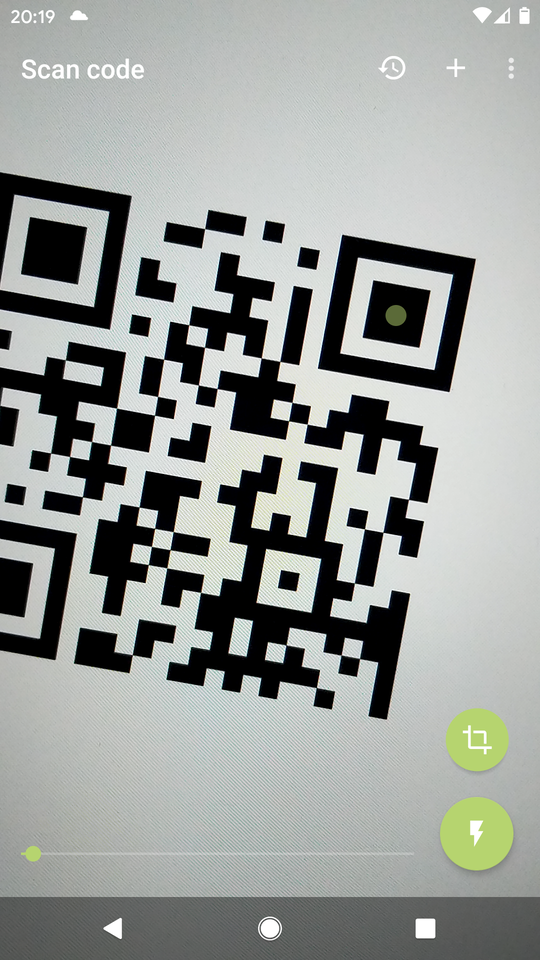
Binary Eye reads QR codes and barcodes with your camera and shows you what is inside: a link, a Wi-Fi password, a ticket, a product number. It works in portrait or landscape, copes with codes printed light on dark, and carries no ads at all.
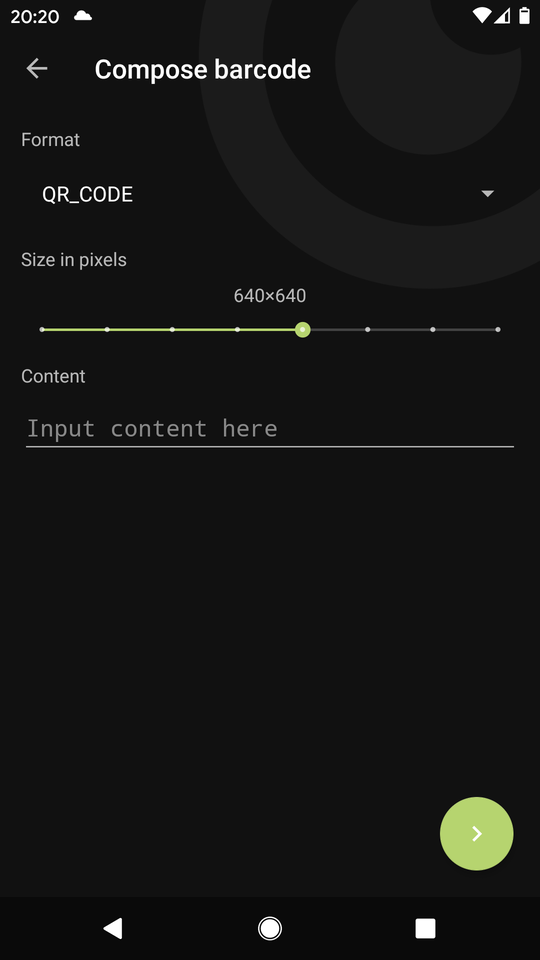
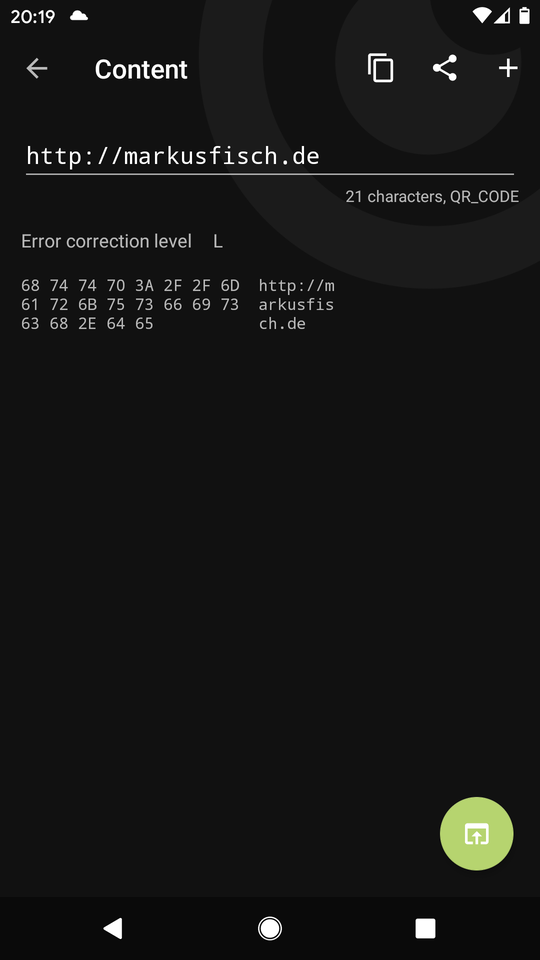
It makes codes as well. Type in some text, a link or a phone number and it draws a QR code you can show on screen or save as a picture. Scans go into a history you can search through and export as CSV, JSON or a database file, and you can tell it which codes to keep out of that history.
Under the hood it uses the ZXing-C++ scanning library, so it handles the shop barcodes you would expect plus Data Matrix, PDF417, Aztec and the smaller QR variants.
From the app’s home page
- See the codeHow it’s made, every line is public
- Questions & commentsTalk with the people who make it
- Report a problemTell the makers something is broken
- All versionsOlder downloads and what changed
- LicenseThe rules for using and sharing it
More like this
 Privacy Friendly QR Scanner
See where a QR code really leads before you open it
Privacy Friendly QR Scanner
See where a QR code really leads before you open it
 Curium
Make and scan QR codes that actually look good
Curium
Make and scan QR codes that actually look good
 Simple QR
Scan and make QR codes, privately
Simple QR
Scan and make QR codes, privately
 Chamo QR
Scan and make QR codes, simply
Chamo QR
Scan and make QR codes, simply
 HID Barcode Scanner
Scan a barcode straight into your computer
HID Barcode Scanner
Scan a barcode straight into your computer
 SDR++
Listen to the radio spectrum with an SDR dongle
SDR++
Listen to the radio spectrum with an SDR dongle