
AgePony
Lock files and text with strong encryption on your phone
Made by norsehorse-dev · free and open source
This comes straight from AgePony’s own GitHub page, and it’s free. Need help installing?
What it looks like
About this app
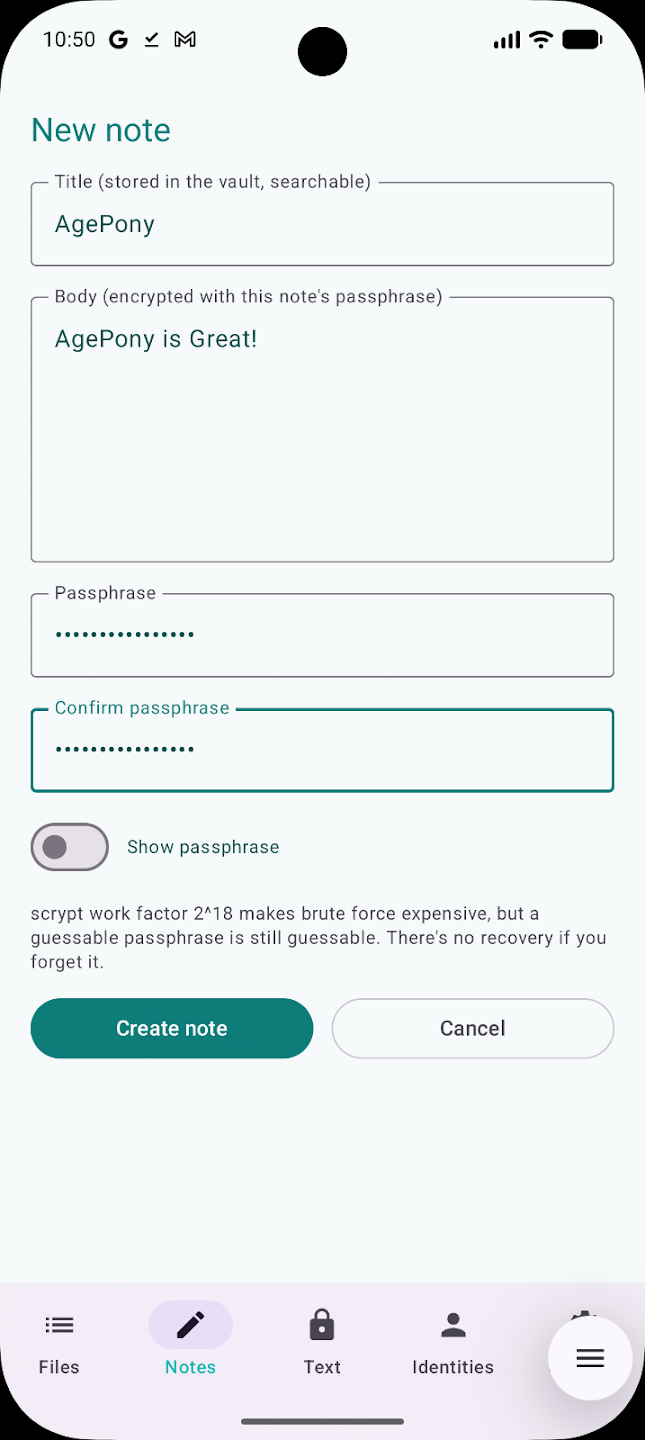
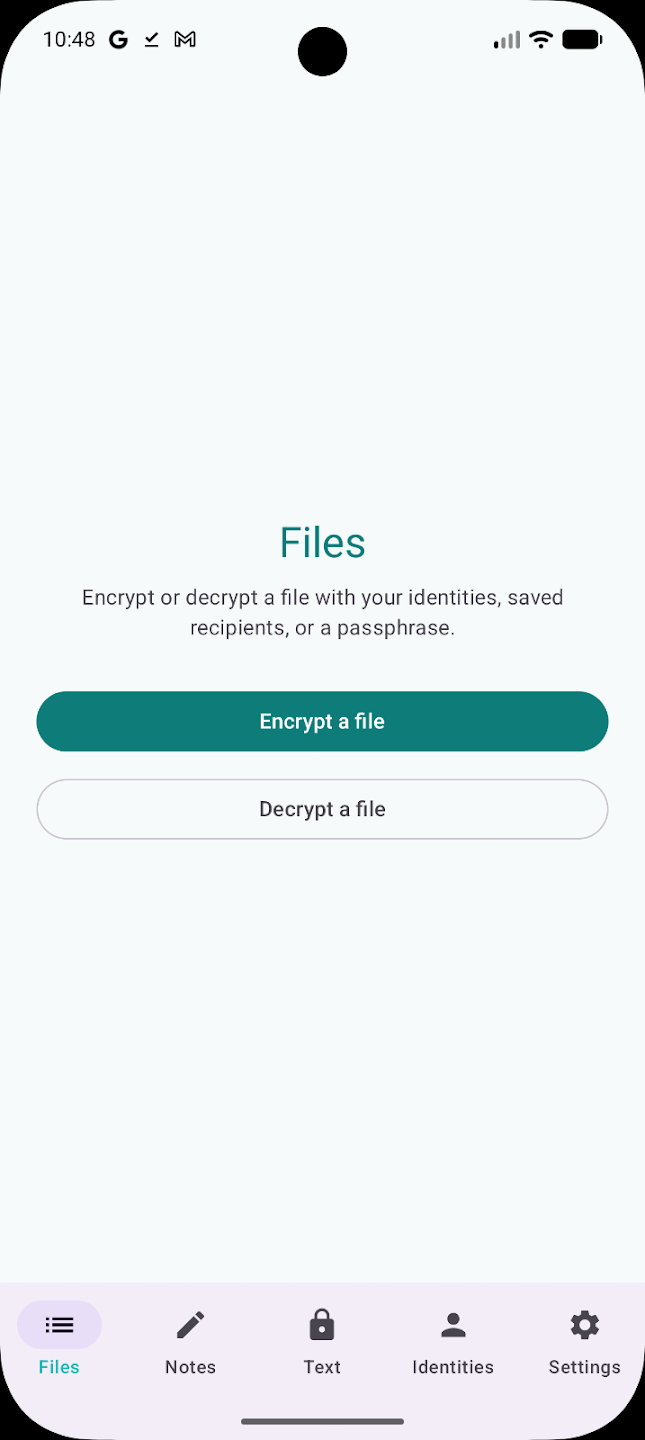
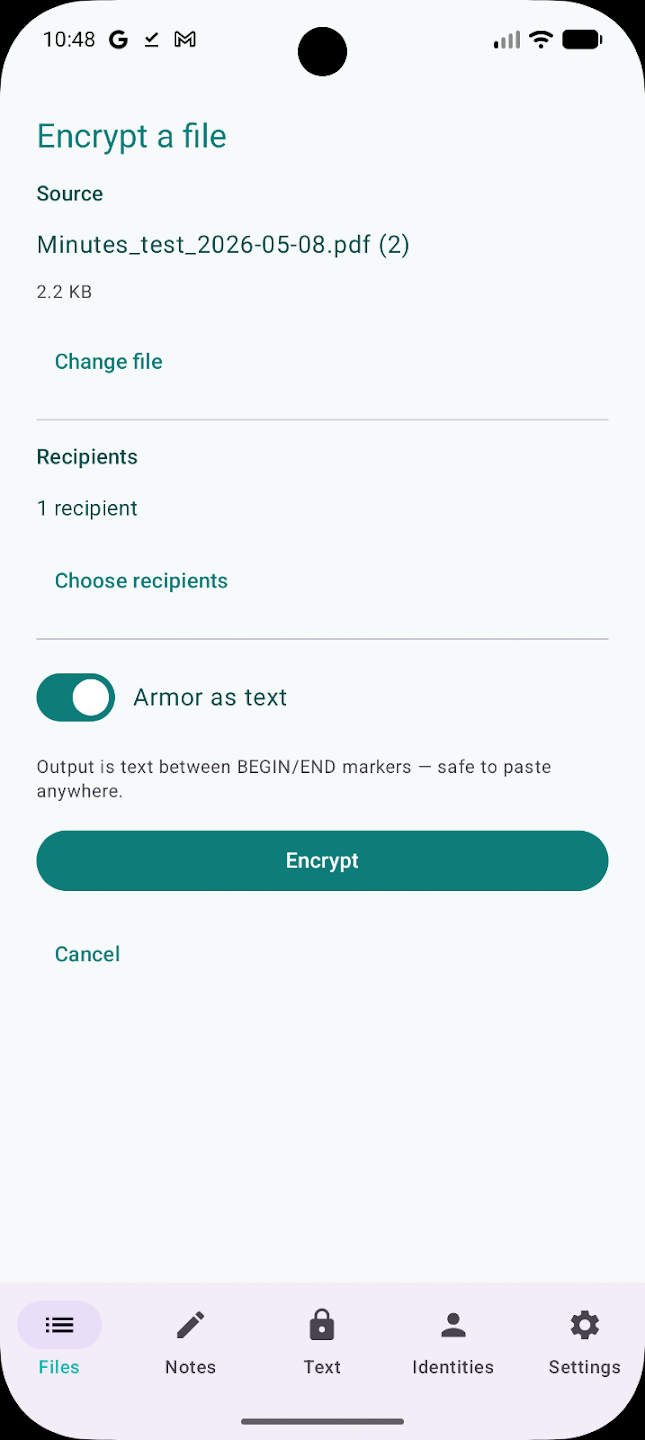
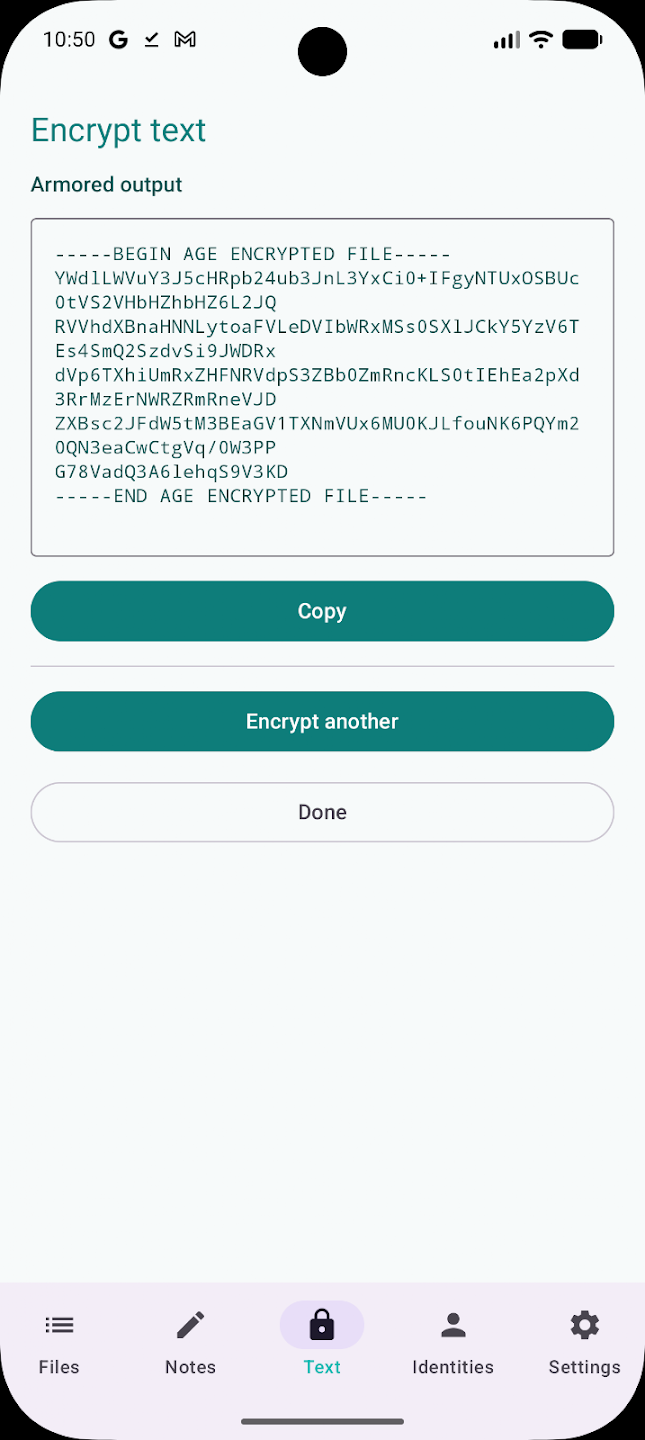
AgePony encrypts files and text on your phone using age, a well established encryption format. You can lock something with a passphrase, with another person's public key, or with an SSH key, and unlock anything sent to you the same way. Nothing leaves the device: no accounts, no servers, no analytics.
Files encrypted with a passphrase, an age key or an SSH key follow the age v1 format exactly, so they open in the standard age command line tool on a friend's laptop. It can also sign and verify files with SSH keys, bundle several files into one archive, and swap keys by QR code. There are post-quantum keys too, for things you need to keep private for a long time, but those are an AgePony extension that the standard age tool will not read. Your keys sit in a vault that unlocks with your fingerprint or an app password.
There is an optional duress password that silently wipes the vault when it is typed. Set that one up carefully, because it really does delete your keys.
From the app’s home page
- See the codeHow it’s made, every line is public
- WebsiteThe app’s own home page
- Questions & commentsTalk with the people who make it
- Report a problemTell the makers something is broken
- All versionsOlder downloads and what changed
- LicenseThe rules for using and sharing it
More like this
 Cryptomator
Encrypt your cloud files before they leave the phone
Cryptomator
Encrypt your cloud files before they leave the phone
 Ente
Photo backup where only you can see the photos
Ente
Photo backup where only you can see the photos
 Mullvad VPN
Send your phone's traffic through an encrypted tunnel
Mullvad VPN
Send your phone's traffic through an encrypted tunnel
 Amarok Hider
Hide private files and apps with one tap
Amarok Hider
Hide private files and apps with one tap
 DroidFS
Keep your files in an encrypted, locked vault
DroidFS
Keep your files in an encrypted, locked vault
 Photok
A locked, encrypted album for private photos
Photok
A locked, encrypted album for private photos